> ## Documentation Index
> Fetch the complete documentation index at: https://docs.textmine.com/llms.txt
> Use this file to discover all available pages before exploring further.
# Exploring document data with Advanced Search
> Quickly locate and export document data in Legislate
This page was imported from Intercom and may describe older navigation or terminology. Source: [https://help.textmine.com/en/articles/9220936-exploring-document-data-with-advanced-search](https://help.textmine.com/en/articles/9220936-exploring-document-data-with-advanced-search)
Legislate's Advanced search functionality allows you to quickly locate documents based on dynamic questions and aggregate queries.
This article will show you how!
## Advanced Search
Advanced search is located below the search bar and allows you to quickly filter your documents based on the data they contain. The filters are generated dynamically based on the underlying data in your documents which means that you'll only see filters which exist.
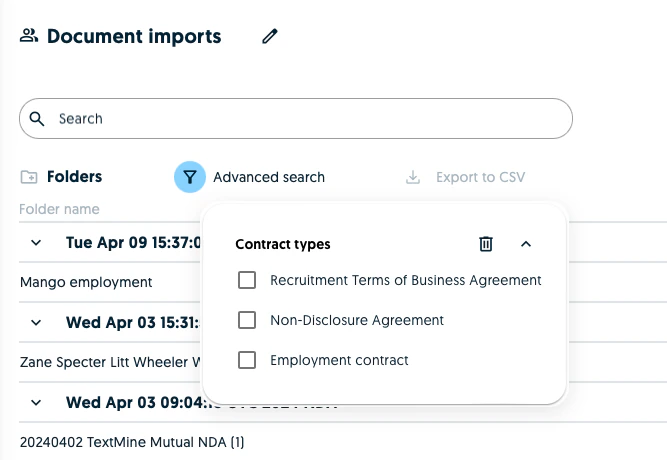 When selecting a filter, the list of documents and the other filters will update in real time.
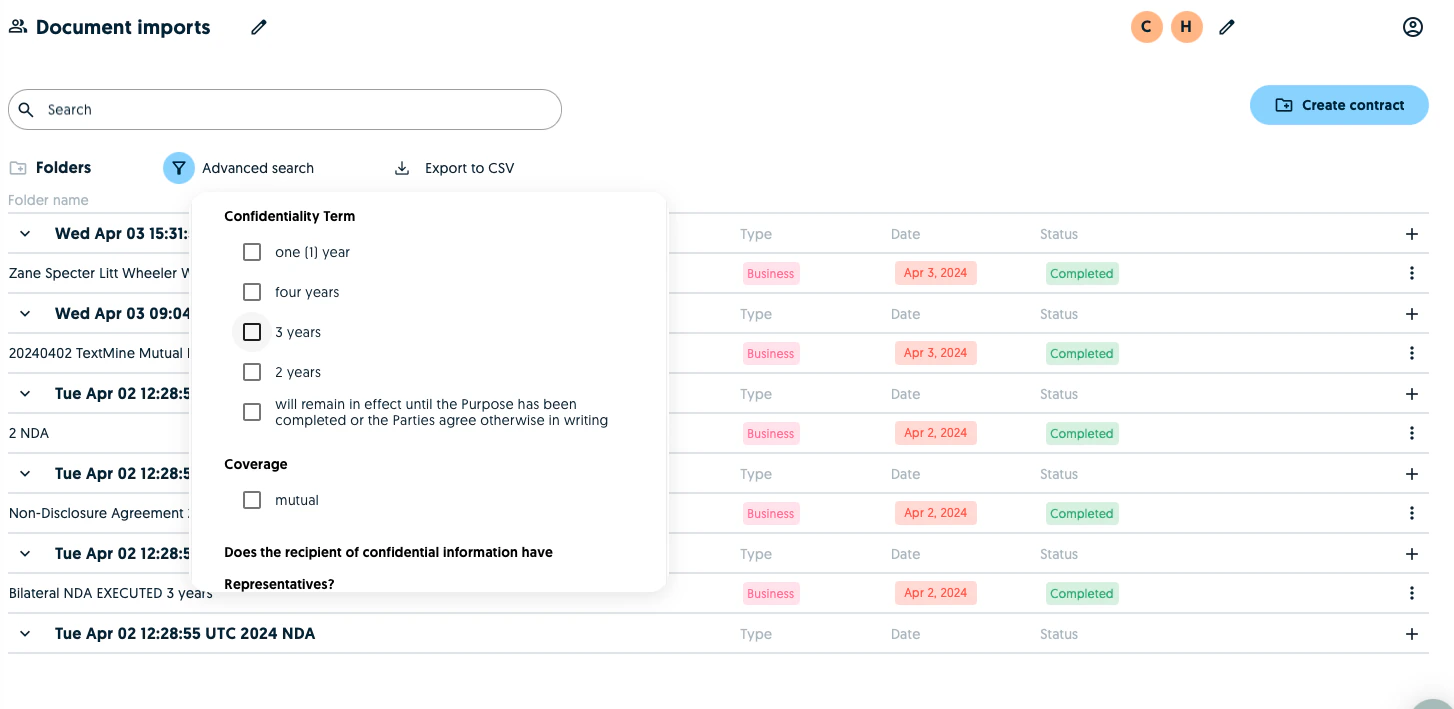
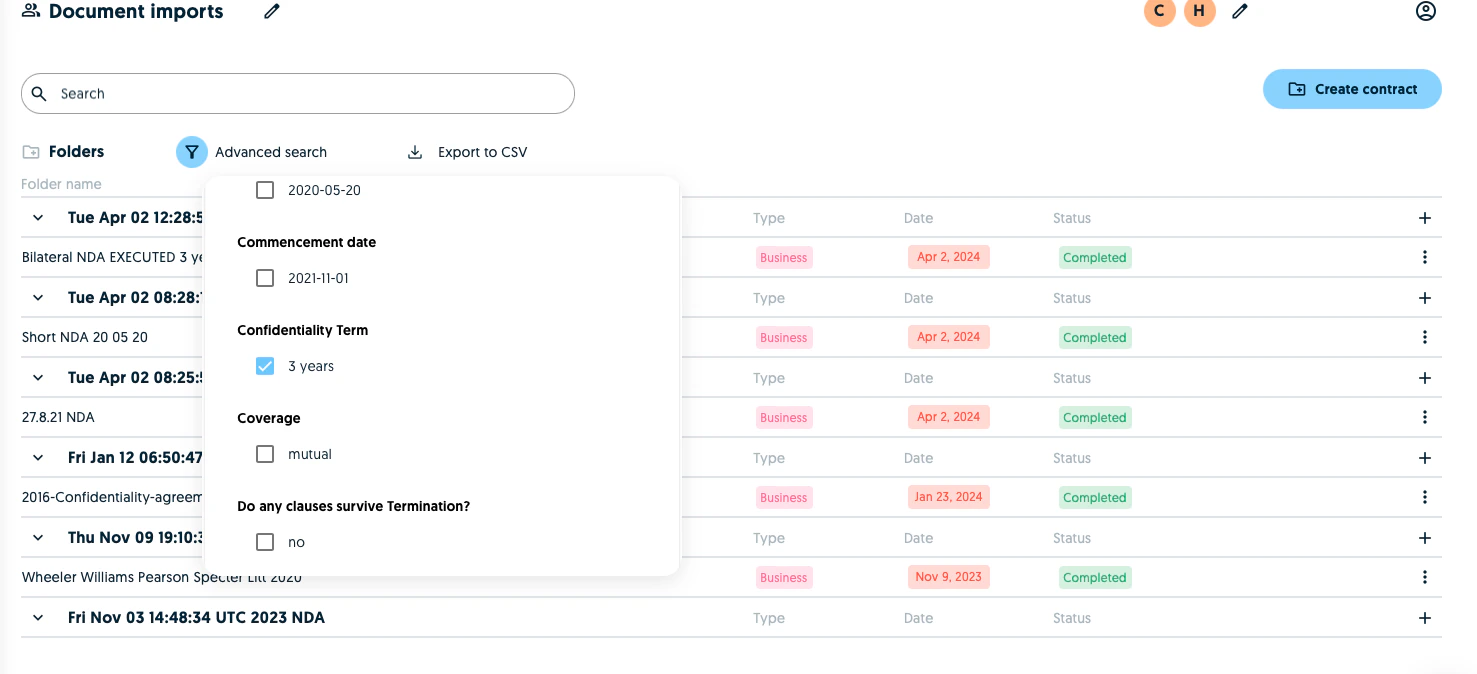 Once you have selected the filters you are looking to apply, you can see the documents which match the criteria and export the data as a CSV.
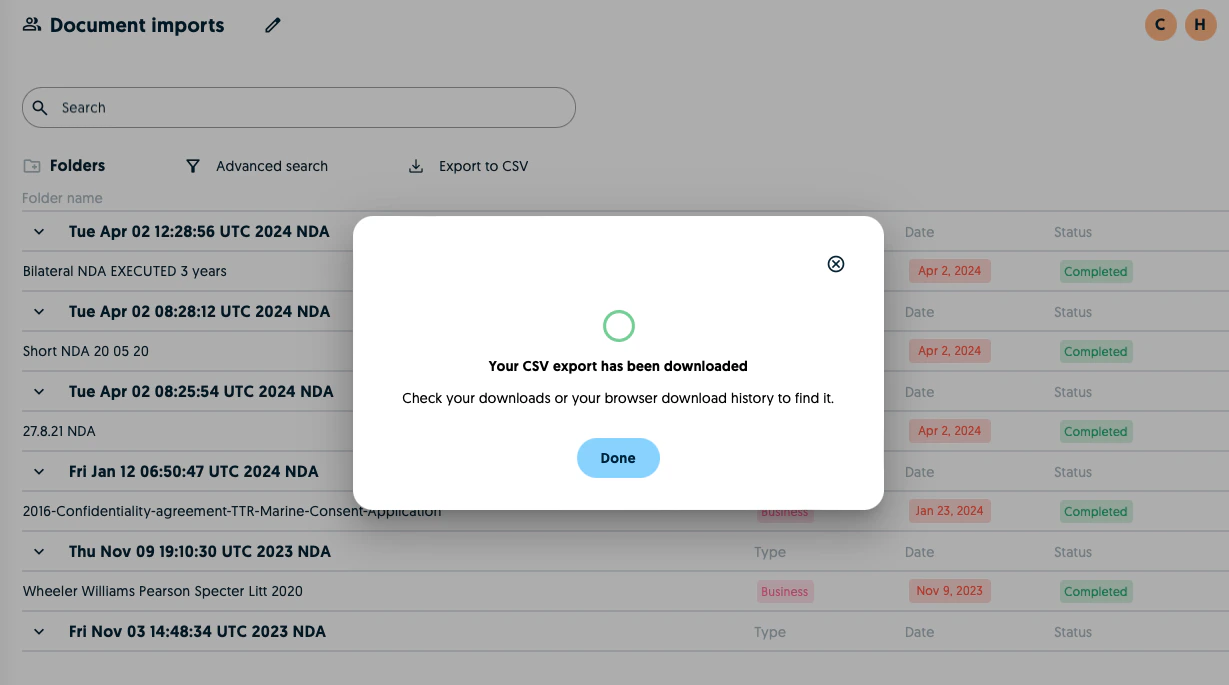 The exported CSV will then contain the documents matching the search criteria and the corresponding fields.
 This process automated document audits which means that you can easily report on your documents to stakeholders without being distracted from your important day-to-day duties!