> ## Documentation Index
> Fetch the complete documentation index at: https://docs.textmine.com/llms.txt
> Use this file to discover all available pages before exploring further.
# User permission Settings
> This article describes the User permissions which can be set by an Admin of an Organisation
This page was imported from Intercom and may describe older navigation or terminology. Source: [https://help.textmine.com/en/articles/11364357-user-permission-settings](https://help.textmine.com/en/articles/11364357-user-permission-settings)
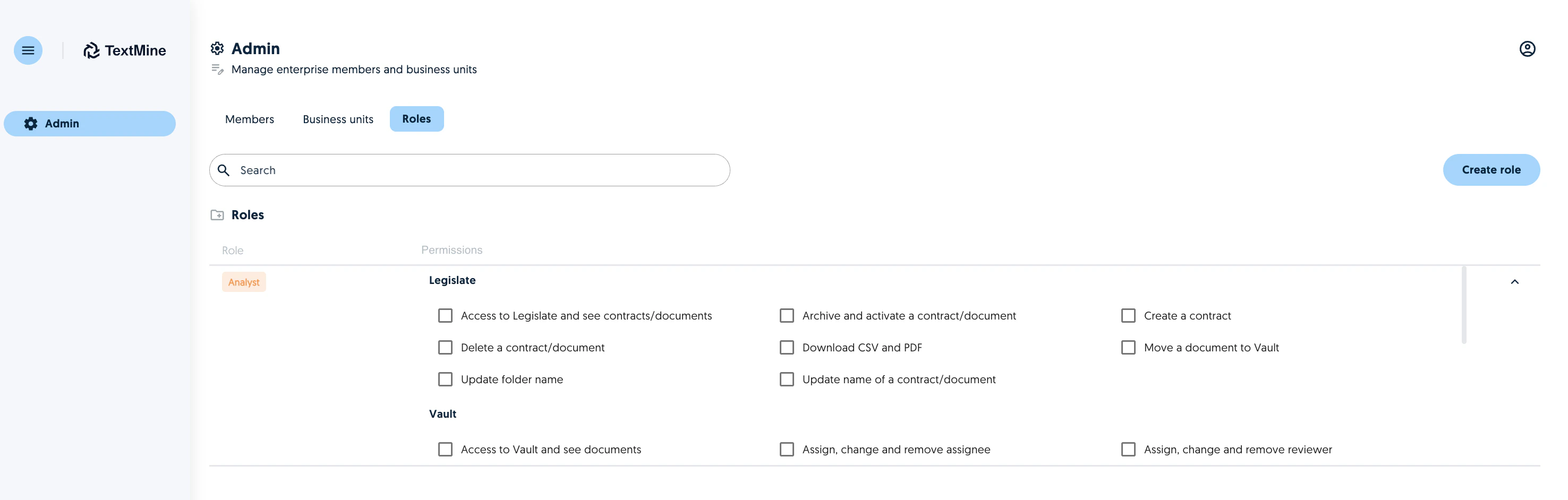
The admin of an organisation only has access to the Admin portal which can be used to create business units, roles and assign members of the organisation to a role and/or business units.
 ## Permissions
The following permissions, organised by TextMine section can be assigned to a role:
**Legislate**
Permission
Description
Access to Legislate and see contracts/documents
Archive and activate a contract/document
Archive/Unarchive documents
Create a contract
Only applicable to Scribe customers
Delete a contract/document
Download CSV and PDF
Move a document to Vault
Update folder name
Update name of a contract/document
### **Vault**
Permission
Description
Access to Vault and see Documents
Assign, change and remove assignee
Assign, change and remove reviewer
Change type and reprocess documents and tags
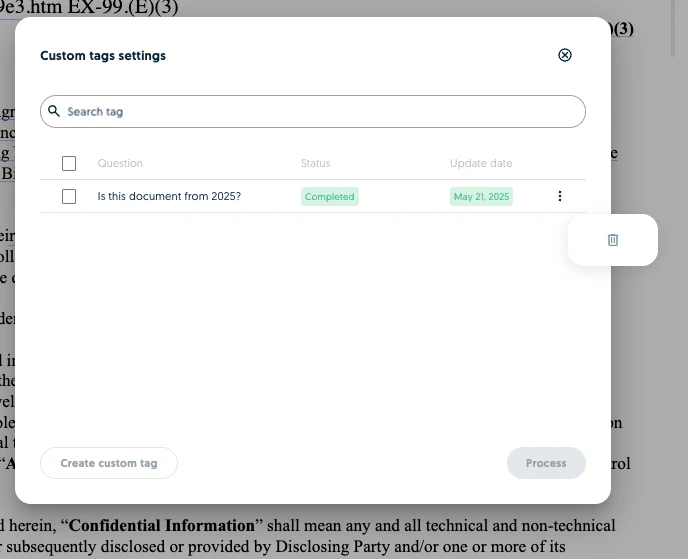
Create a custom tag for a document
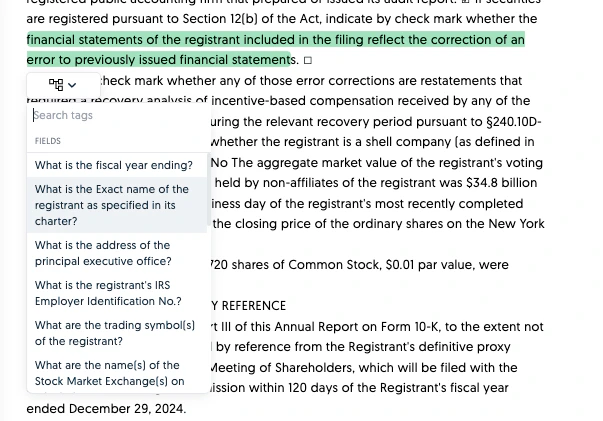
Manually insert a tag in the plain text
Highlight values in the plain text tab and assign them to a default tag.
## Permissions
The following permissions, organised by TextMine section can be assigned to a role:
**Legislate**
Permission
Description
Access to Legislate and see contracts/documents
Archive and activate a contract/document
Archive/Unarchive documents
Create a contract
Only applicable to Scribe customers
Delete a contract/document
Download CSV and PDF
Move a document to Vault
Update folder name
Update name of a contract/document
### **Vault**
Permission
Description
Access to Vault and see Documents
Assign, change and remove assignee
Assign, change and remove reviewer
Change type and reprocess documents and tags
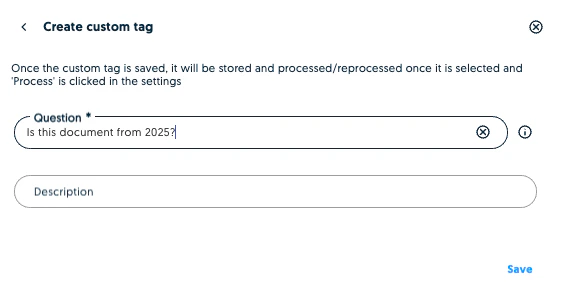
Create a custom tag for a document
Manually insert a tag in the plain text
Highlight values in the plain text tab and assign them to a default tag.
 Delete a custom tag for a document
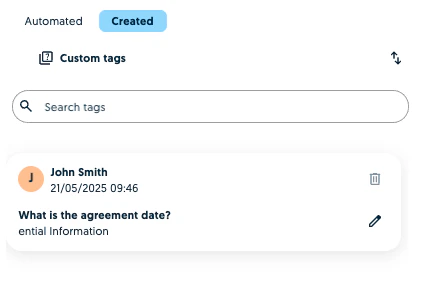
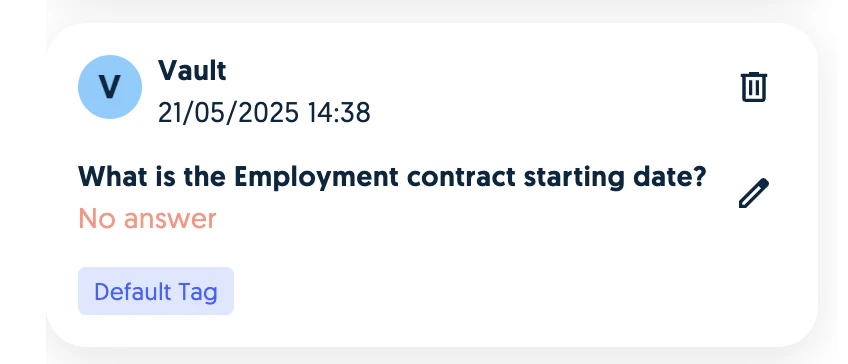
 Delete a manually created tag or a tag with no answer
Delete a manually created tag or a tag with no answer
Delete a manually created tag or a tag with no answer
 Delete documents
Download documents in any format
Download documents from Vault as a marked up PDF or plain text
Delete documents
Download documents in any format
Download documents from Vault as a marked up PDF or plain text
 Edit document name
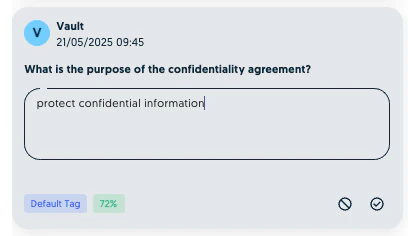
Edit tag values within a document
Make corrections to the values of a tag
Edit document name
Edit tag values within a document
Make corrections to the values of a tag
 Process custom tags
Submit documents to Legislate
Update a custom tag prompt for a document
Process custom tags
Submit documents to Legislate
Update a custom tag prompt for a document
 Upload new documents
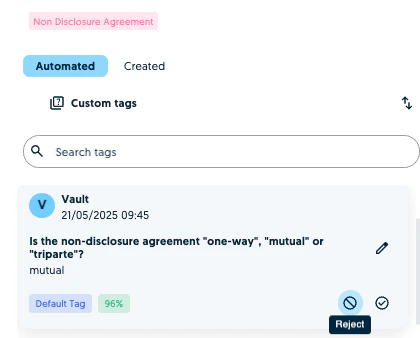
Validate or reject a tag within a document
Upload new documents
Validate or reject a tag within a document
 Create personal team **(As of 21 May 2025)**
Allows users to have a draft space to experiment with Vault. A personal team is not a Business Unit.
Create personal team **(As of 21 May 2025)**
Allows users to have a draft space to experiment with Vault. A personal team is not a Business Unit.
 **Vault Settings**
Permission
Description
Create a custom tag in Vault settings
Create a custom tag which will apply to all documents uploaded to the Vault
**Vault Settings**
Permission
Description
Create a custom tag in Vault settings
Create a custom tag which will apply to all documents uploaded to the Vault
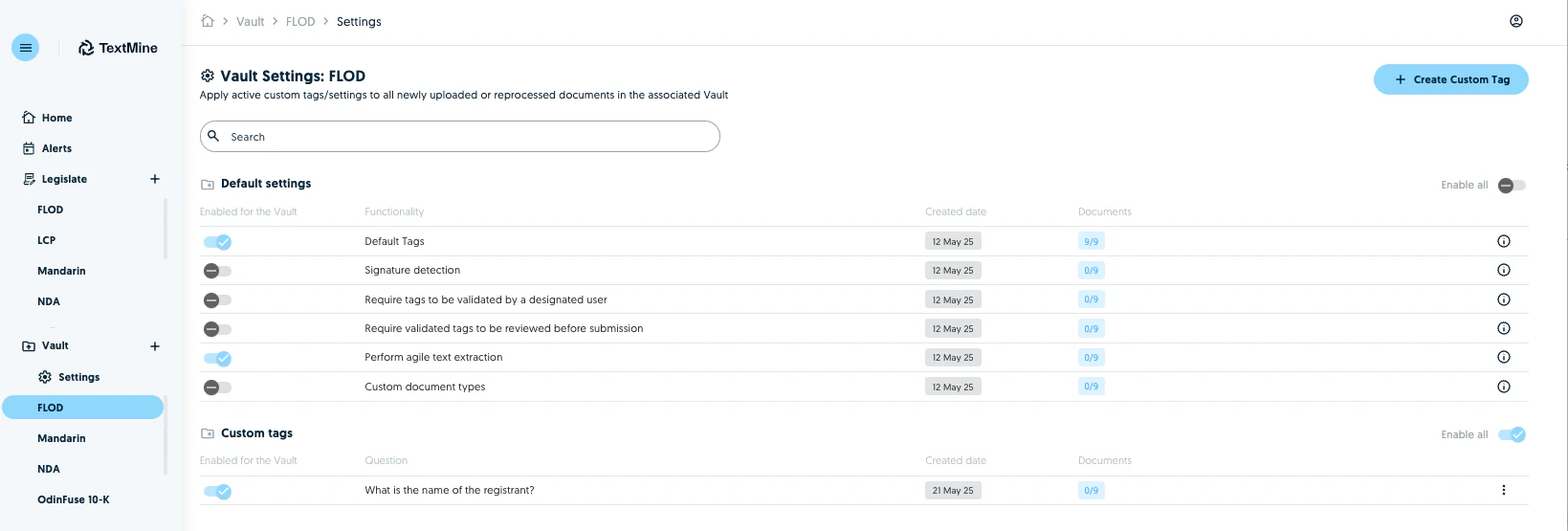 Delete custom tags in Vault settings
Edit the default settings of a Vault Business Unit
Enable/disable signature detection, agile text extraction and the other Vault configuration settings of a Business Unit.
Delete custom tags in Vault settings
Edit the default settings of a Vault Business Unit
Enable/disable signature detection, agile text extraction and the other Vault configuration settings of a Business Unit.
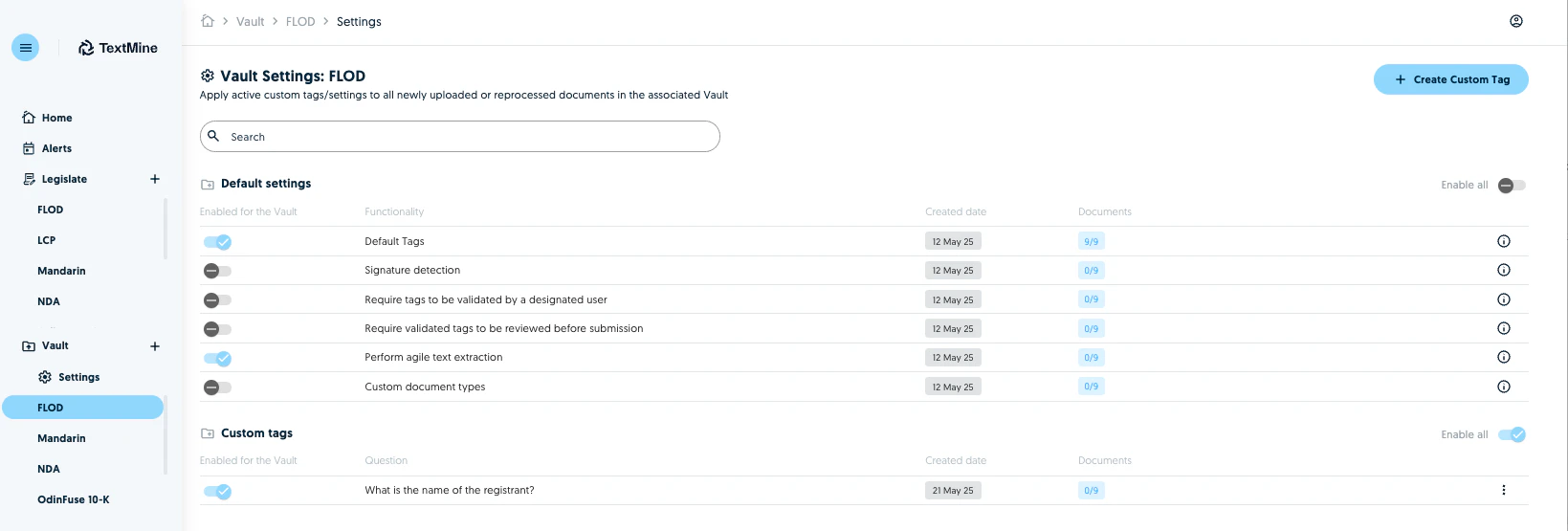 Enable and disable custom tags in Vault settings
Create custom document types and assign them to a business unit
Create custom document types and associated tags.
Enable and disable custom tags in Vault settings
Create custom document types and assign them to a business unit
Create custom document types and associated tags.
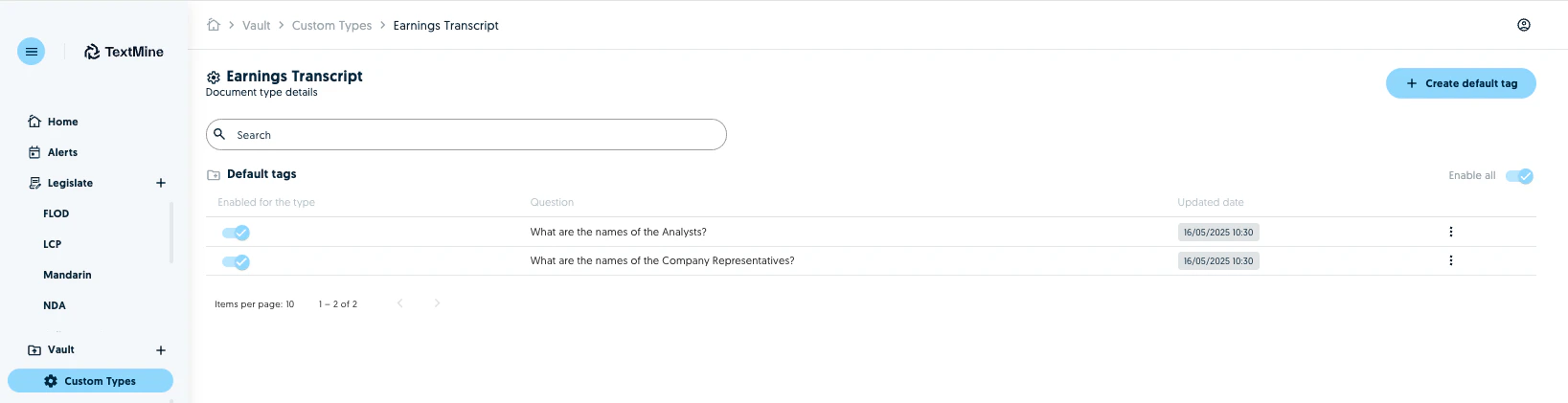 Enable users to select which custom prompts apply to which document types
Enable users to promote a custom tag to a specific document as a default tag
### Other
Create and manage Alerts
Create and manage Agents
The permissions assigned to a role can be updated by the Organisation Admin at anytime.
Enable users to select which custom prompts apply to which document types
Enable users to promote a custom tag to a specific document as a default tag
### Other
Create and manage Alerts
Create and manage Agents
The permissions assigned to a role can be updated by the Organisation Admin at anytime.