> ## Documentation Index
> Fetch the complete documentation index at: https://docs.textmine.com/llms.txt
> Use this file to discover all available pages before exploring further.
# 25 March 2026
> Labels, Entity Extraction and Document processing as images, Chained tags on tables, entities.
This page was imported from Intercom and may describe older navigation or terminology. Source: [https://help.textmine.com/en/articles/14185025-25-march-2026](https://help.textmine.com/en/articles/14185025-25-march-2026)
## Labels
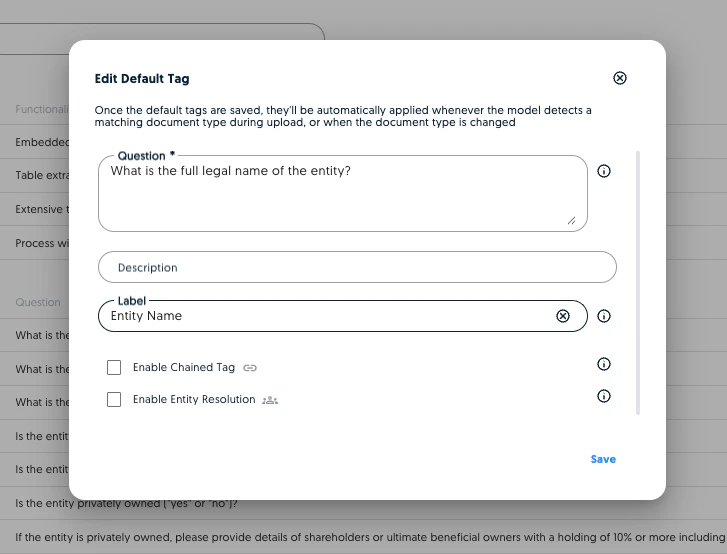
You can now provide short-form labels which will be rendered instead of the prompts in the Vault editor, table views or CSV export
 ## Process text based documents via image models
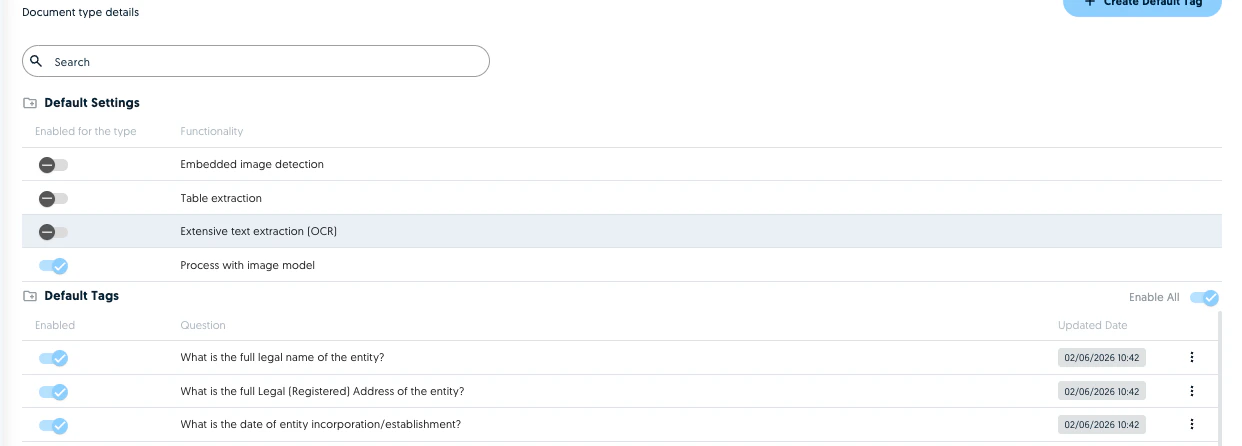
Typically documents go through a text extraction and question answering pipeline which performs well for most document types. However, the structure of documents with visual elements or complex structures is often lost at the text extraction step which can sometimes impact performance. It is now possible to set the processing to image based for these document types. This means that the image model will treat each page as an image and answer the questions visually.
## Process text based documents via image models
Typically documents go through a text extraction and question answering pipeline which performs well for most document types. However, the structure of documents with visual elements or complex structures is often lost at the text extraction step which can sometimes impact performance. It is now possible to set the processing to image based for these document types. This means that the image model will treat each page as an image and answer the questions visually.
 ## Entity Extraction
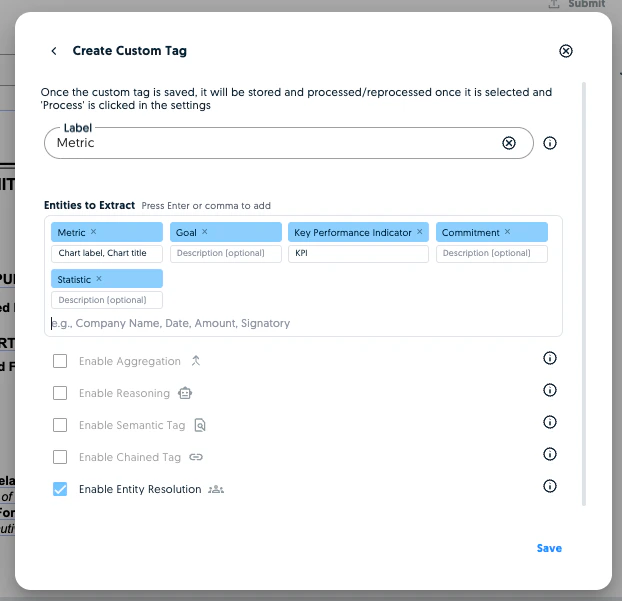
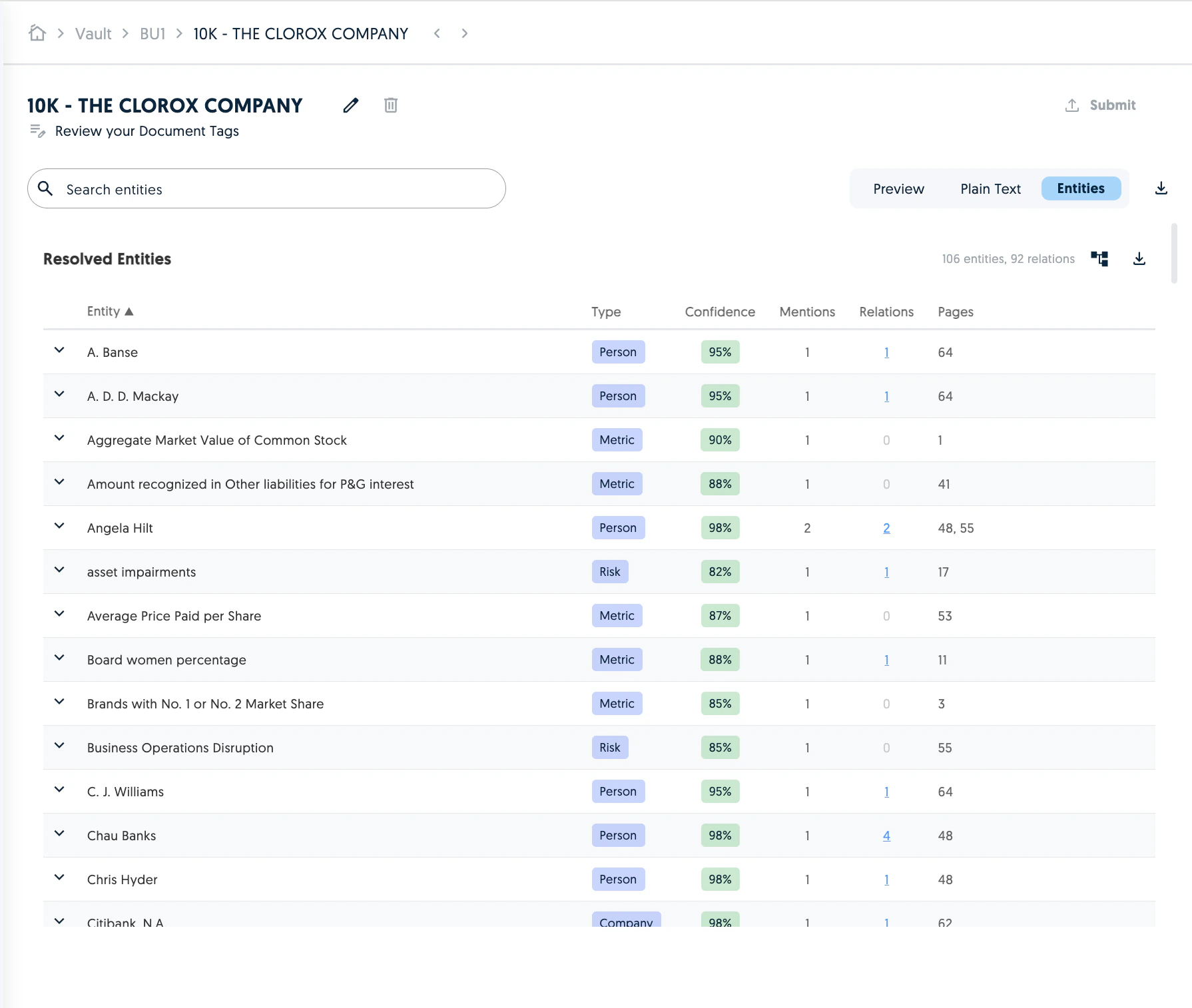
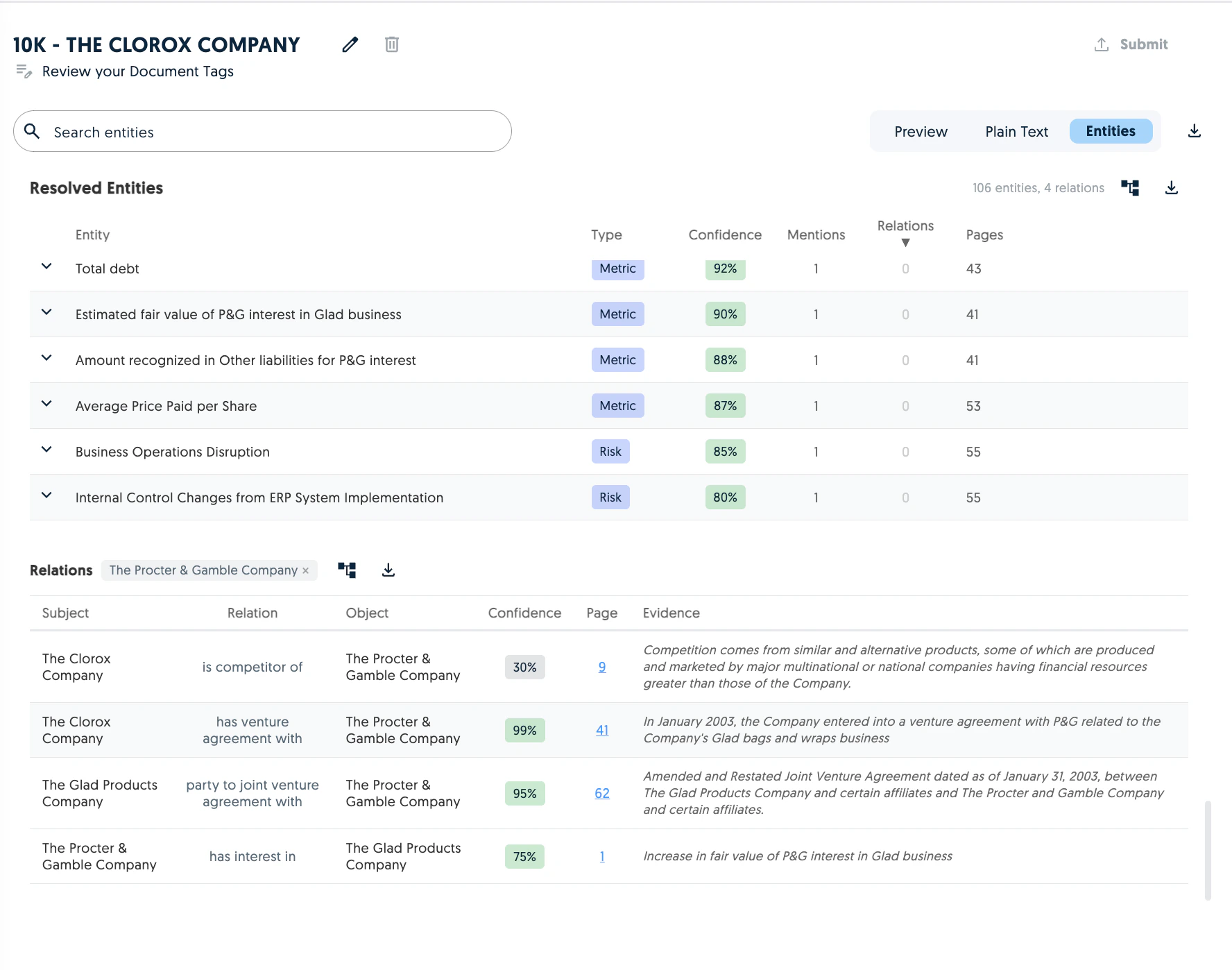
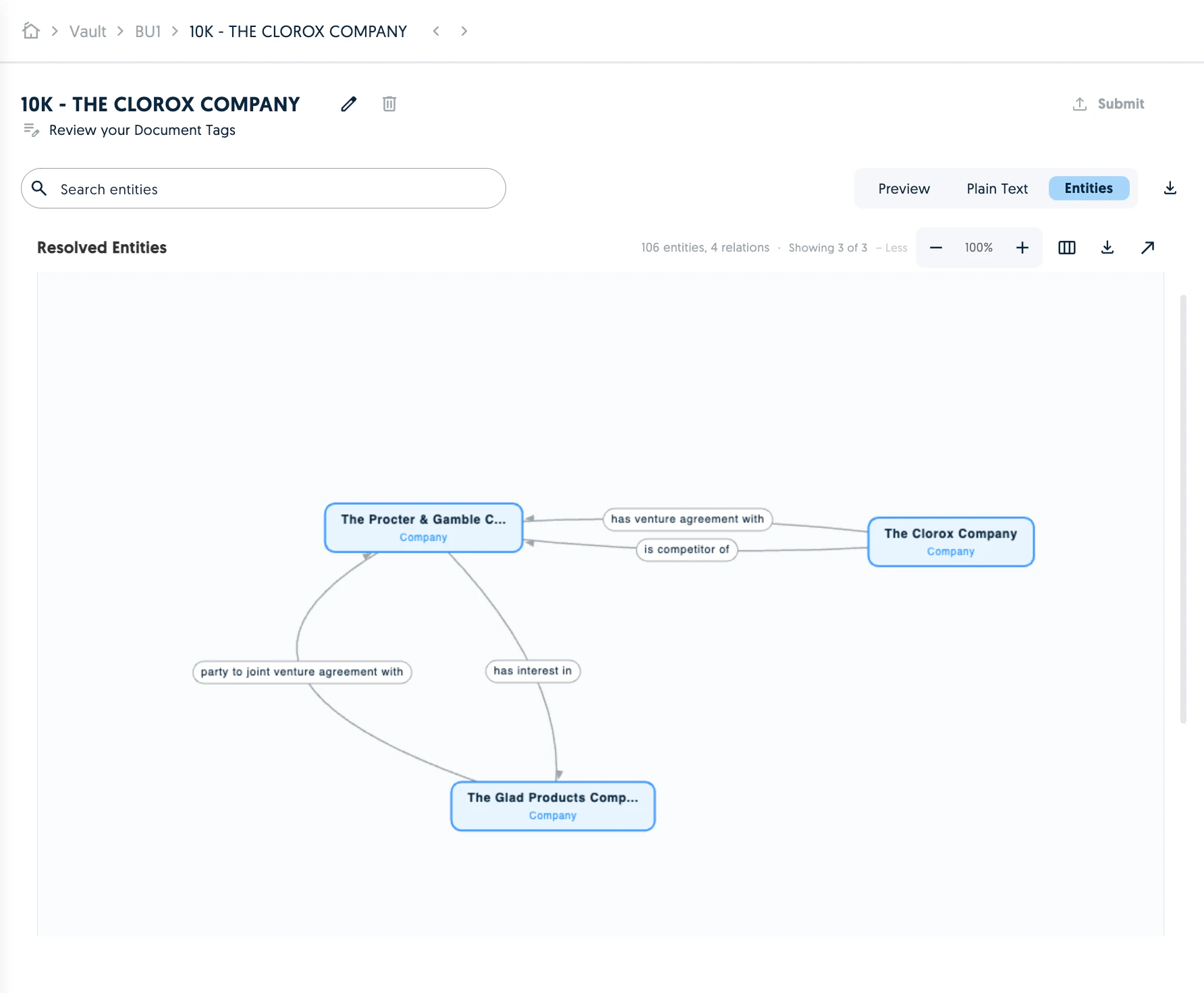
It is now possible to define entity extraction tags. These tags will resolve all the entities you've defined in the corresponding document.
## Entity Extraction
It is now possible to define entity extraction tags. These tags will resolve all the entities you've defined in the corresponding document.
 You can then review the entities in the entities tab, filter by relation or visualise them in a graph.
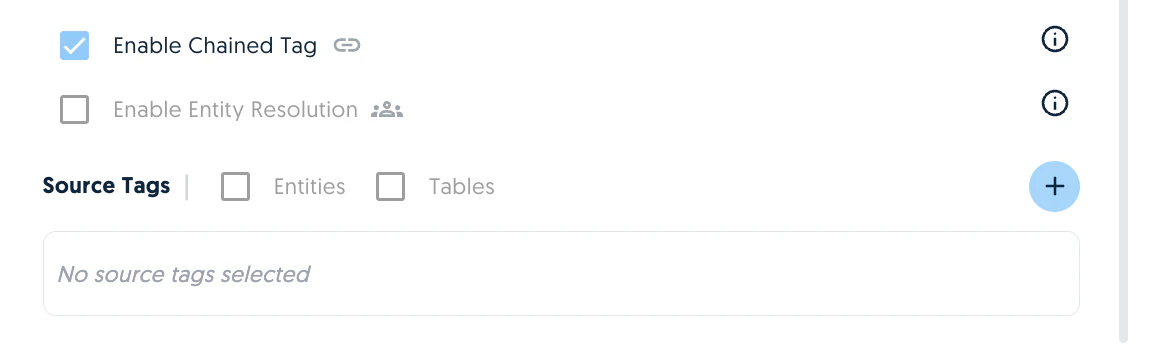
 You can also create chained tags on top of entities or tables extracted from the document.