> ## Documentation Index
> Fetch the complete documentation index at: https://docs.textmine.com/llms.txt
> Use this file to discover all available pages before exploring further.
# Creating manual fields in Vault
> How to create manual tags in Vault
This page was imported from Intercom and may describe older navigation or terminology. Source: [https://help.textmine.com/en/articles/9227354-creating-manual-fields-in-vault](https://help.textmine.com/en/articles/9227354-creating-manual-fields-in-vault)
Vault will try and identify as many tags as possible based on the document and its detected type. However, you may wish to create your own tags.
## How to manually create a tag
To manually create a tag, switch to the plain text view of a Vault import and hover over the text which corresponds to the tag you'd like to create.
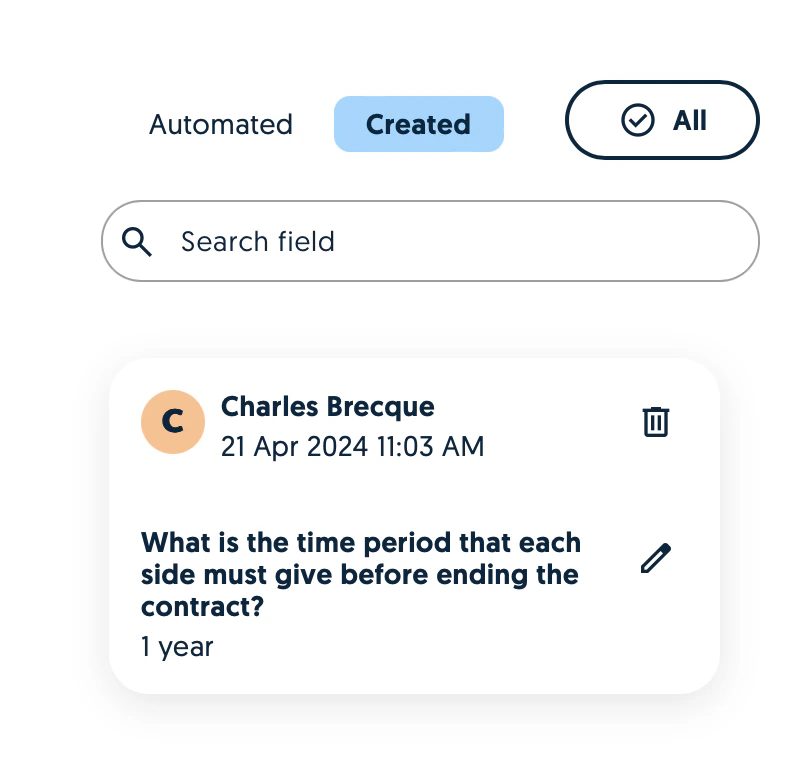
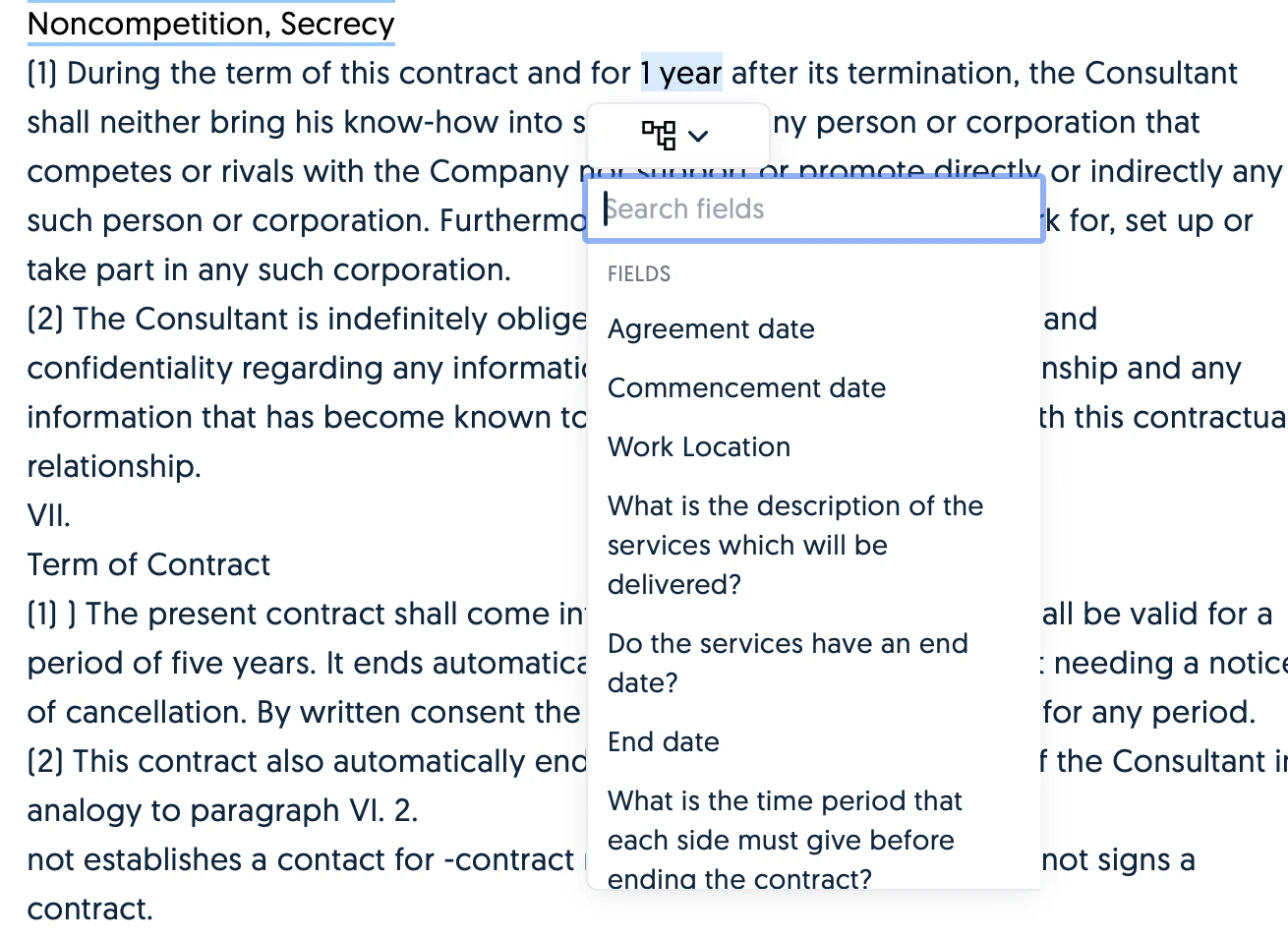 Once you've selected the field, it will appear under the Created fields tab on the right hand side.