> ## Documentation Index
> Fetch the complete documentation index at: https://docs.textmine.com/llms.txt
> Use this file to discover all available pages before exploring further.
# Making corrections in Vault
> How to correct tags and corrections
This page was imported from Intercom and may describe older navigation or terminology. Source: [https://help.textmine.com/en/articles/9208466-making-corrections-in-vault](https://help.textmine.com/en/articles/9208466-making-corrections-in-vault)
Vault is a large language model which is able to classify documents and answer questions about them.
Whilst Vault has been trained to classify documents and answer questions accurately, it may occasionally make incorrect predictions due to ambiguities in the document or a lack of training for the specific examples. This article explains how to correct Vault predictions.
## Unspecified document type
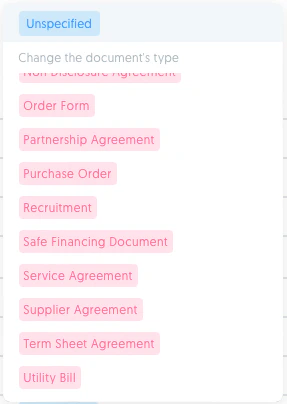
If the Vault has not detected the type of the uploaded document, you will see a blue unspecified tag. If this is the case, simply click on the tag and select the correct type from the pop up list of document types.

 ## Incorrect document type
If the model has classified a type incorrectly, click on the document type and select the correct type from the pop up list of document types.
## Incorrect document type
If the model has classified a type incorrectly, click on the document type and select the correct type from the pop up list of document types.
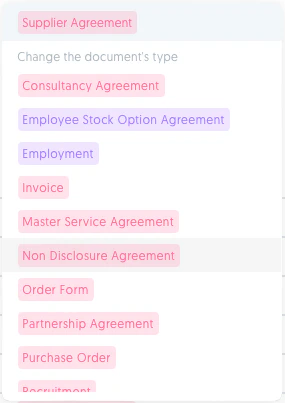 A correction of the document type can also be made from the Vault editor view by clicking on the document type tag.
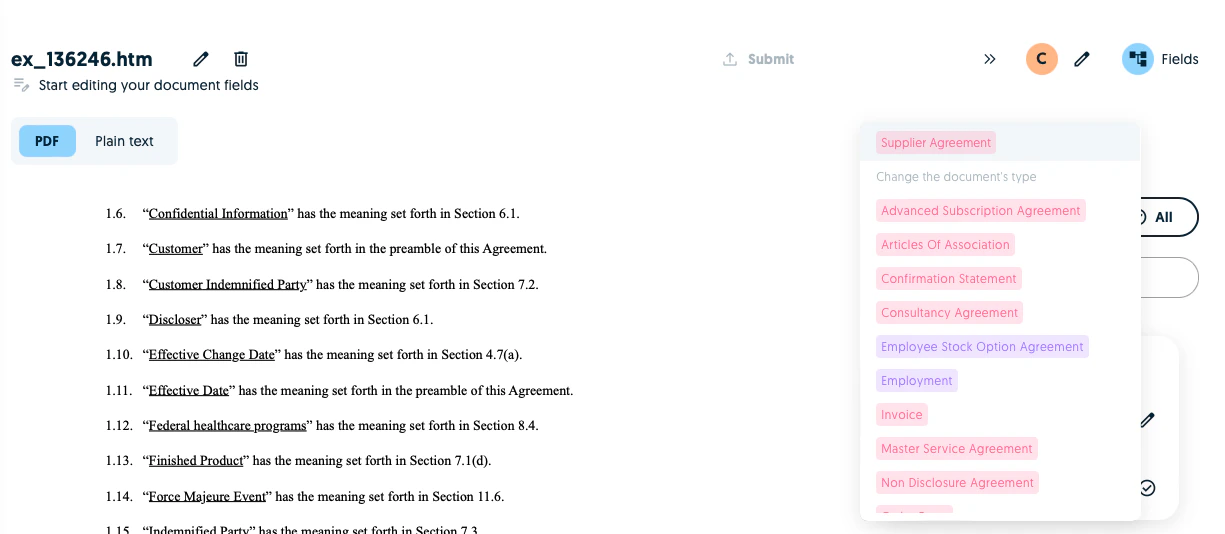 The document will then be resubmitted for analysis with the correct document type.
## Incorrect predictions
If you need to reject a tag, simply click on the **x** button.
The document will then be resubmitted for analysis with the correct document type.
## Incorrect predictions
If you need to reject a tag, simply click on the **x** button.
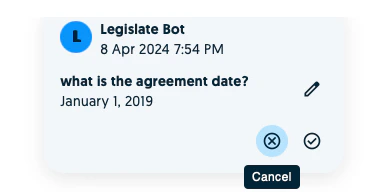 If you need to correct a value, click on the pen and type the correct value.