This page was imported from Intercom and may describe older navigation or terminology. Source: https://help.textmine.com/en/articles/9227639-how-to-sign-a-document
When can you sign a document?
Documents can be signed once the terms have been set and parties on both sides have been added. The checklist tab will have a red tick next to the Review and Sign when the document is ready to be signed.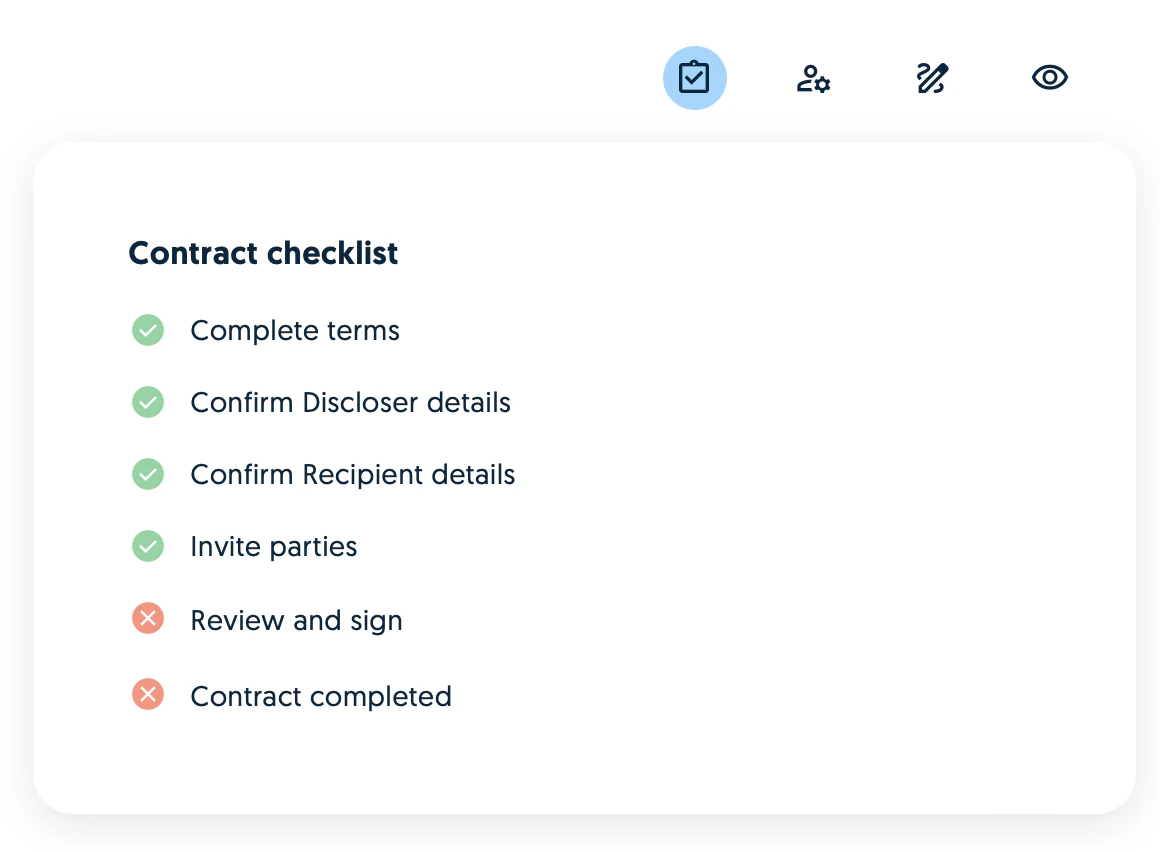
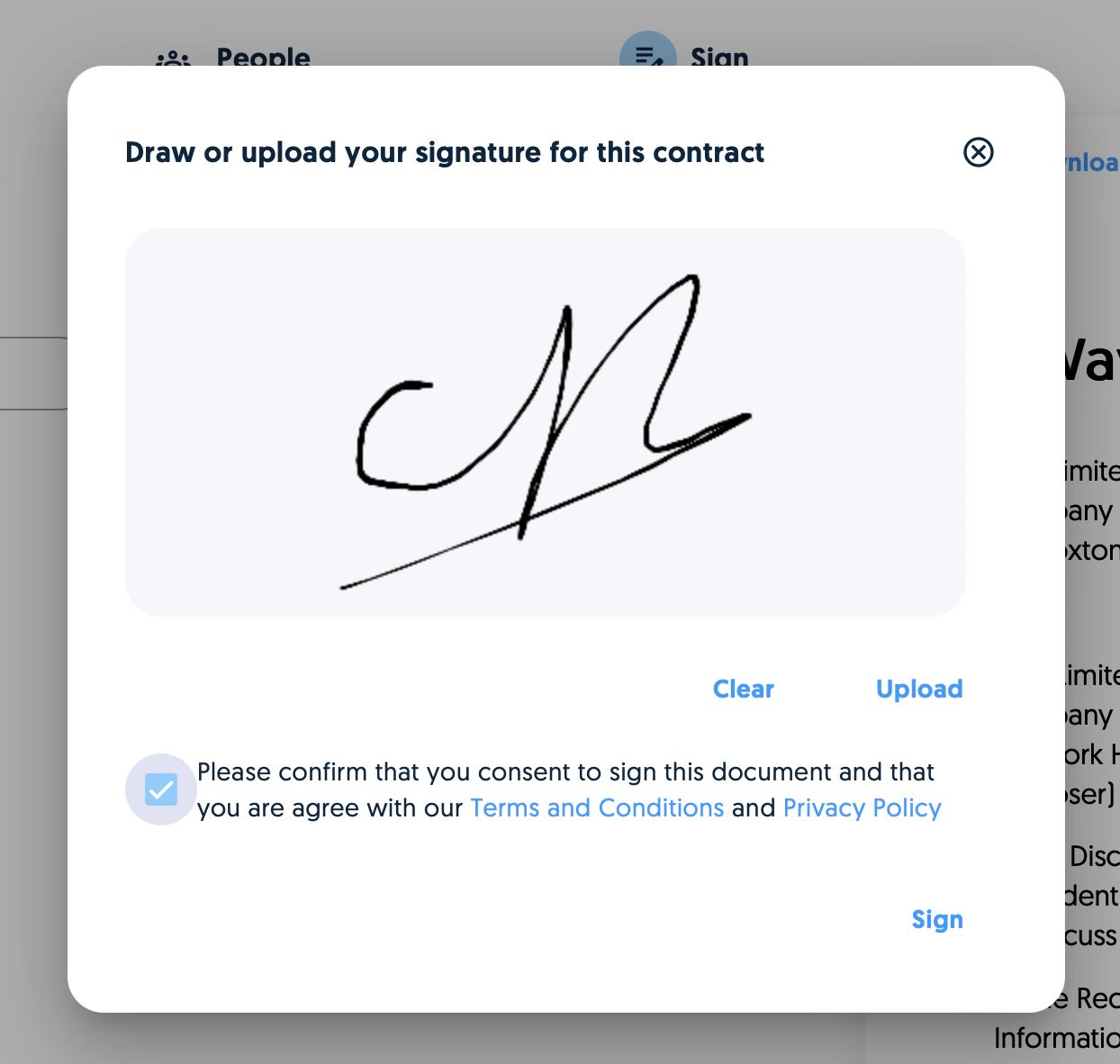
Signing a document
To sign a document, click on the Sign contract button.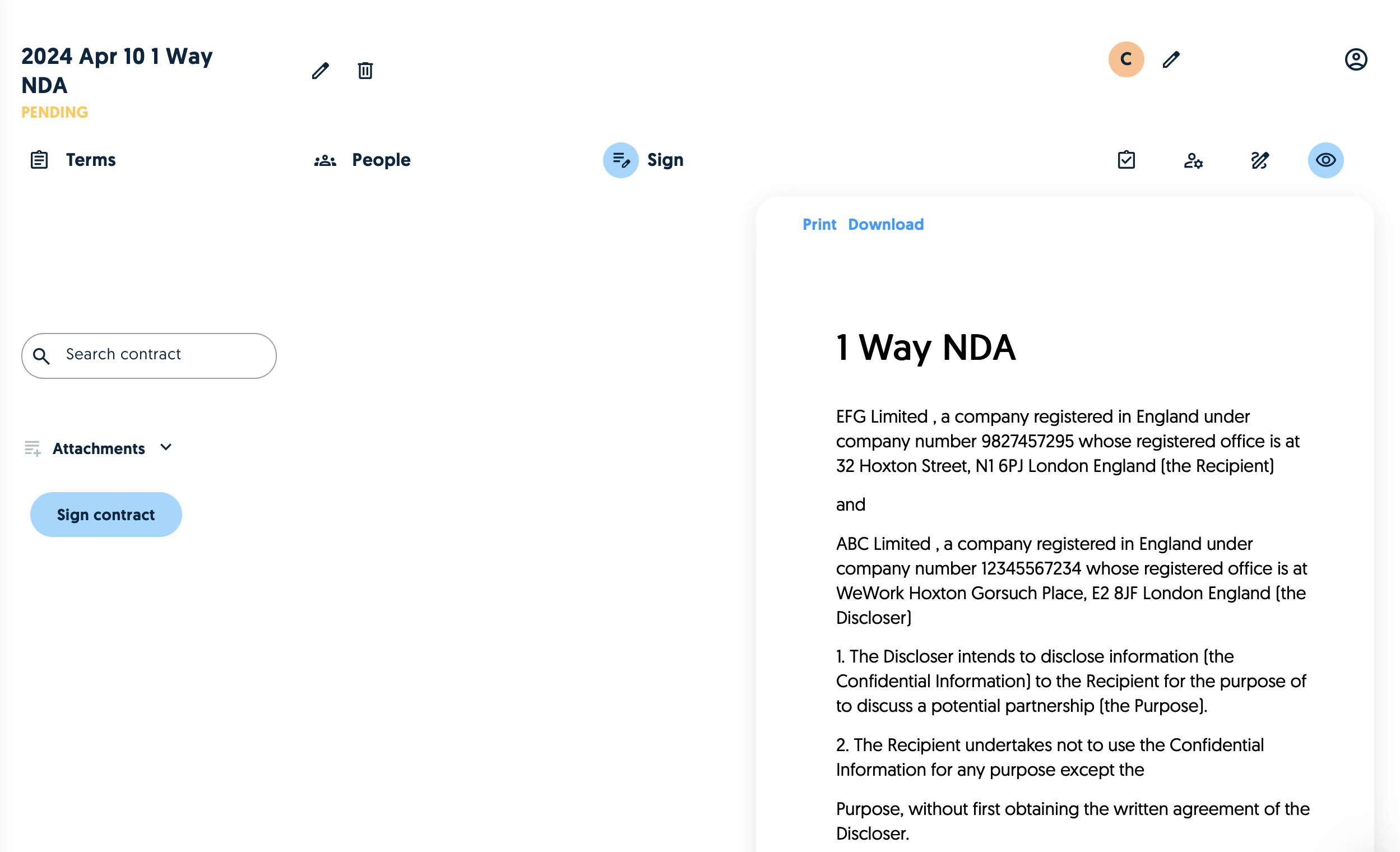
Keeping track of signatures
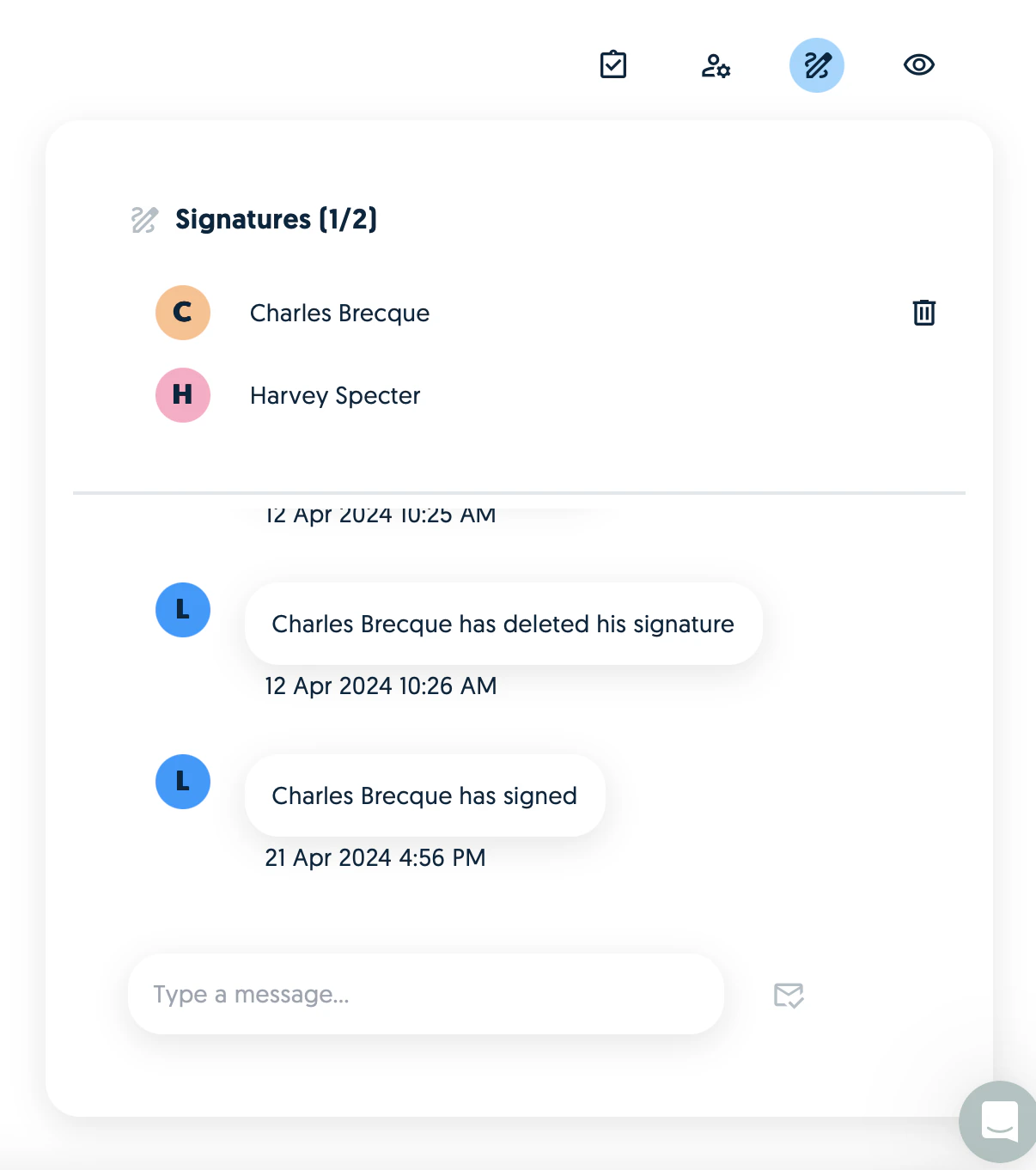
Signatures are tracked on the signature tab.