This page was imported from Intercom and may describe older navigation or terminology. Source: https://help.textmine.com/en/articles/9177886-how-to-use-vault
Uploading documents
The first step is to upload a document by clicking on the upload button in the top right.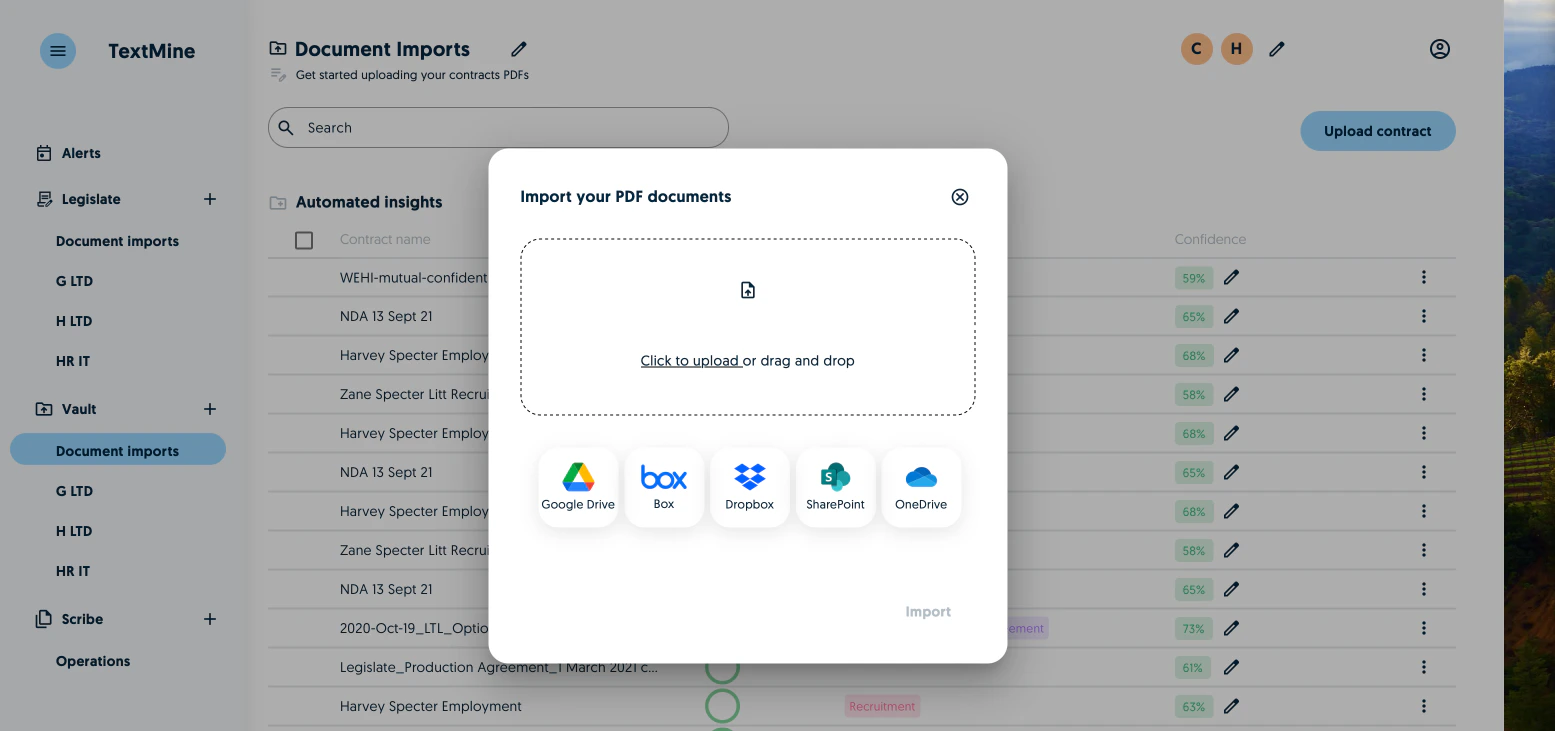
Processing documents
Once the documents have been imported, Vault’s AI will:
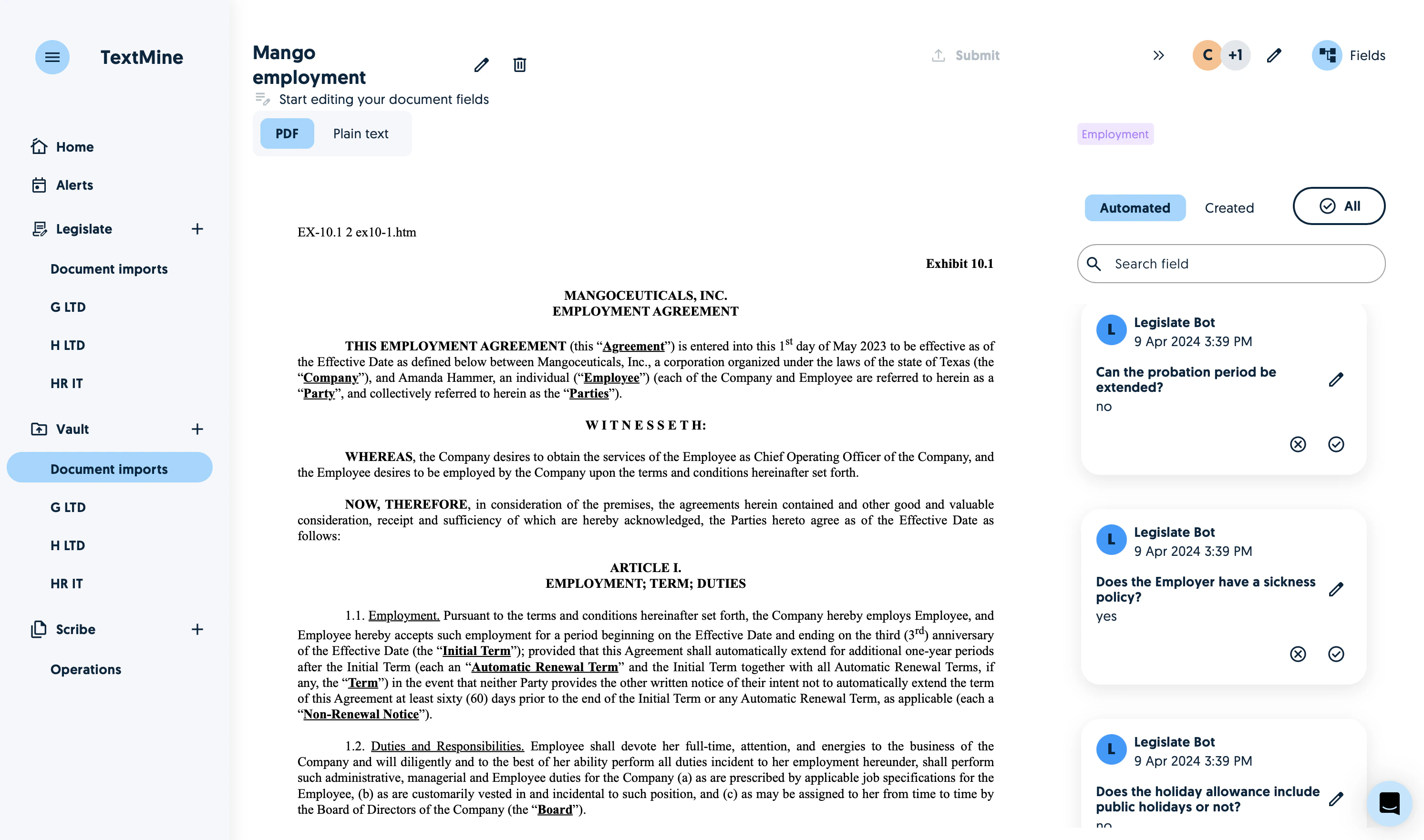
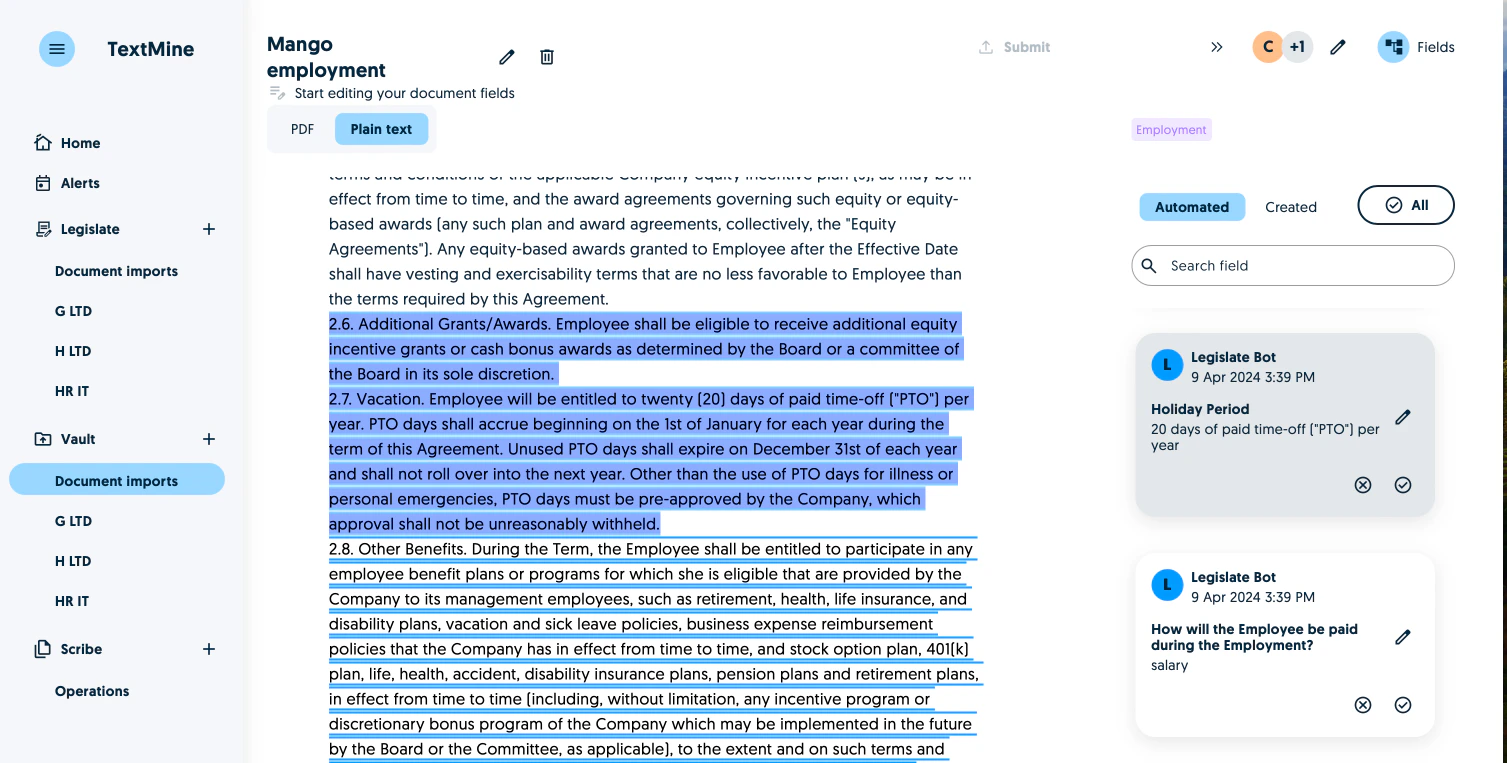
Verifying predictions
After clicking on the pen, you’ll see the uploaded pdf accompanied by the fields on the right which have been auto-populated by Vault’s AI. The tags are either answering a question or extracting values from the document.