This page was imported from Intercom and may describe older navigation or terminology. Source: https://help.textmine.com/en/articles/11364357-user-permission-settings
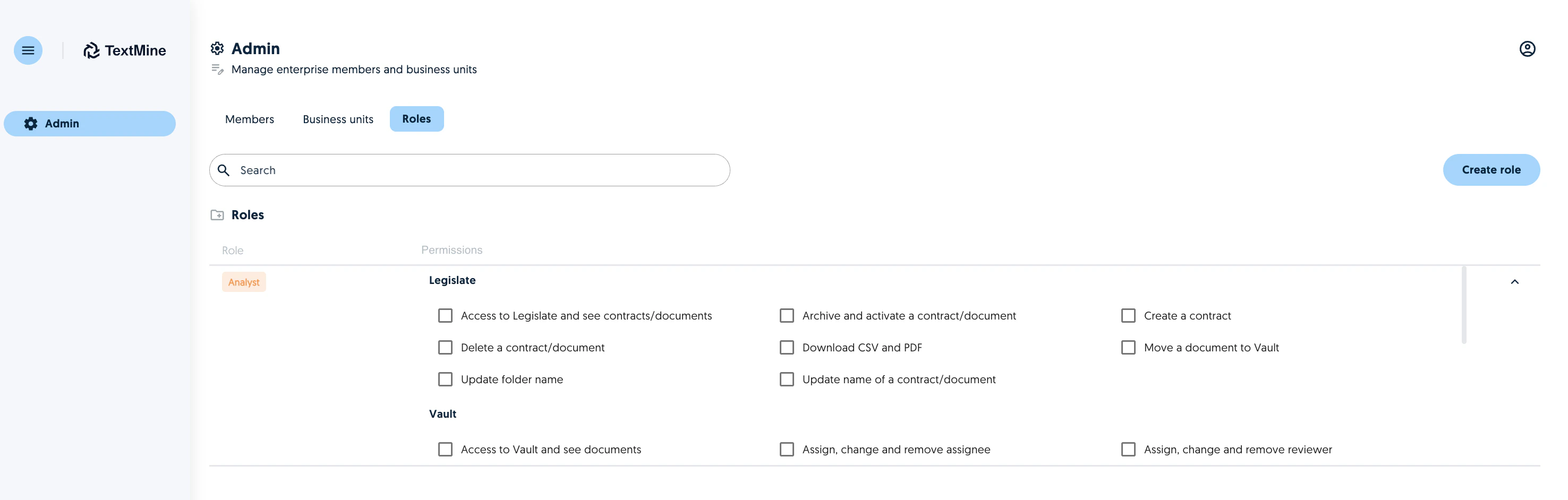
The admin of an organisation only has access to the Admin portal which can be used to create business units, roles and assign members of the organisation to a role and/or business units. Screenshot

Permissions

The following permissions, organised by TextMine section can be assigned to a role: Legislate Permission Description Access to Legislate and see contracts/documents Archive and activate a contract/document Archive/Unarchive documents Create a contract Only applicable to Scribe customers Delete a contract/document Download CSV and PDF Move a document to Vault Update folder name Update name of a contract/document

Vault

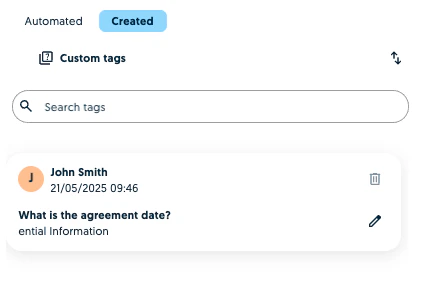
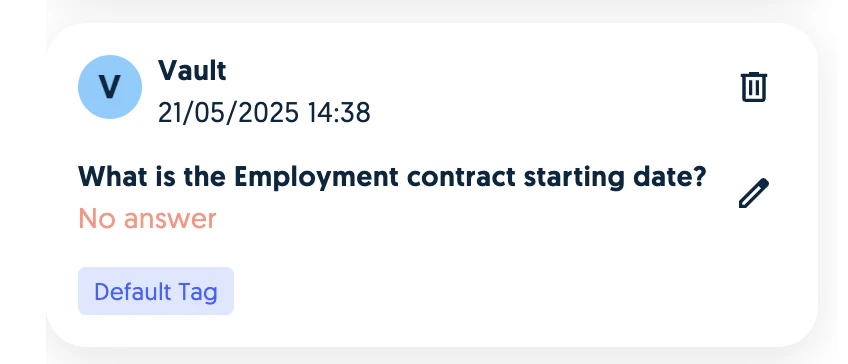
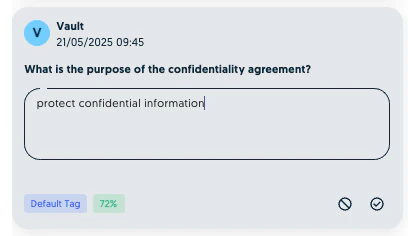
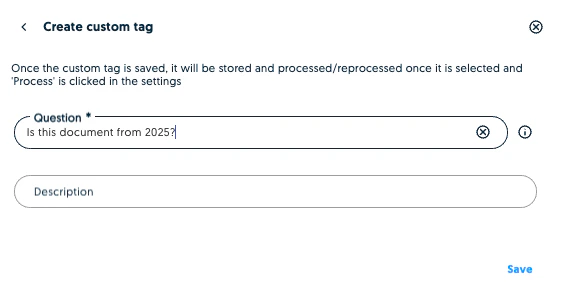
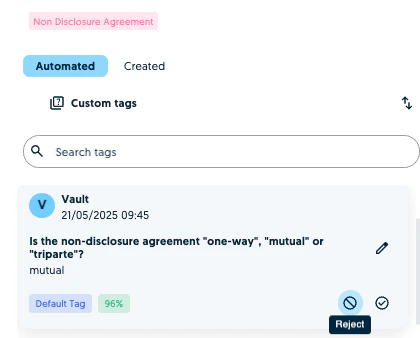
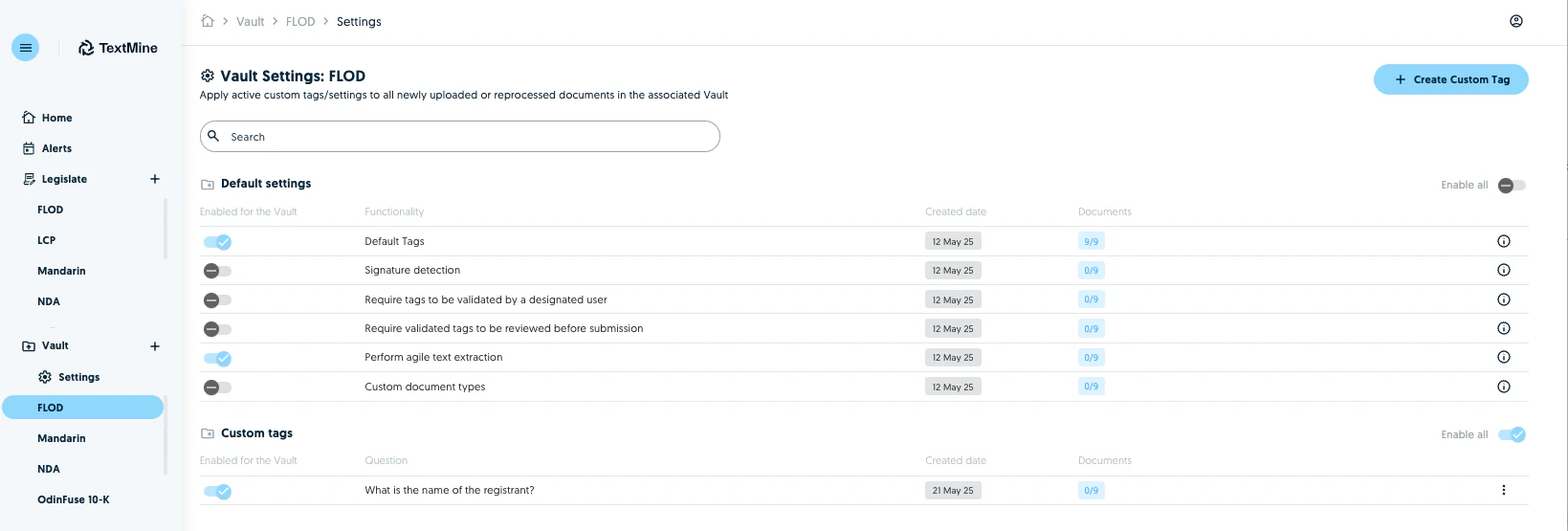
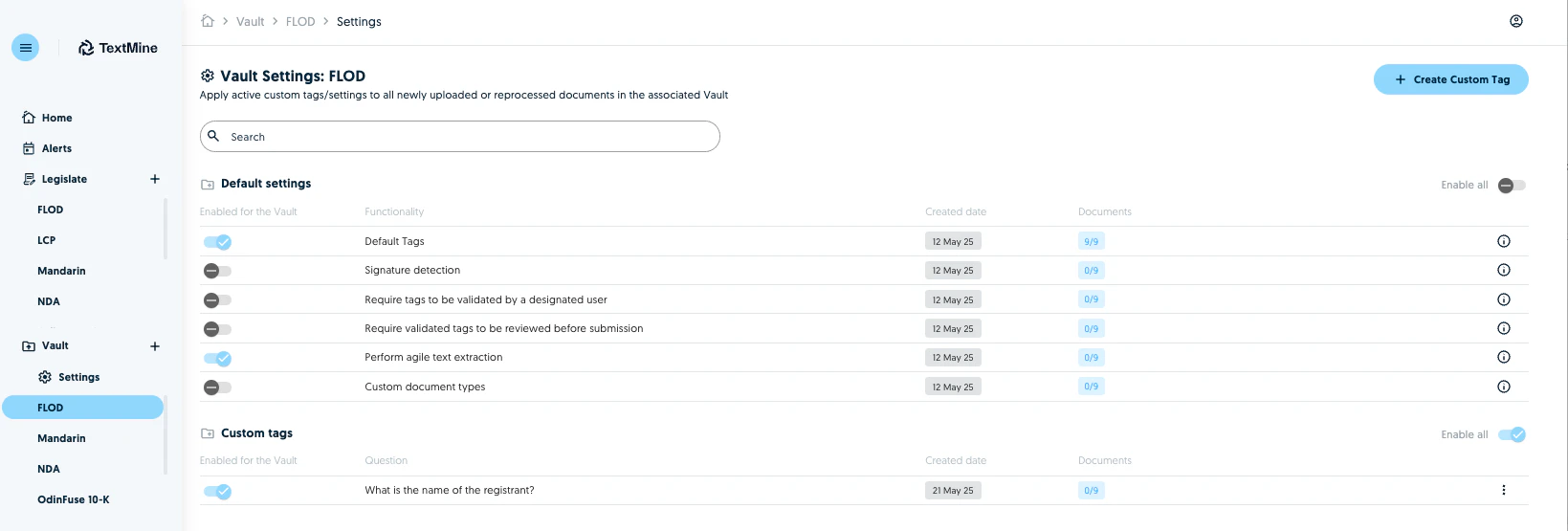
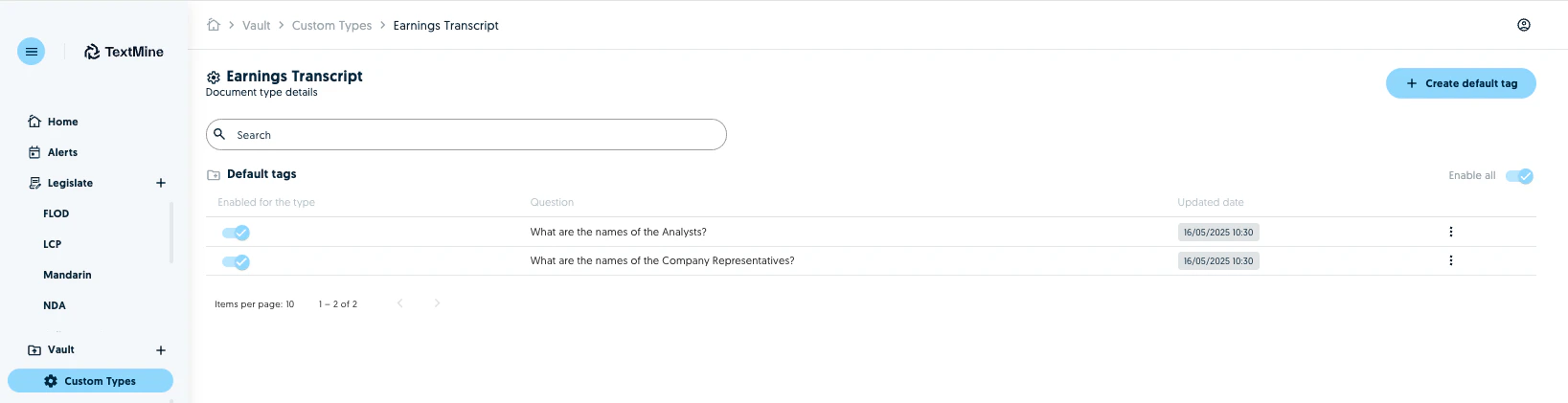
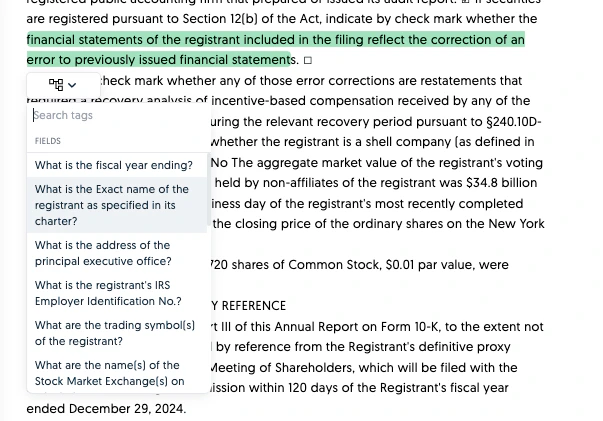
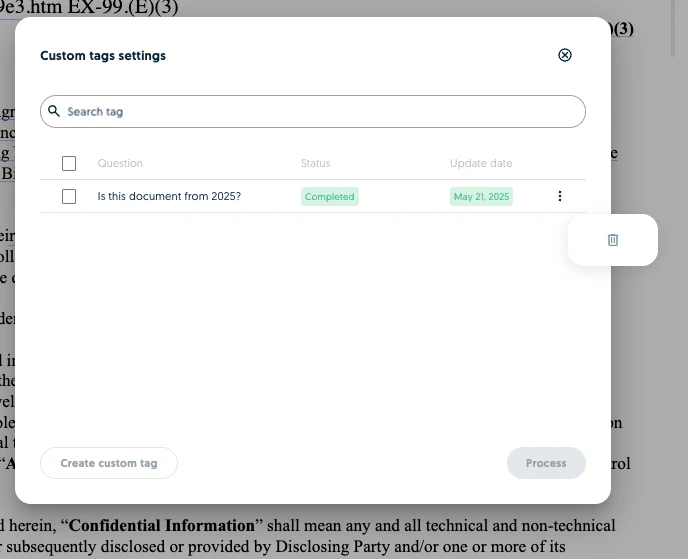
Permission Description Access to Vault and see Documents Assign, change and remove assignee Assign, change and remove reviewer Change type and reprocess documents and tags Create a custom tag for a document Manually insert a tag in the plain text Highlight values in the plain text tab and assign them to a default tag. Screenshot Delete a custom tag for a document Screenshot Delete a manually created tag or a tag with no answer Delete a manually created tag or a tag with no answer Screenshot Screenshot Delete documents Download documents in any format Download documents from Vault as a marked up PDF or plain text Screenshot Edit document name Edit tag values within a document Make corrections to the values of a tag Screenshot Process custom tags Submit documents to Legislate Update a custom tag prompt for a document Screenshot Upload new documents Validate or reject a tag within a document Screenshot Create personal team (As of 21 May 2025) Allows users to have a draft space to experiment with Vault. A personal team is not a Business Unit. Screenshot Vault Settings Permission Description Create a custom tag in Vault settings Create a custom tag which will apply to all documents uploaded to the Vault Screenshot Delete custom tags in Vault settings Edit the default settings of a Vault Business Unit Enable/disable signature detection, agile text extraction and the other Vault configuration settings of a Business Unit. Screenshot Enable and disable custom tags in Vault settings Create custom document types and assign them to a business unit Create custom document types and associated tags. Screenshot Enable users to select which custom prompts apply to which document types Enable users to promote a custom tag to a specific document as a default tag
Other

Create and manage Alerts Create and manage Agents The permissions assigned to a role can be updated by the Organisation Admin at anytime.