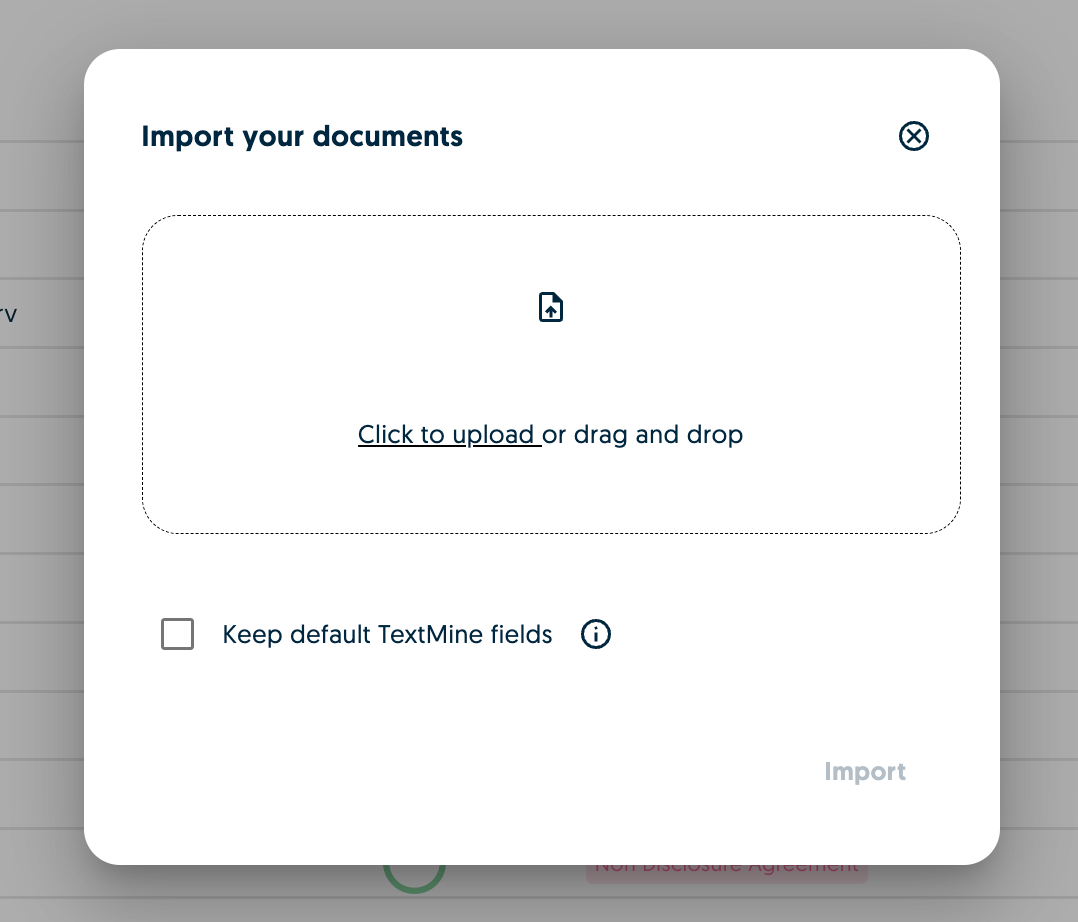
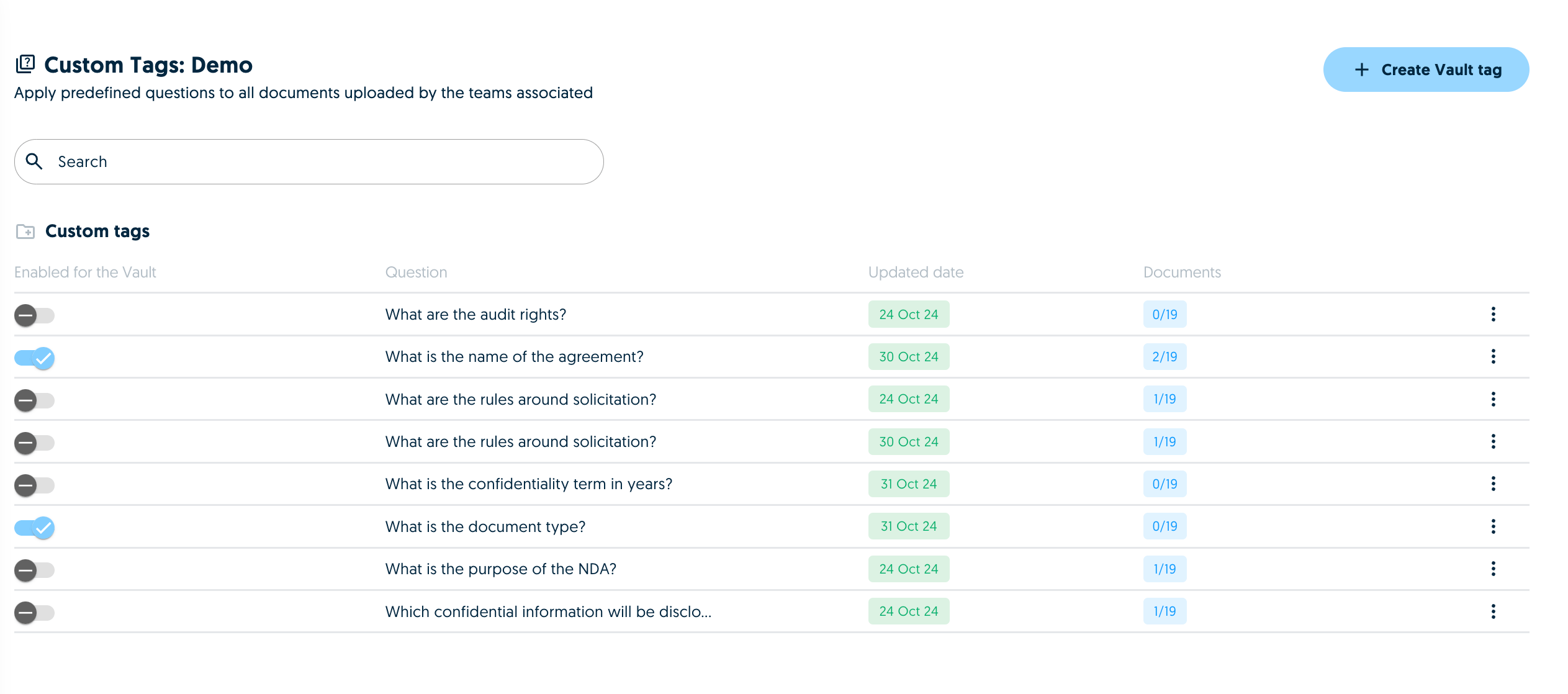
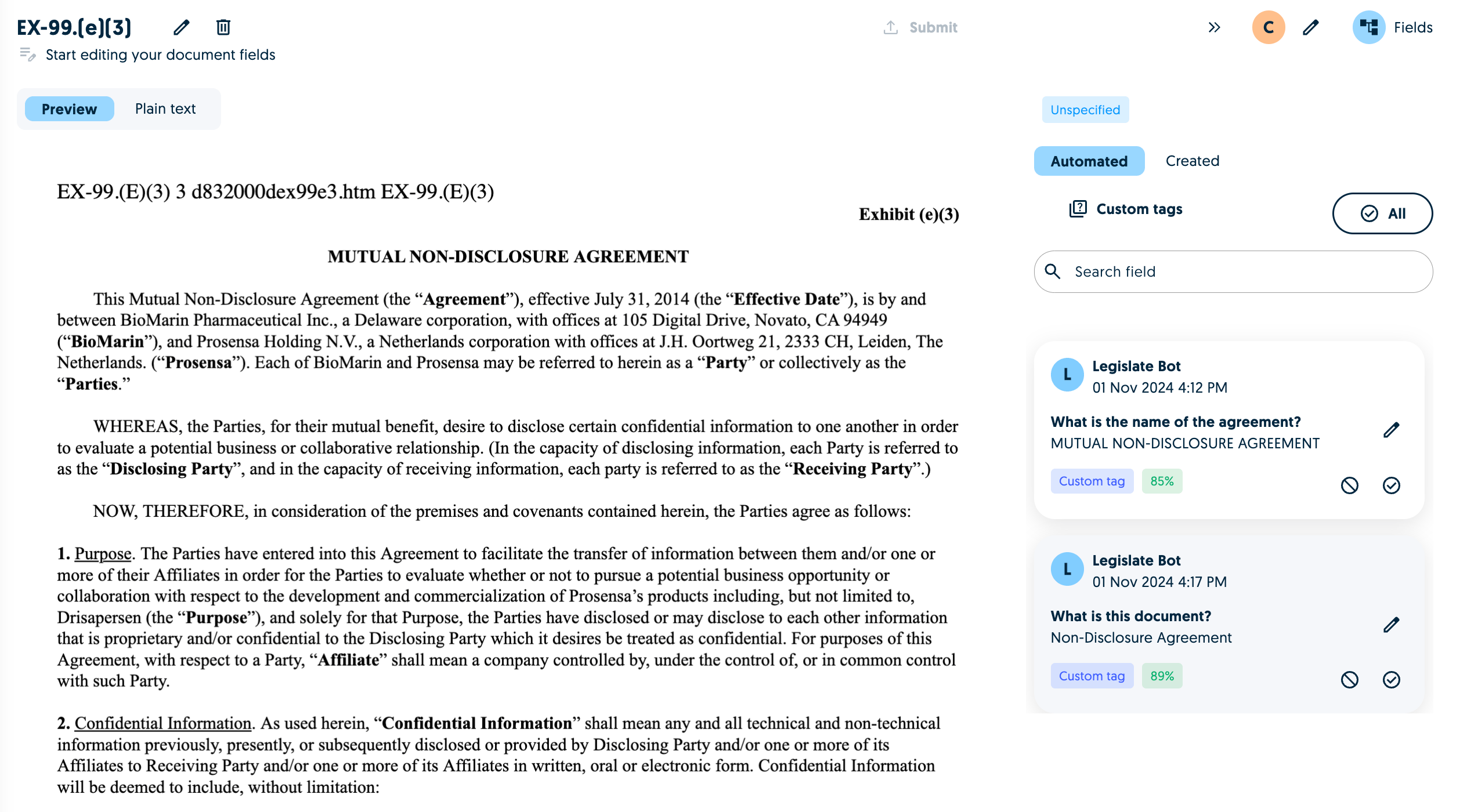
TextMine now allows users to skip the TextMine default document processing pipeline in Vault. When uploading a new document to Vault, simply untick the “Keep default TextMine field” check box.In this setting, TextMine will run the enabled vault team tags against the document.Once the document has been processed, the type will be listed as unspecified and you click on it to view the extracted information:Please note that by deselecting the TextMine fields option, the model will not currently classify the document or look to identify signatures.