This page was imported from Intercom and may describe older navigation or terminology. Source: https://help.textmine.com/en/articles/11792925-17-july-2025

Document Type Improvements

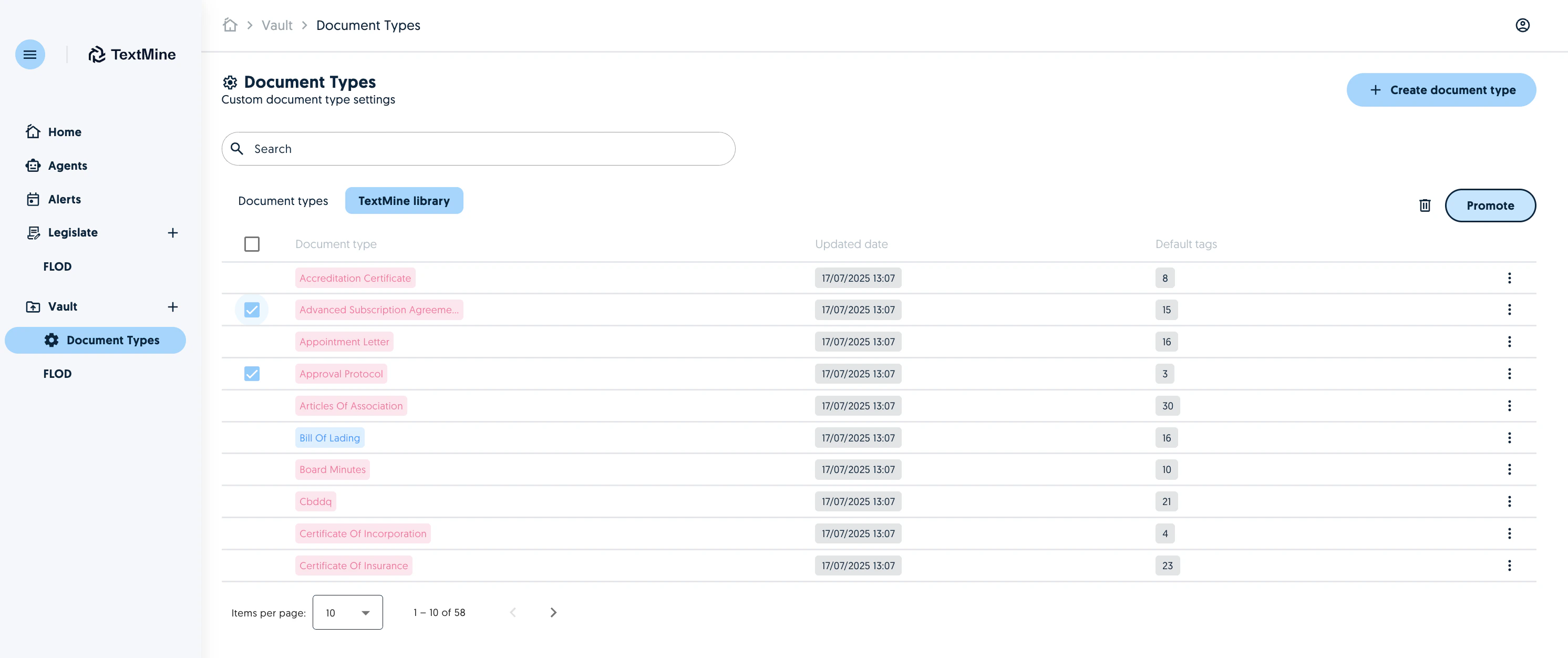
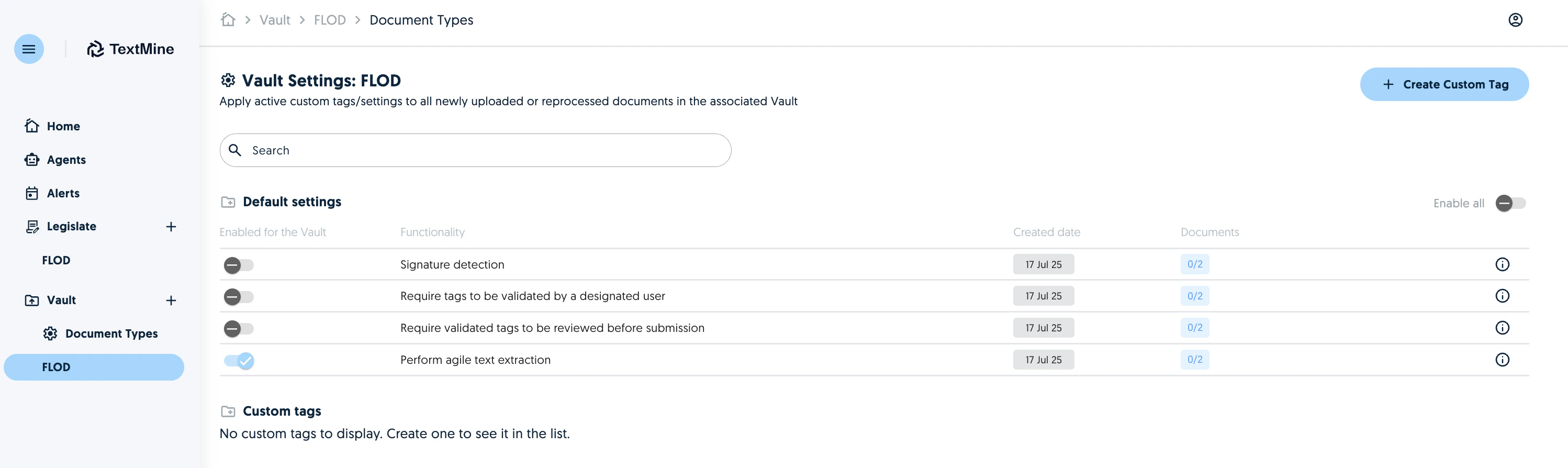
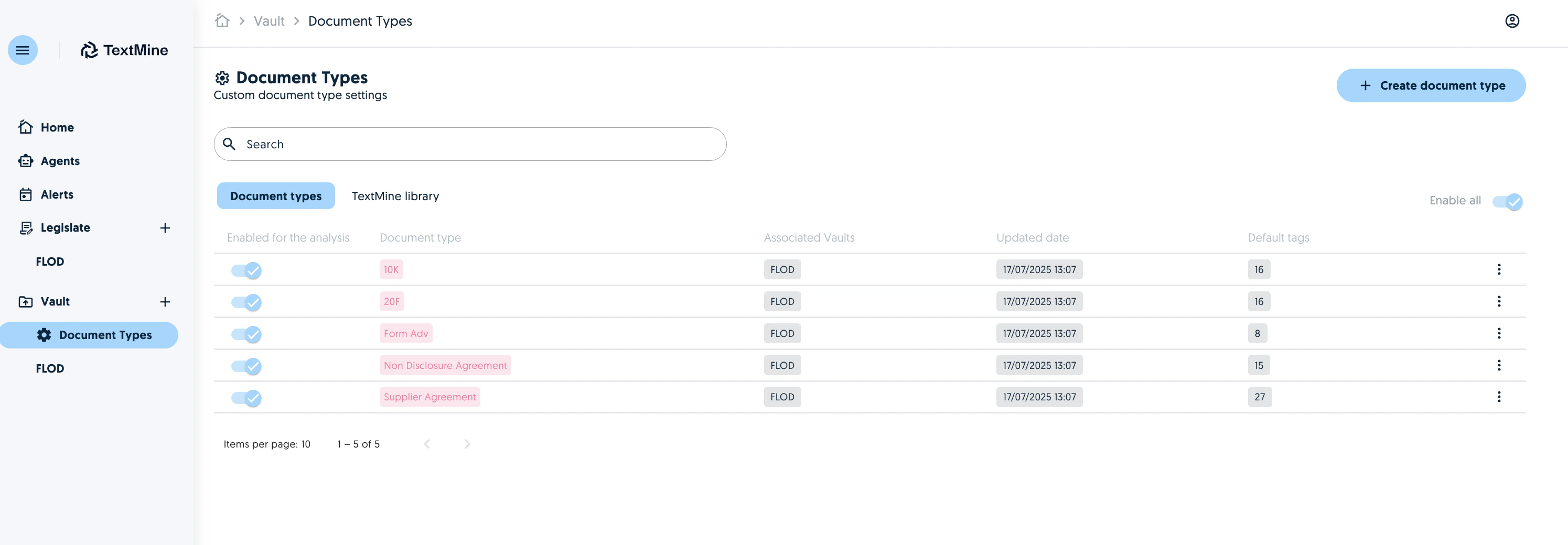
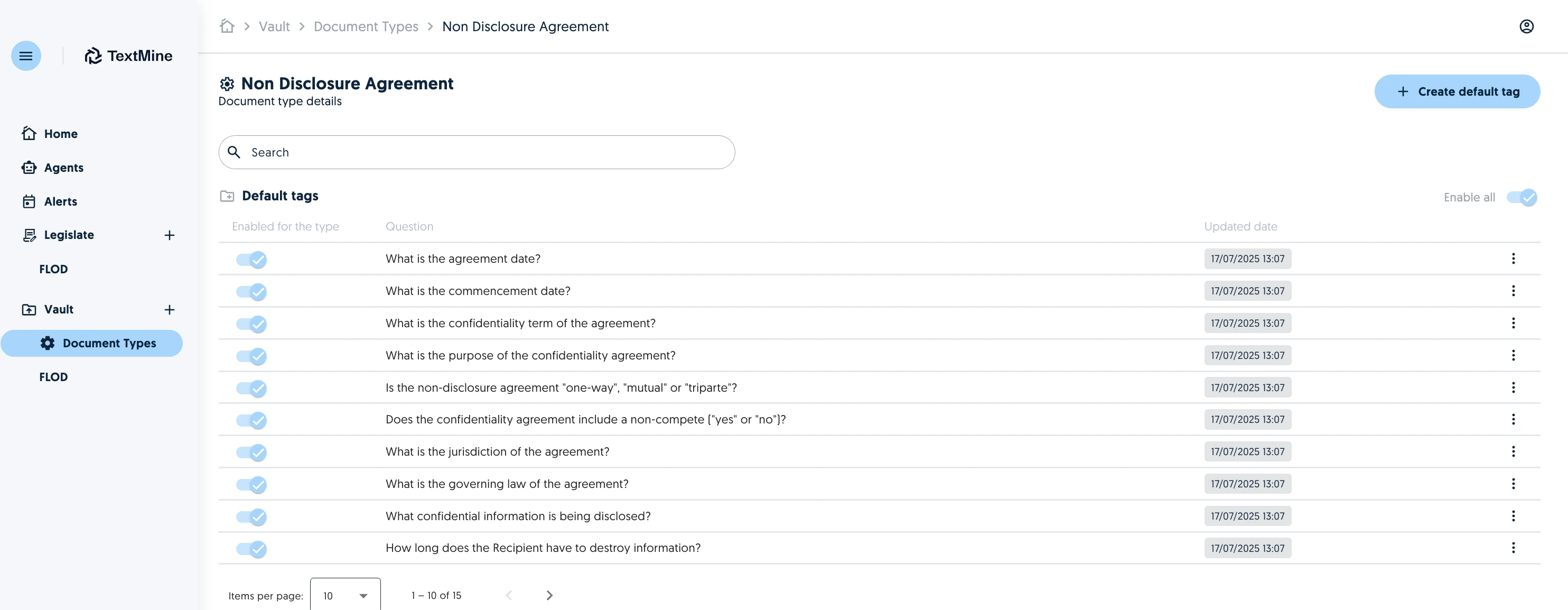
It is now possible to choose which Document Types, including types created by TextMine, should be included in the document classification. Screenshot Your active document types are present in the Document Types tab and you can enable/disable them for a specific Vault at any time. You can click on the document type to view the associated default tags. Screenshot The default tags can be enabled or disabled as required. Document types in the TextMine library can be promoted to your Document Types by selecting the types you wish to promote and clicking on promote. Screenshot Once a Document Type is associated with a Vault, it will be used as part of the classification process. As a result, you no longer need to make special configurations in the Vault settings. Screenshot
Agent improvements

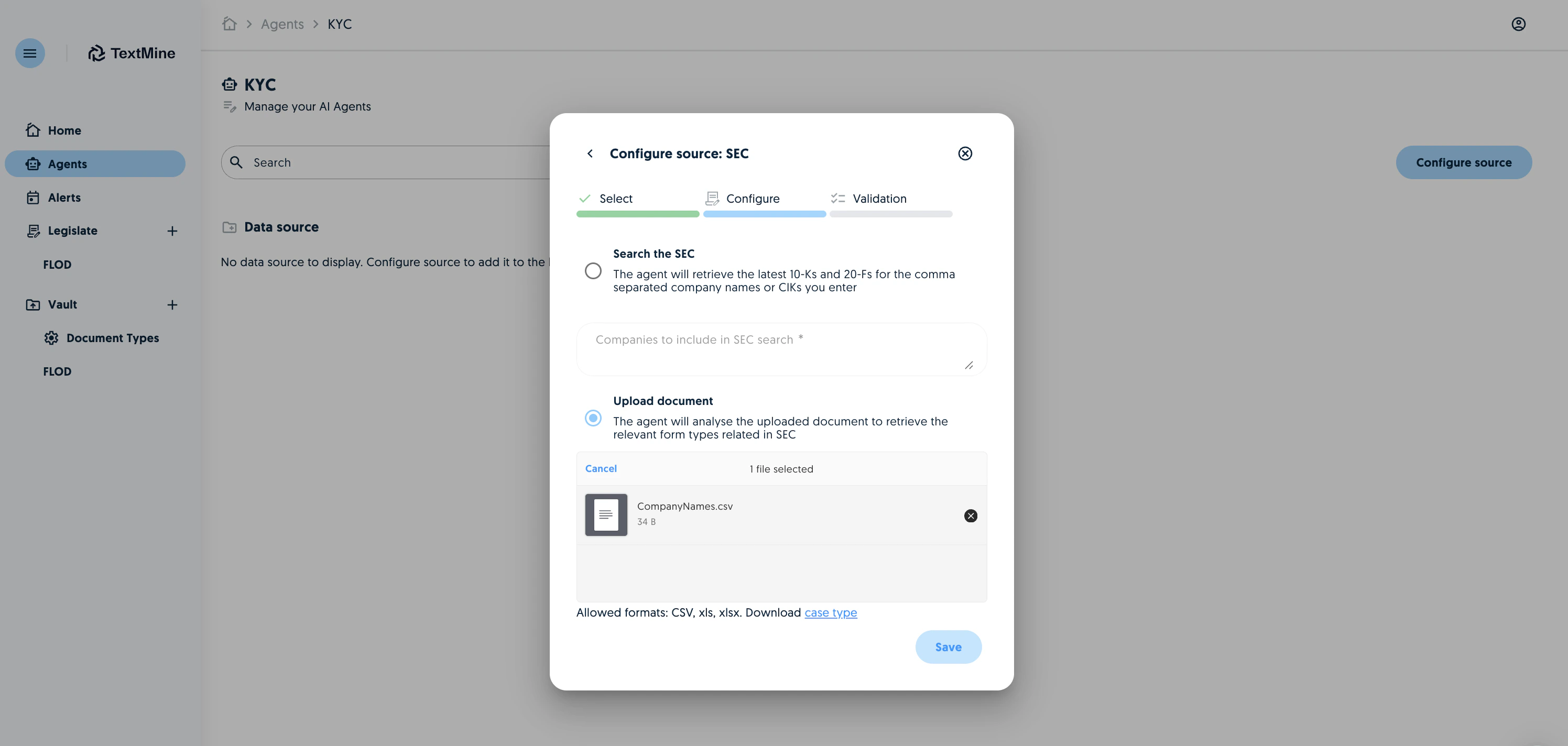
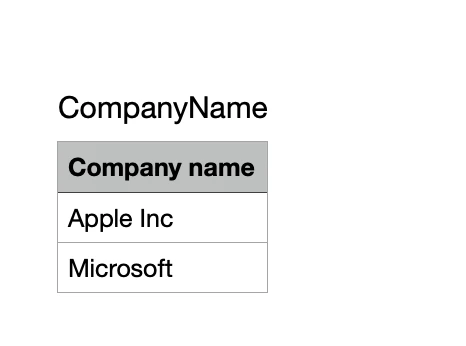
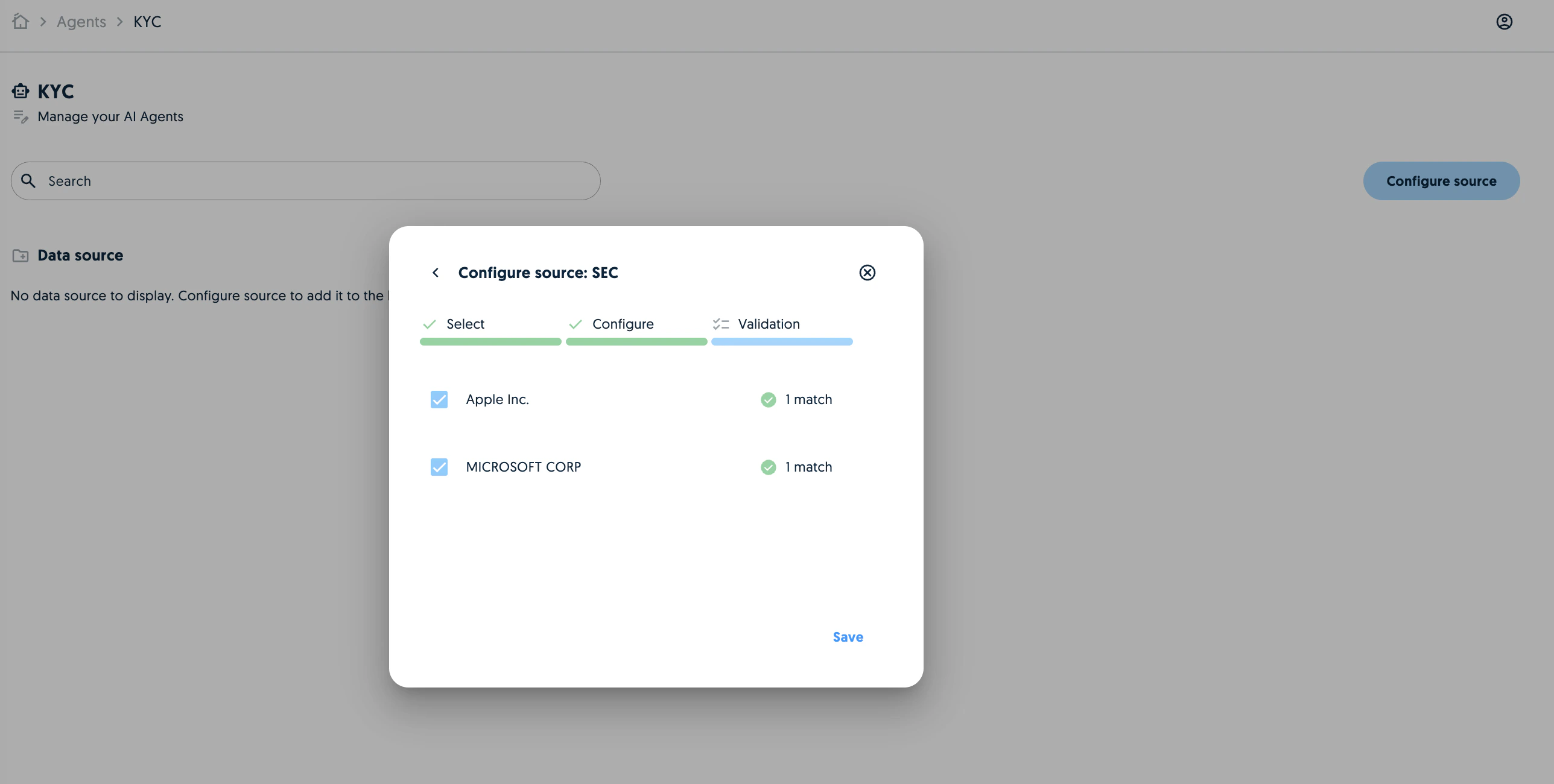
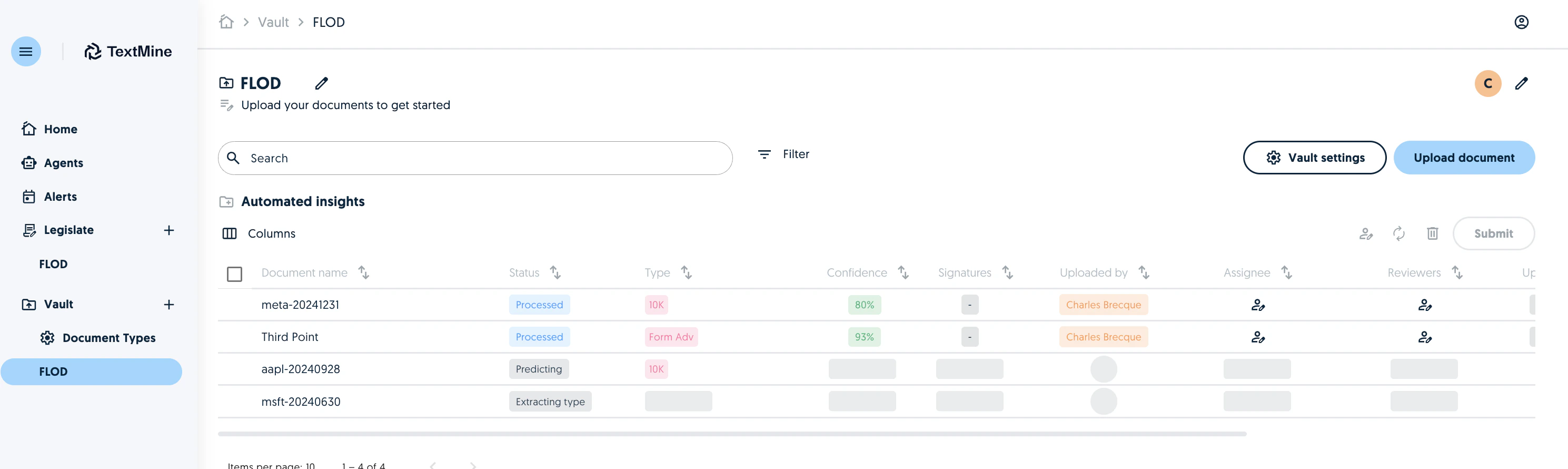
Agents can now pull 10-Ks, 20-Fs for companies present in a CSV, xls or xslx. Screenshot Download the example CSV and complete it with company names. Screenshot Review the suggestions and save the agent. Screenshot This will then save the companies and submit the latest 10Ks, 20Fs for those companies to the corresponding Vault. Screenshot