This page was imported from Intercom and may describe older navigation or terminology. Source: https://help.textmine.com/en/articles/13431363-19-january-2026
Image Types
You can now have document types for images and Vault now supports image uploads (jpeg, png). To do this, create a document type and select image file type. You can associate the image type to the relevant Vaults.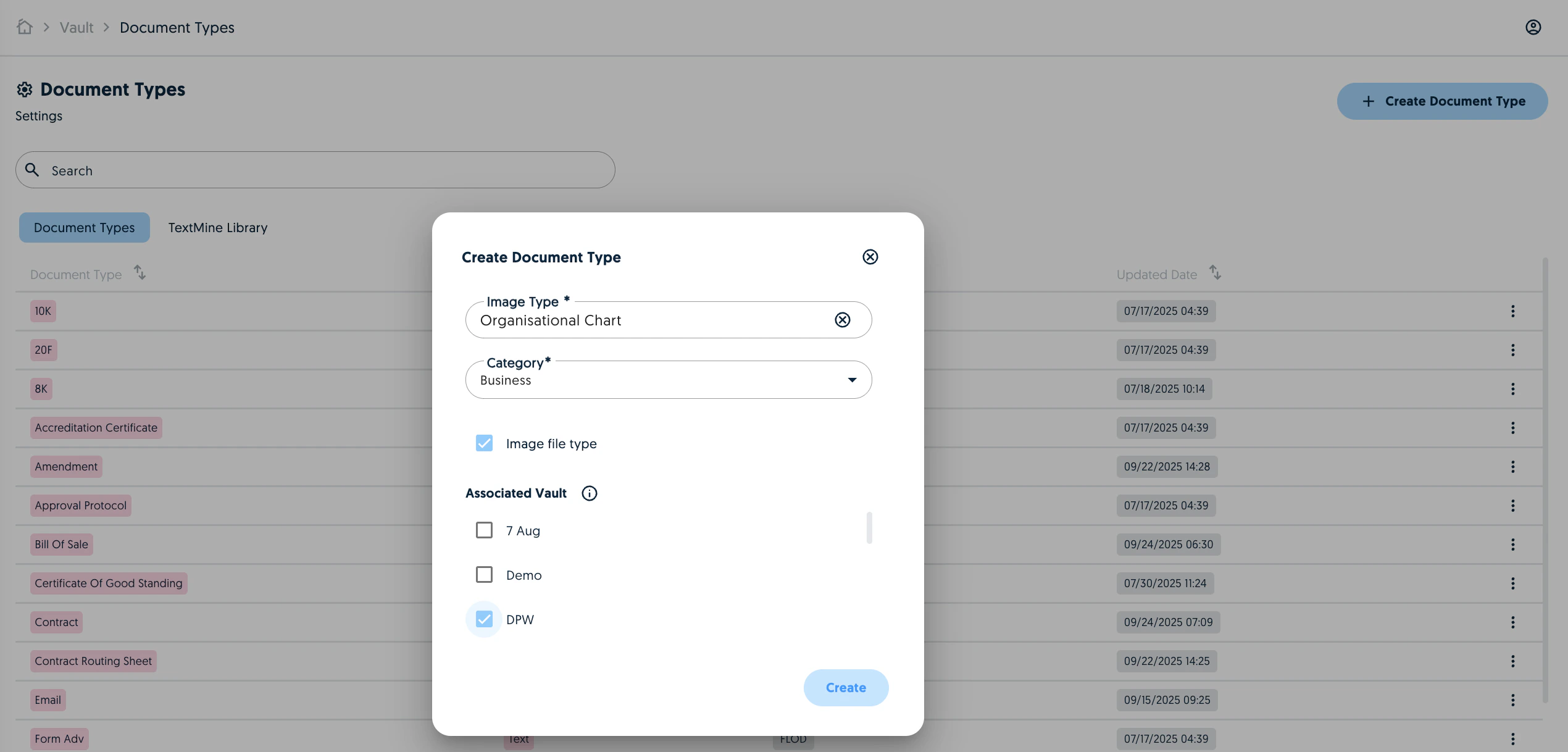
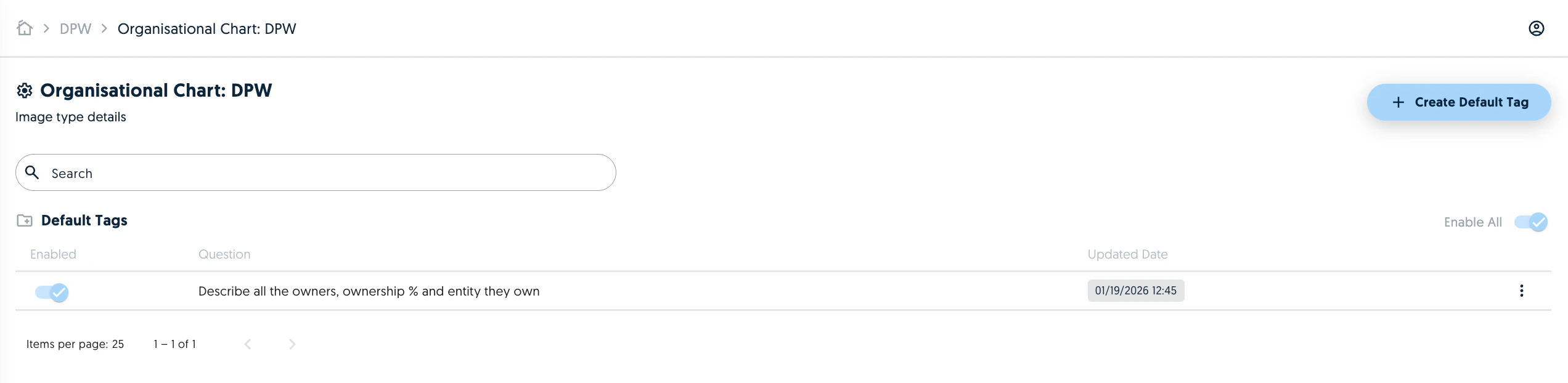
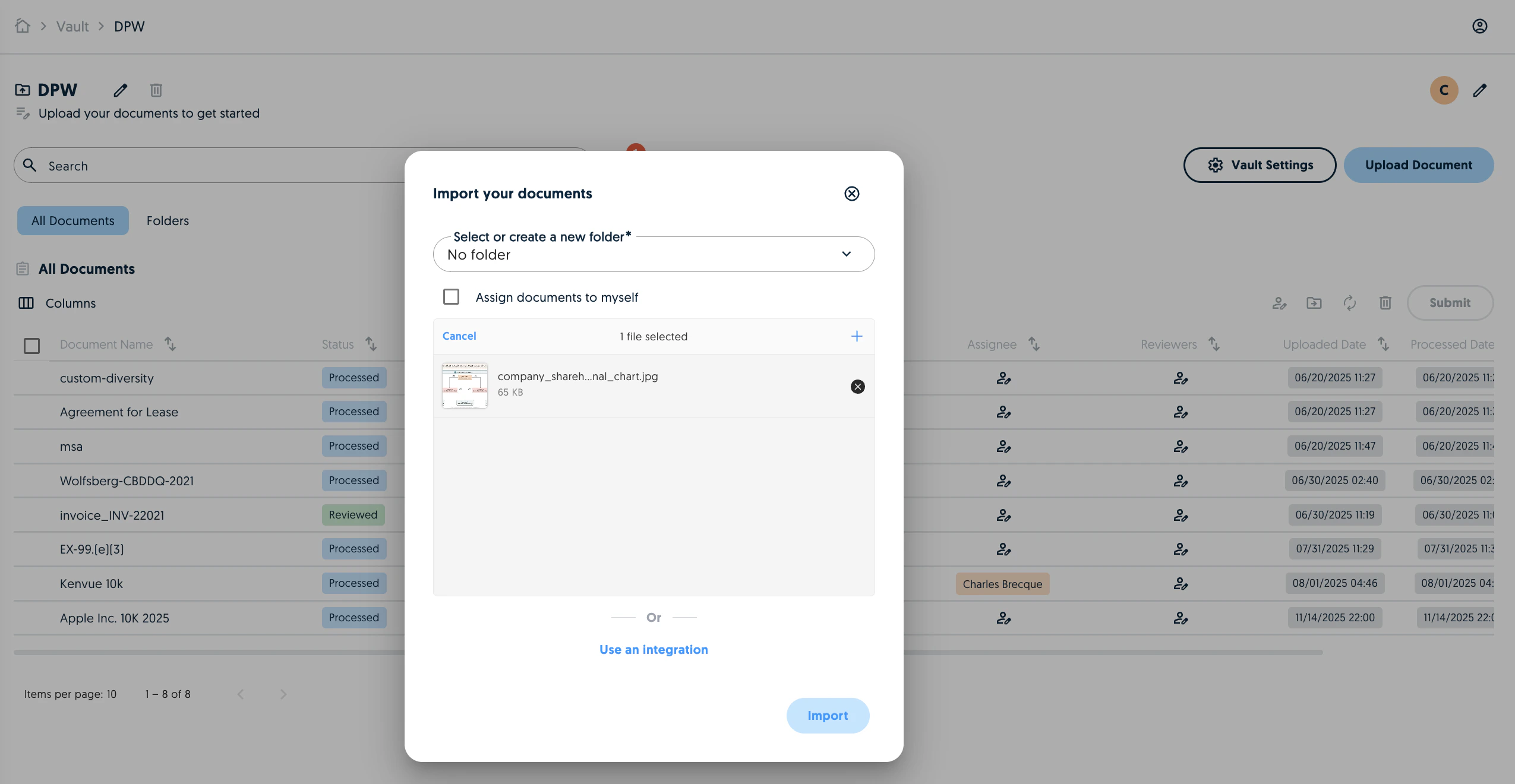
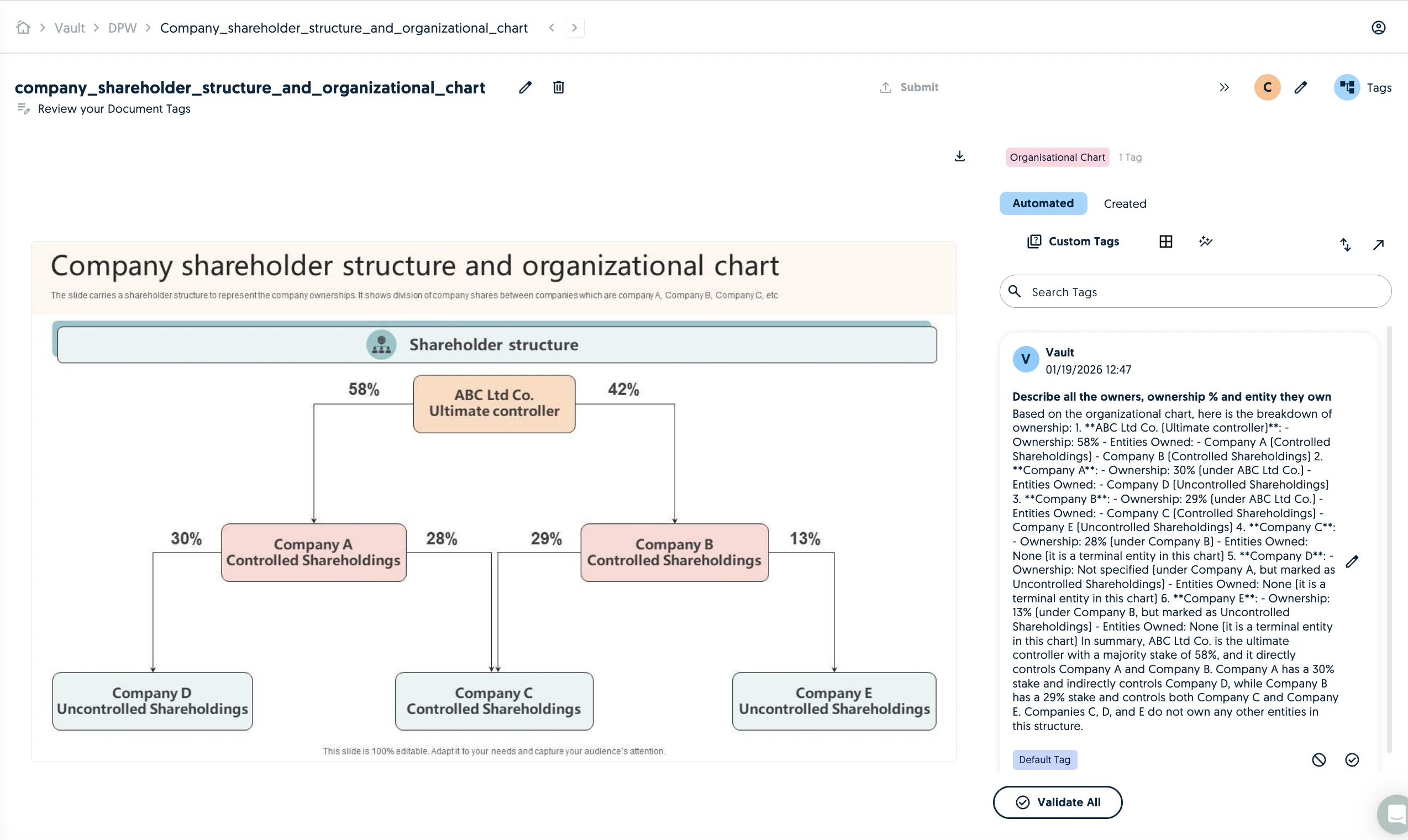
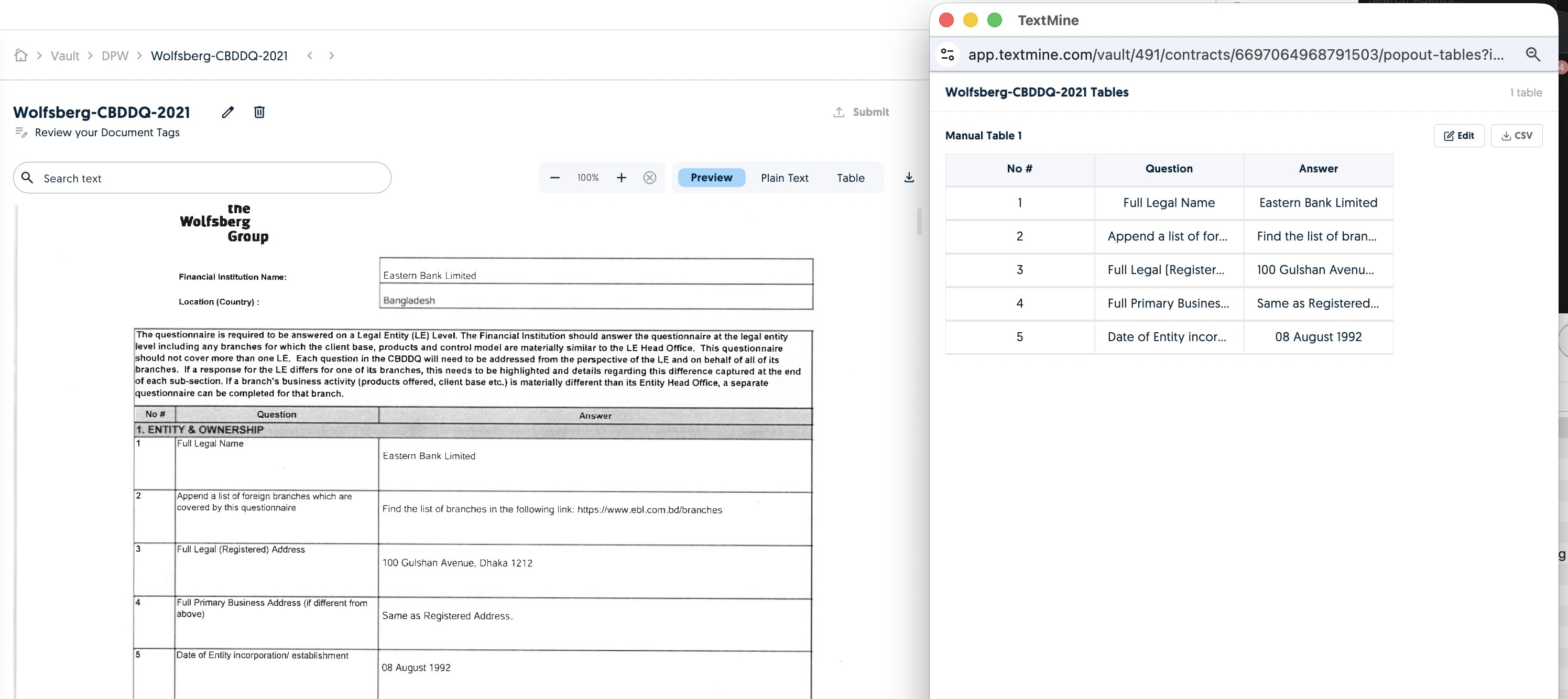
Table extraction
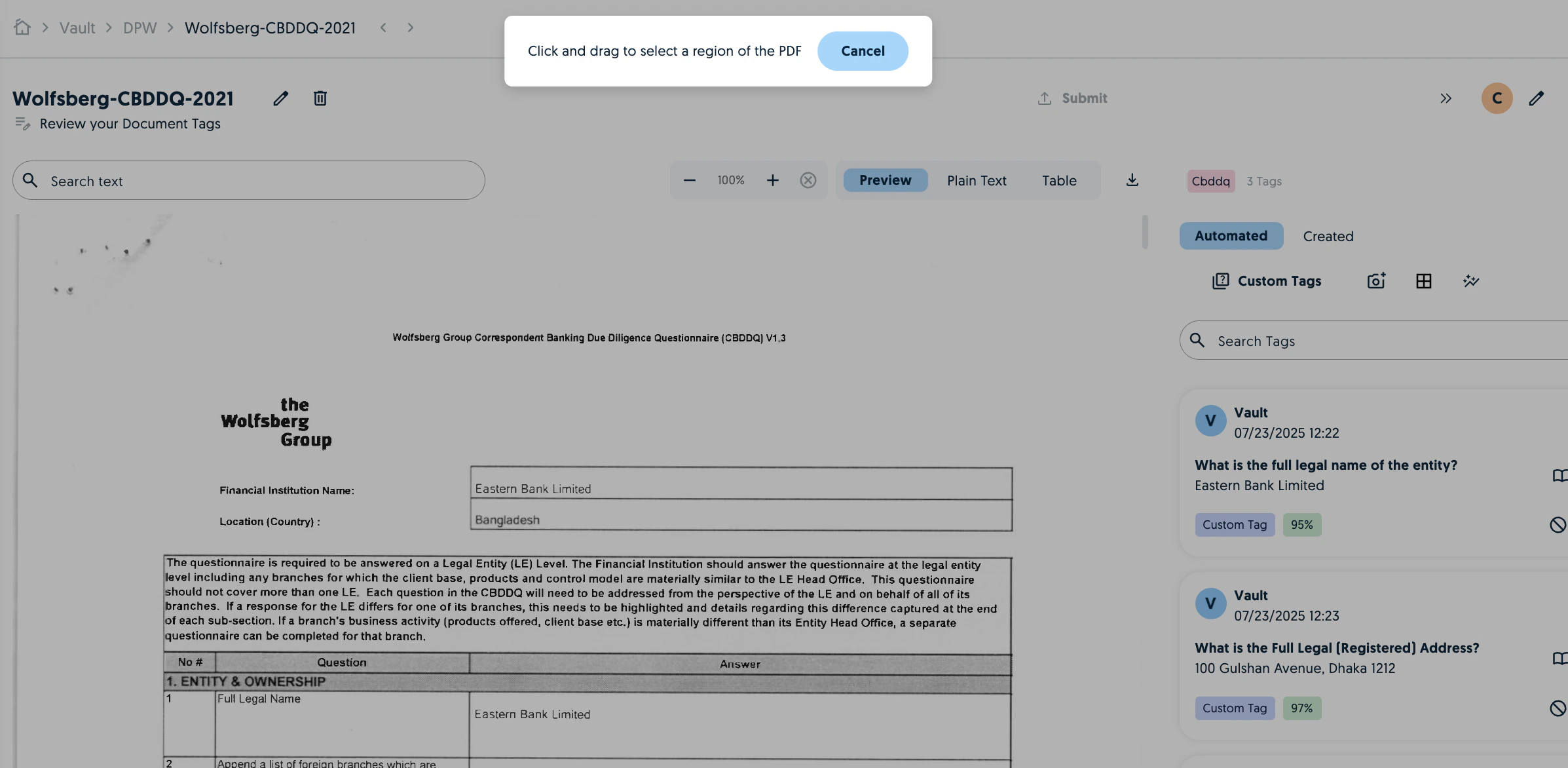
TextMine now offers table extraction from documents. You can either extract tables via a manual selection or enable it automatically for the Vault.Manual selection
Click on extract table from Image and use the cursor to select the table in the preview.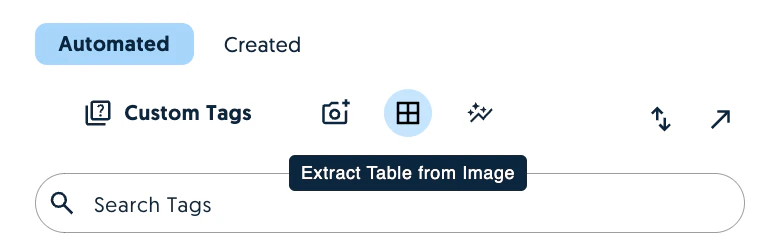

Chained tags in Document Types
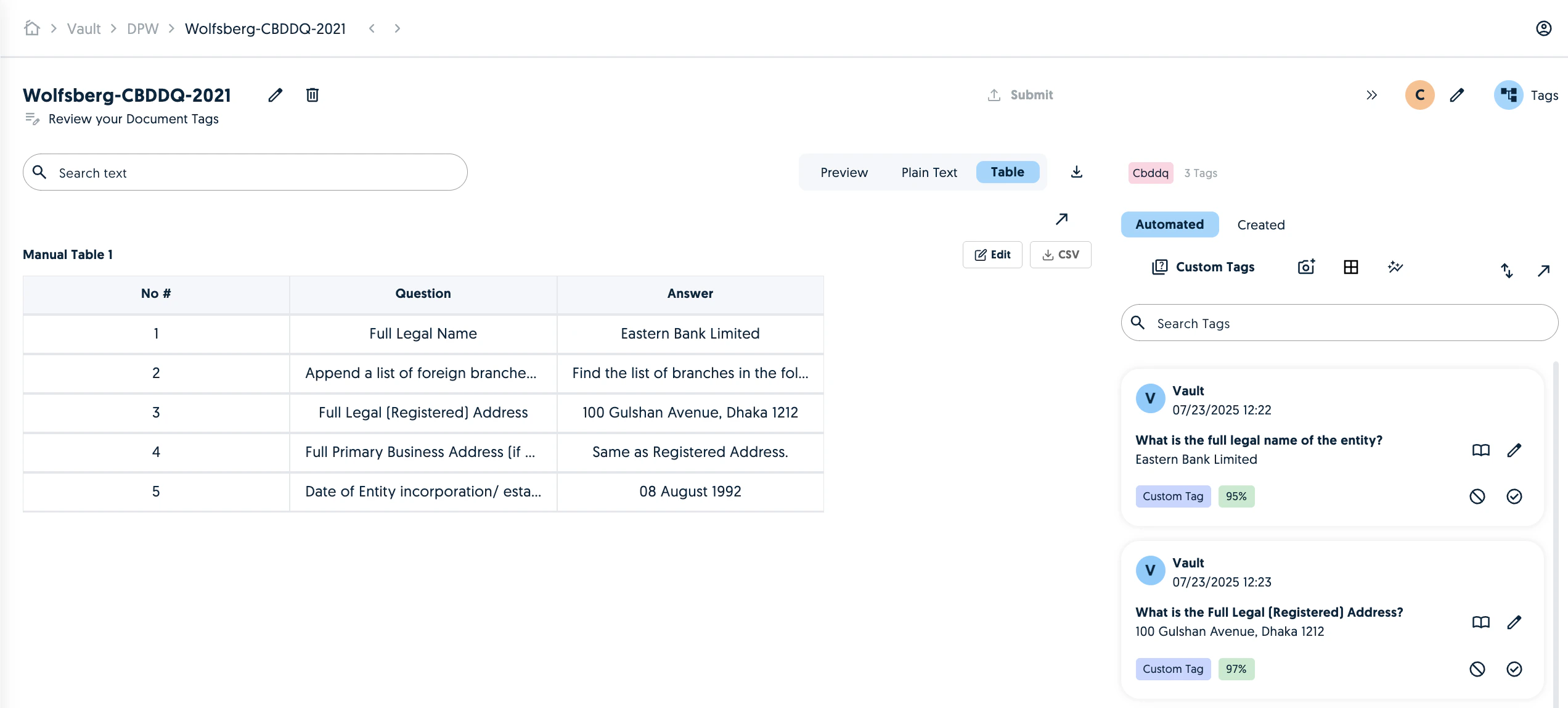
It is now possible to create default chained tags.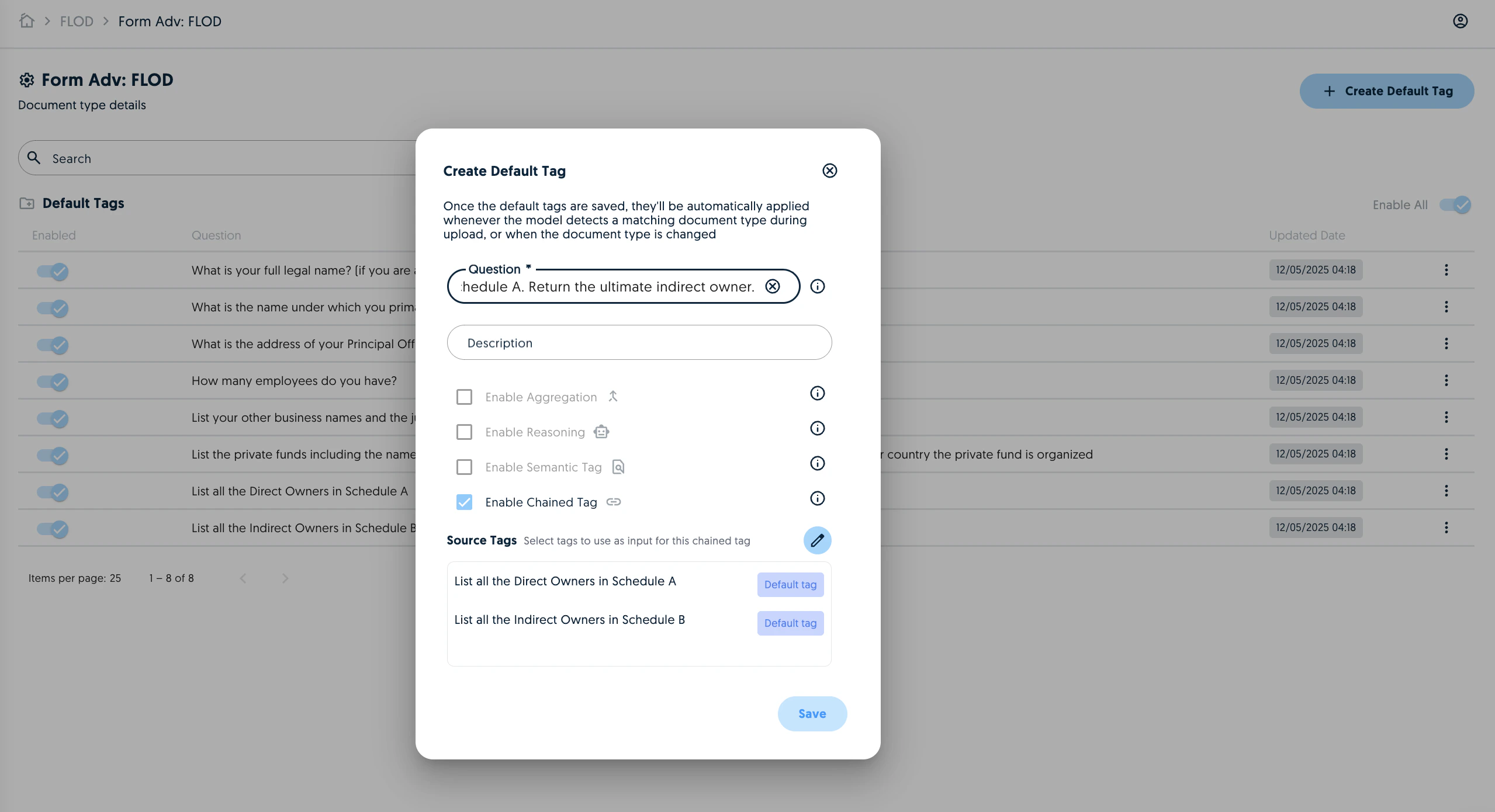
Pop out tags
You can now pop out the tags cards to a new window in order to simplify the document/tag cross-referencing.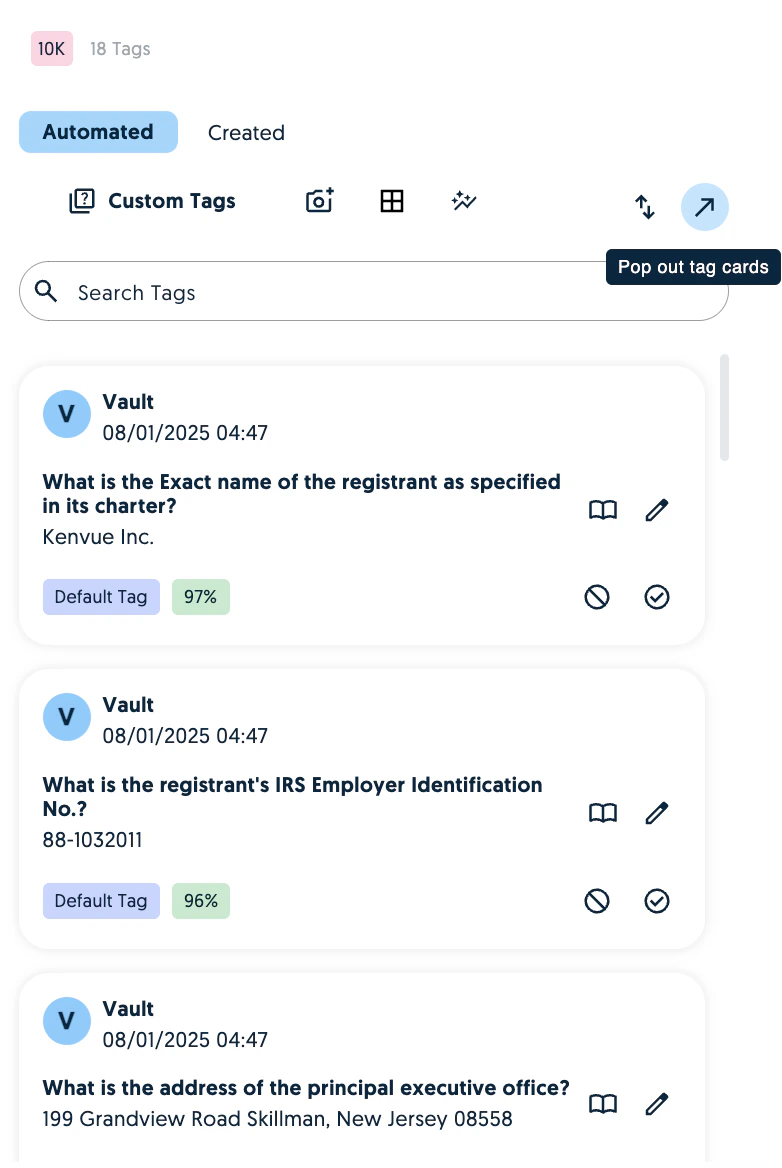
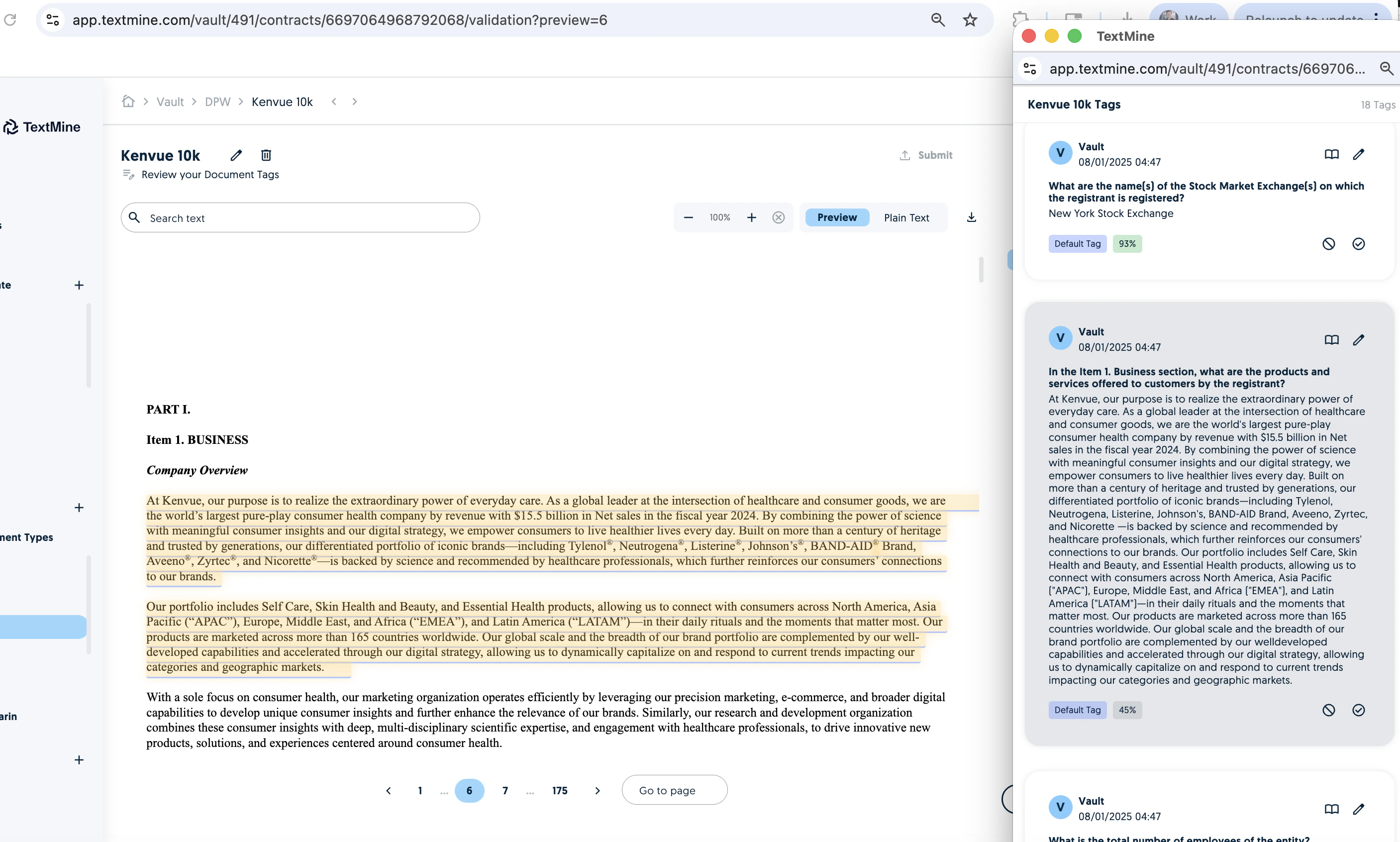
Zoom in and out
You can now change the zoom resolution of the document upload.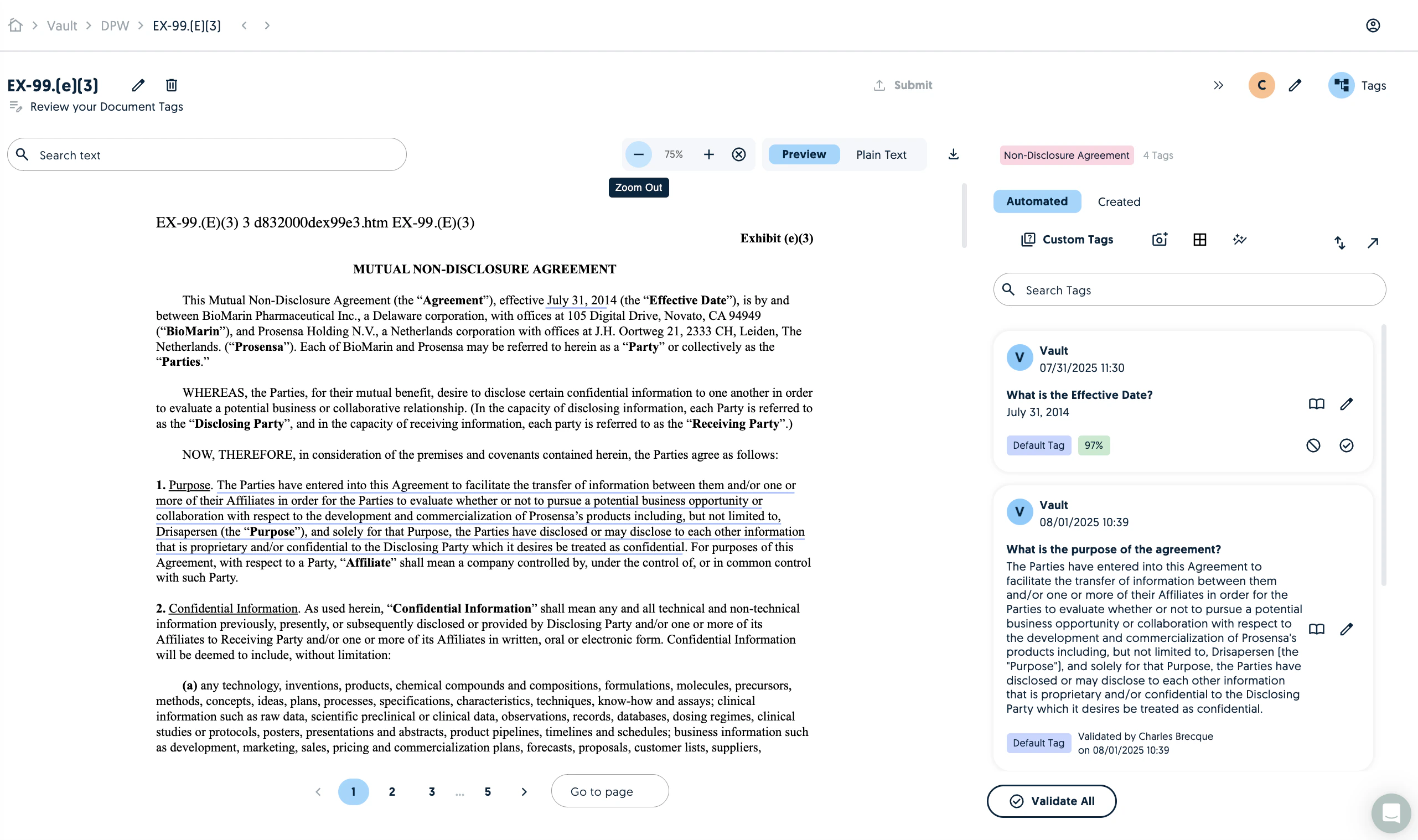
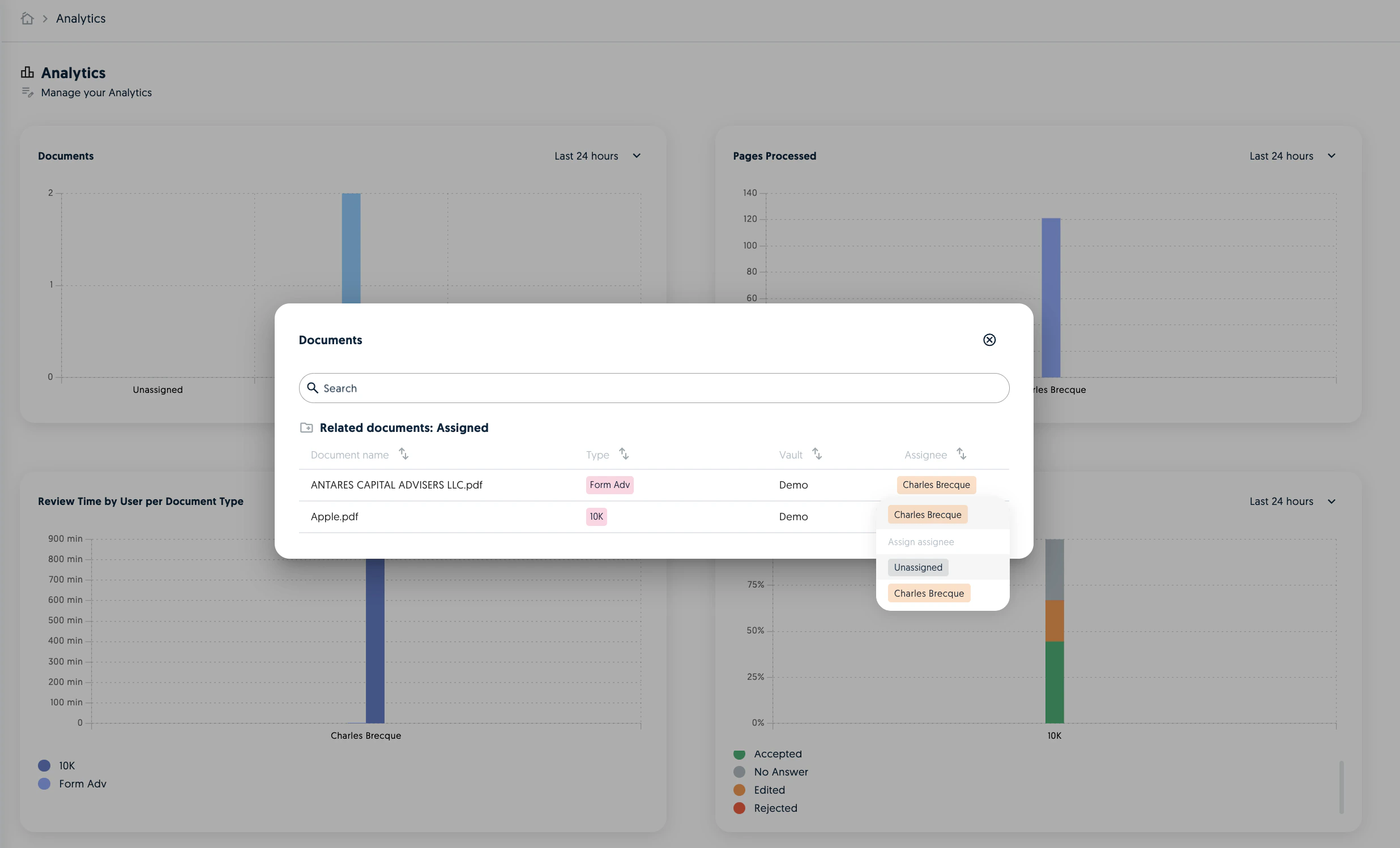
Analytics improvements
The Analytics are now tracking additional metrics such as the most edited tags, errors, time spent reviewing and general user activity.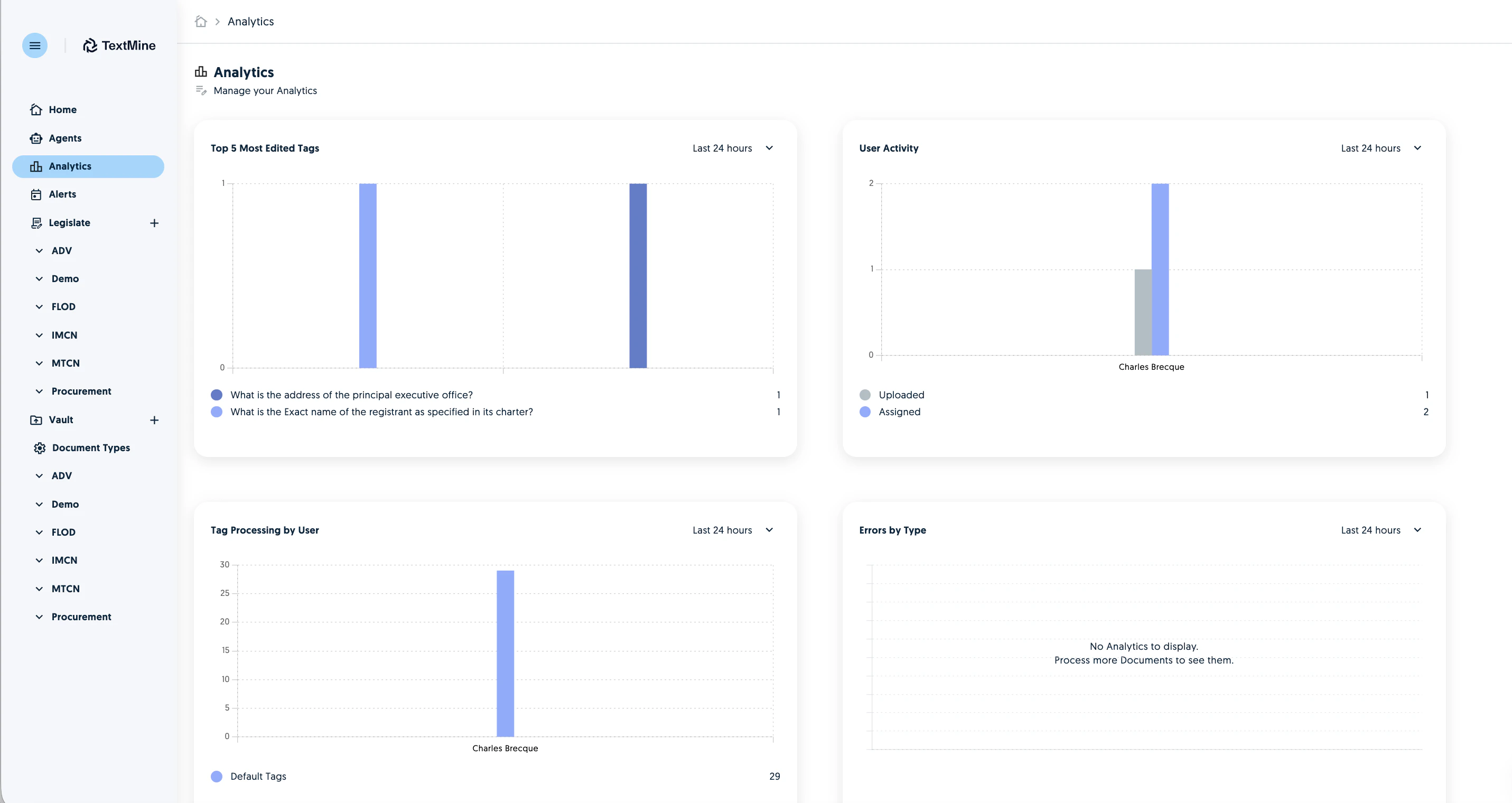
Summary improvements
The summary functionality has been improved to offer more accurate and meaningful results.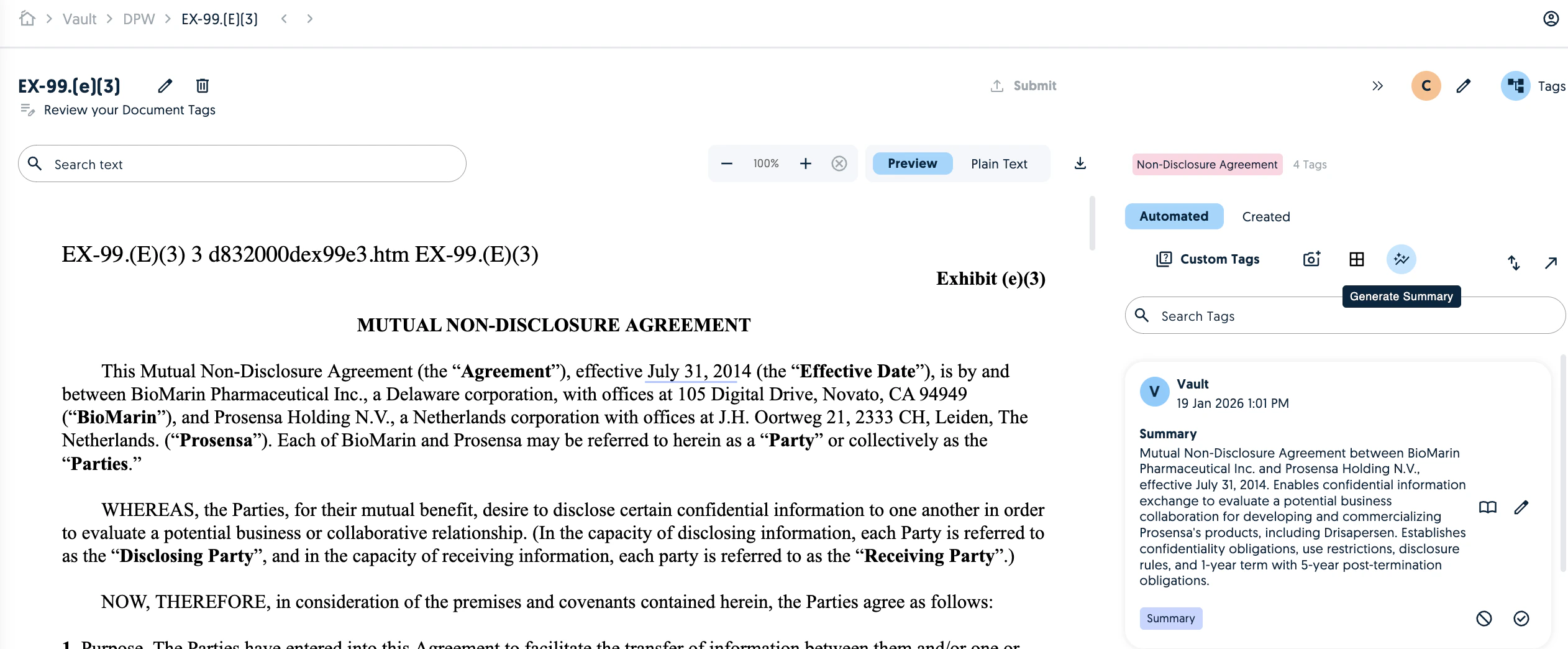
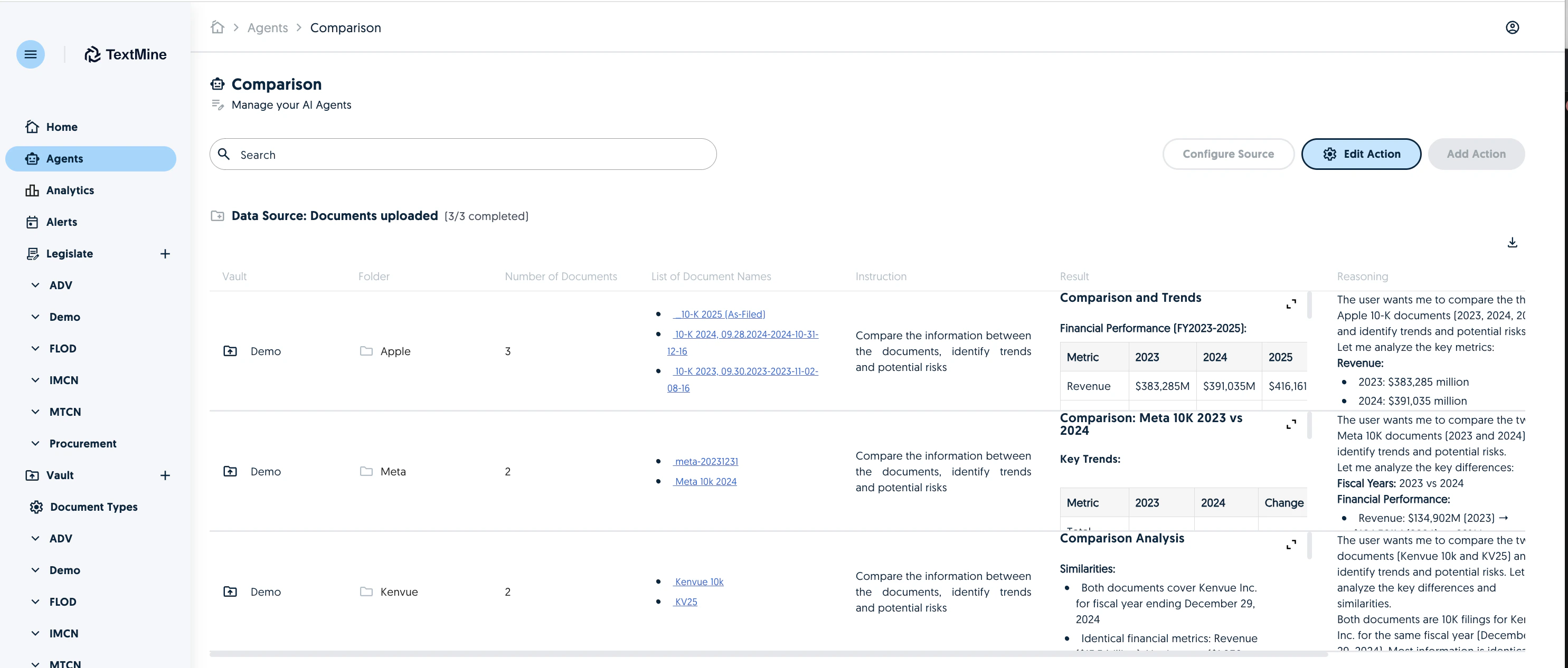
Edit Agent Actions
You can now edit agent actions. Changing the action or instruction will reprocess the agent.