This page was imported from Intercom and may describe older navigation or terminology. Source: https://help.textmine.com/en/articles/11183590-2-may-2025
Organisations
We have released a new admin portal which allows enterprise administrators to configure granular user access controls based on specific roles. Once TextMine has created an organisation for your company, an admin user will be created and shared with your company’s IT administrator. The IT administrator will then be able to define the roles and business units of the organisation. Members of your company can then be added to the organisation in TextMine via an active directory.Members
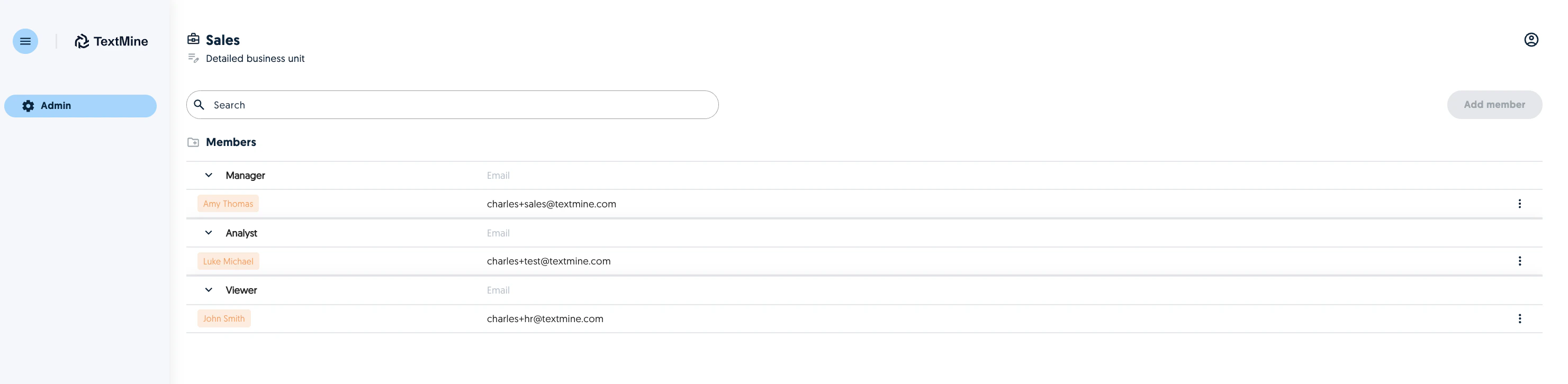
An admin can view the members of the organisation as well their roles and which business units they are part of. Members can be added to an organisation via an active directory.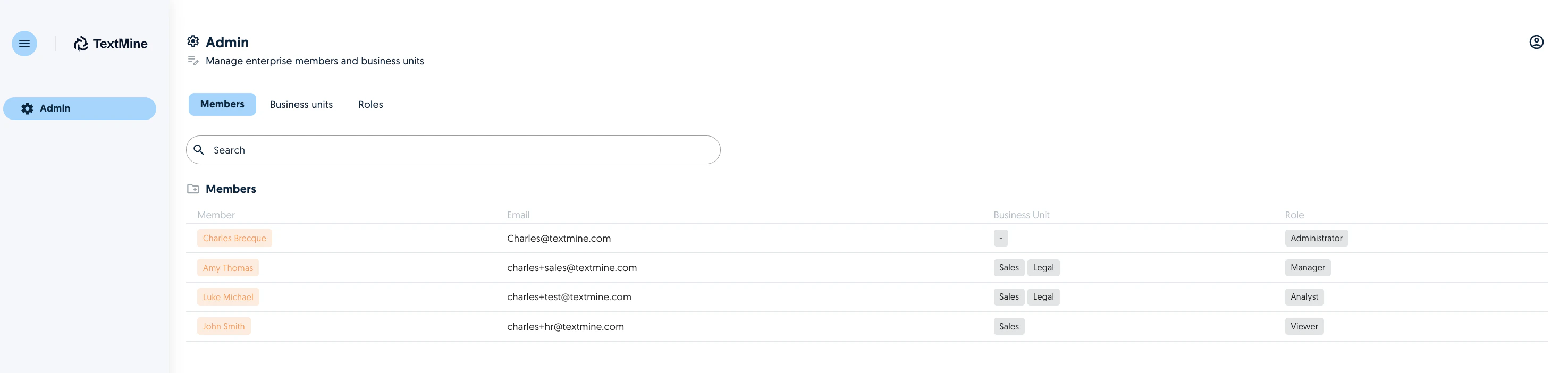
Business Units
An admin can create as many business units as required. A business unit is the equivalent to a team in Vault/Legislate.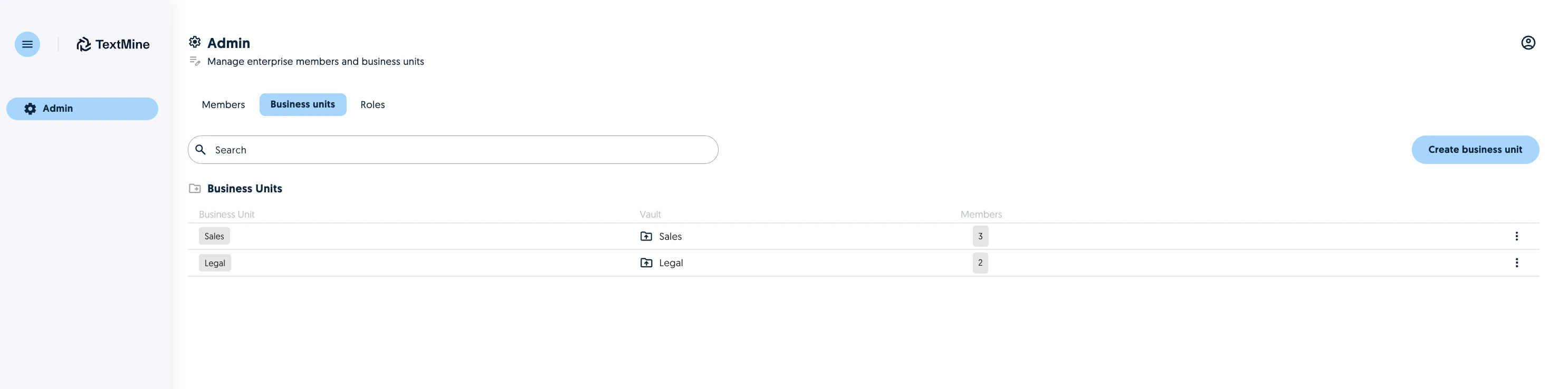
Roles
Admins can create as many roles as required depending on the needs and permissions of their organisation. For each role, the admin can configure the permitted read and write operations of that role throughout the TextMine application.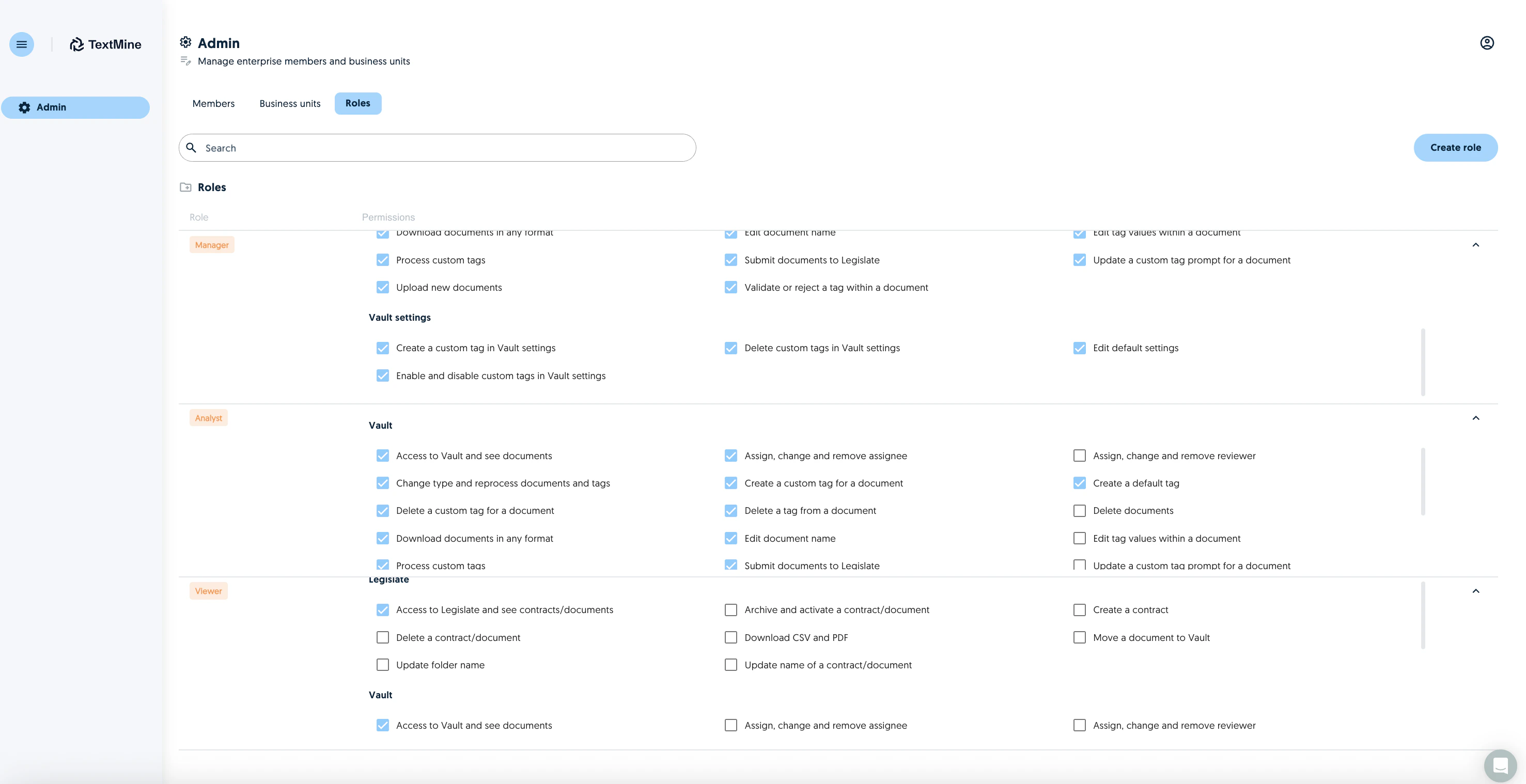
Access roles in practice
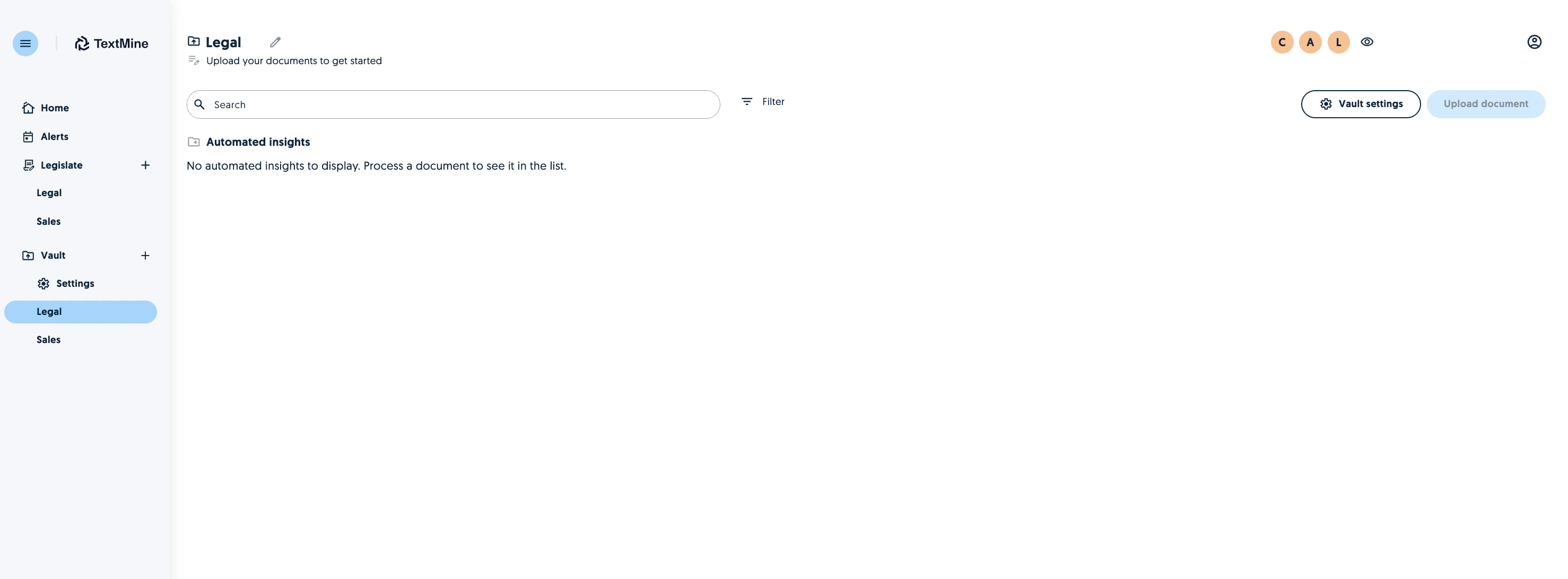
Most of the user experience will remain the same for organisation members. However, when logged in, an organisation member will only see the business units they have access to. Functionality within the application will be enabled or disabled depending on their role.