This page was imported from Intercom and may describe older navigation or terminology. Source: https://help.textmine.com/en/articles/10657329-26-feb-2025
Editing on the preview
You can now correct tags by highlighting the answer in the pdf preview. After selecting and confirming the answer, you can make additional edits in the Vault card.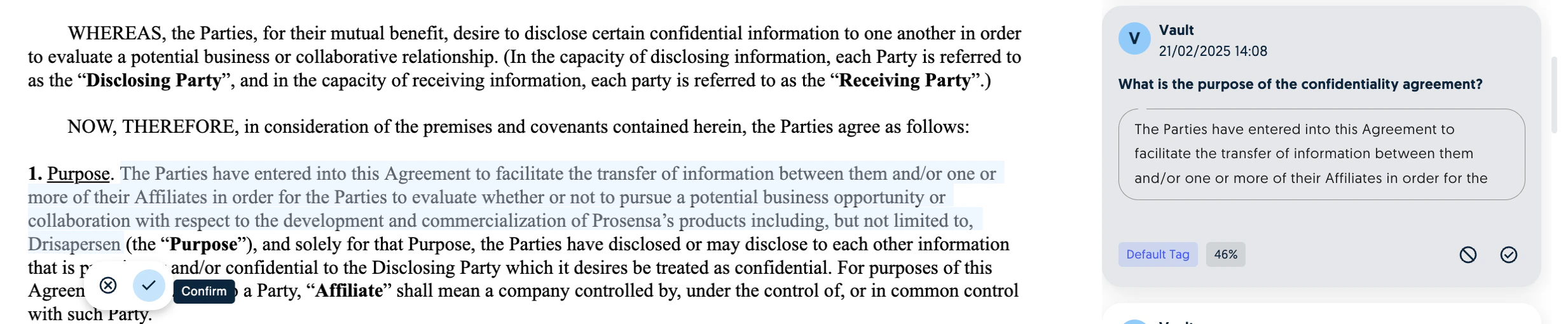
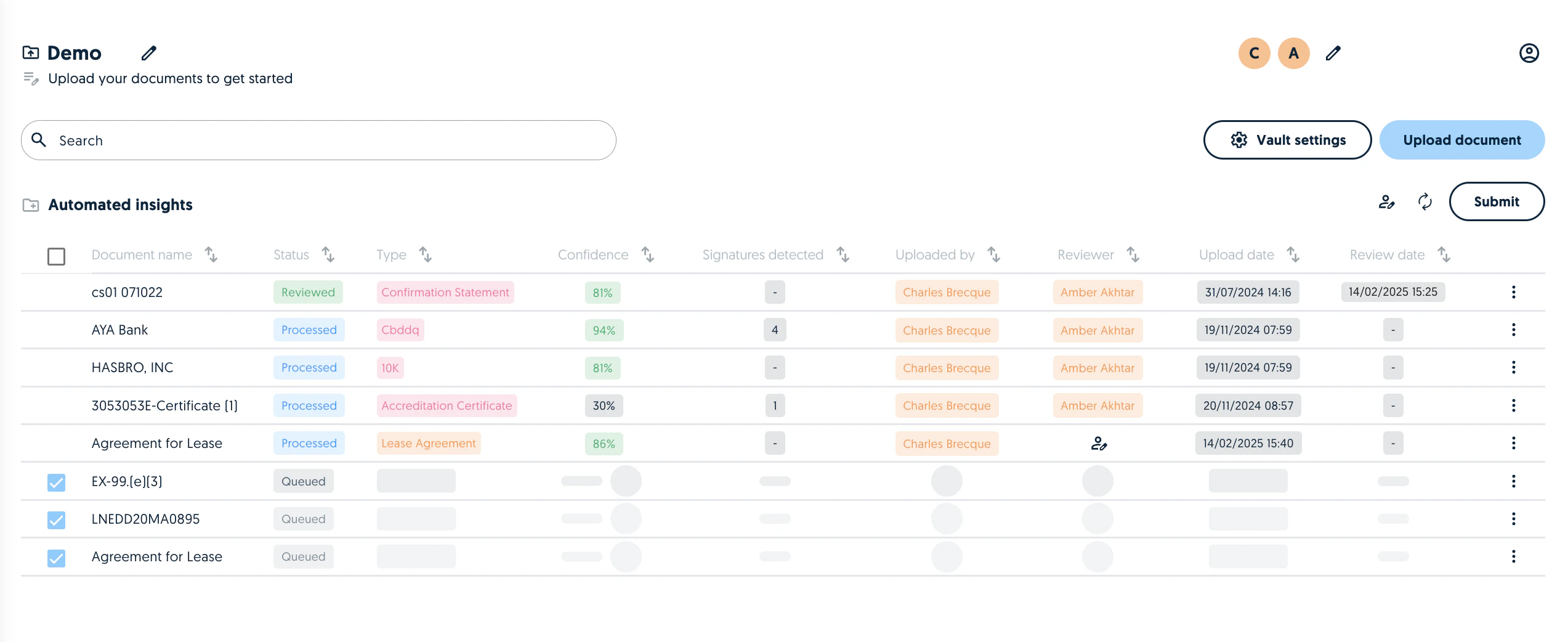
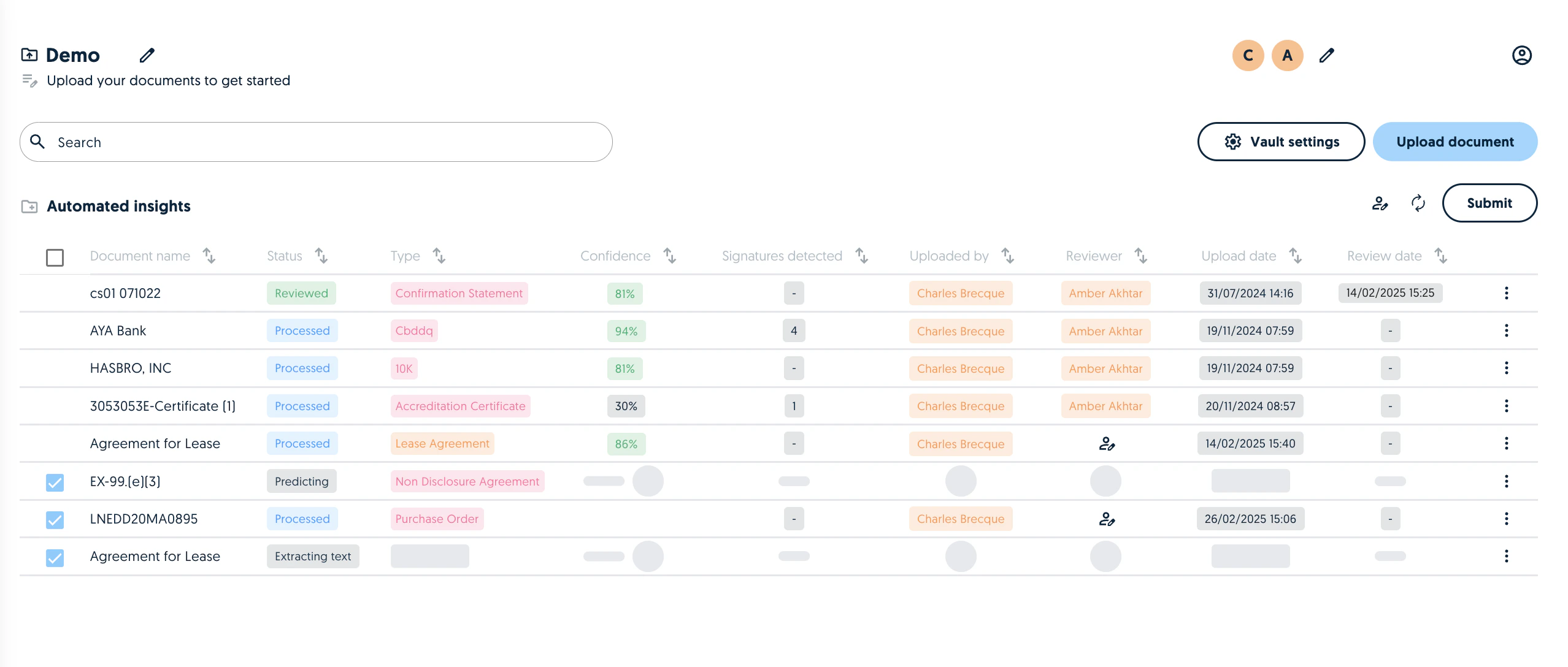
Improved queues
We now provide more information on the individual status of a document during the Vault processing. This update is particularly useful when uploading documents in bulk.