This page was imported from Intercom and may describe older navigation or terminology. Source: https://help.textmine.com/en/articles/15264338-26-may-2026
We’re introducing a new set of AI-powered tools designed to help teams move from documents to action more quickly: Workbench, Workflows, Playbooks, and Records.

Workbench

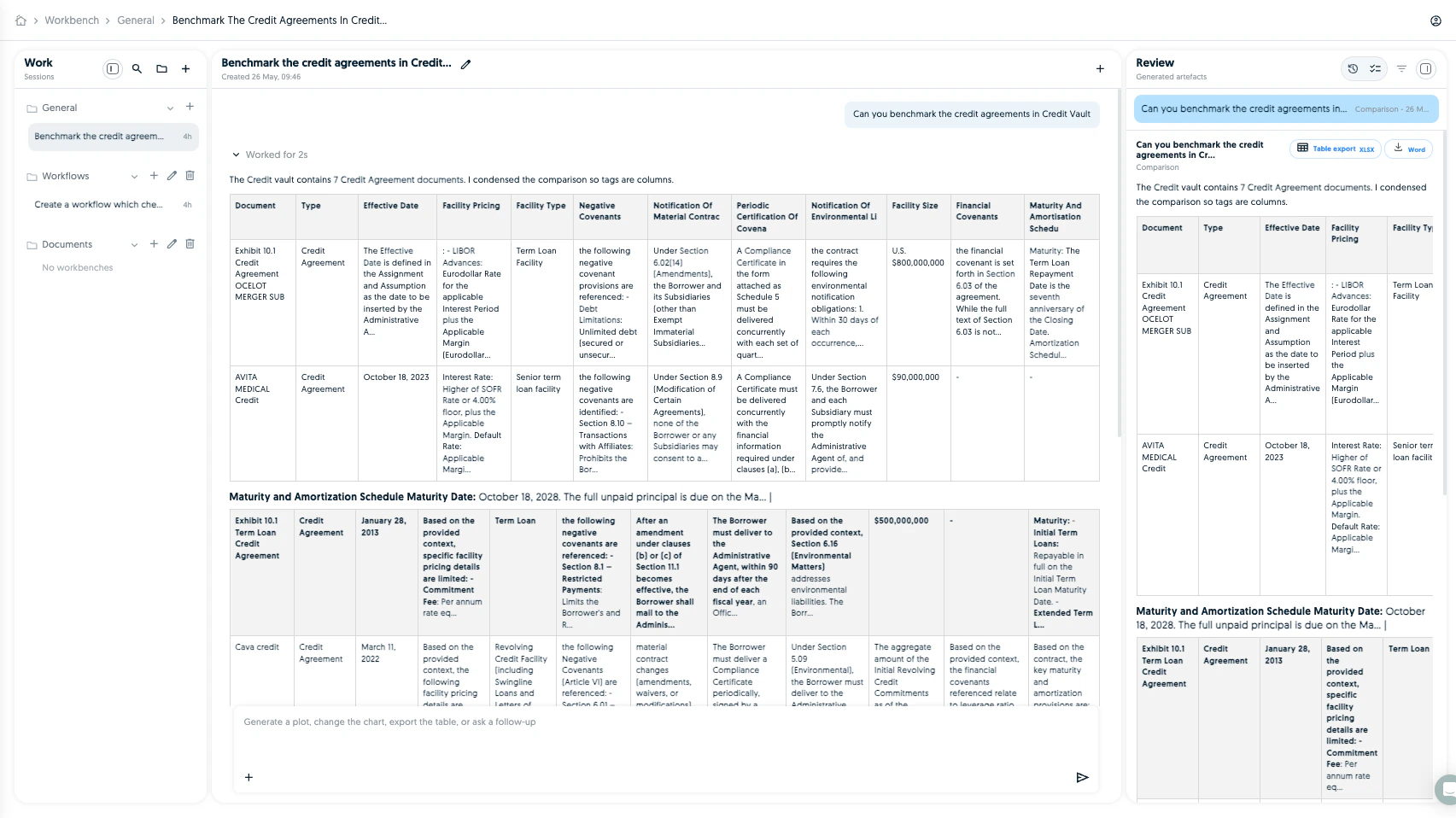
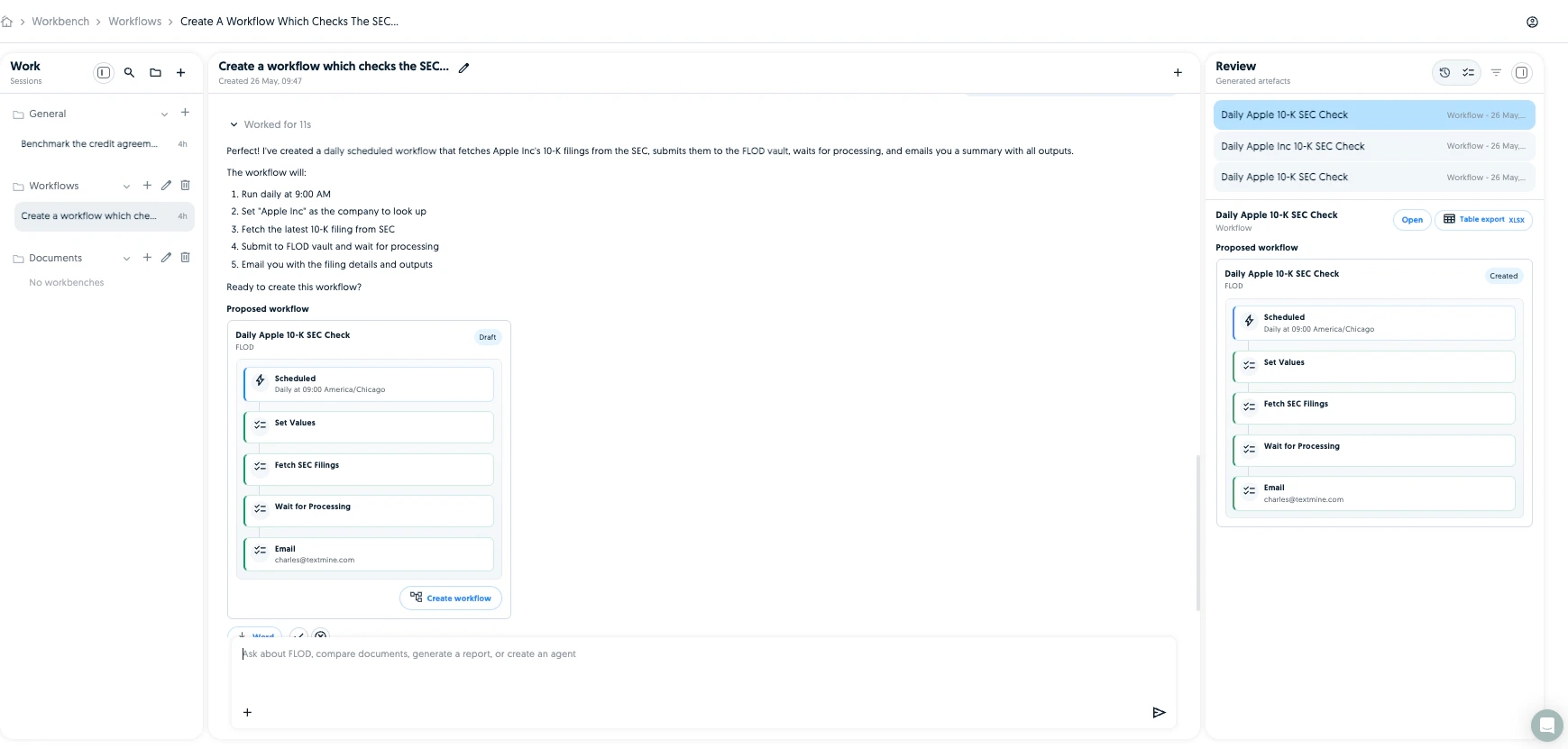
Workbench is a new space for getting work done with AI across your documents, workflows, playbooks, and records. You can ask questions, upload files, create reusable work sessions, review AI-generated outputs, and keep related work organised in folders. Screenshot It is designed to feel like a working area rather than a search box: start with a task, review the output, and turn useful results into next steps. Screenshot Workbench can orchestrate the parts of the platform you have access to. For example, ask it to create a workflow or run an agent on a document.
Workflows

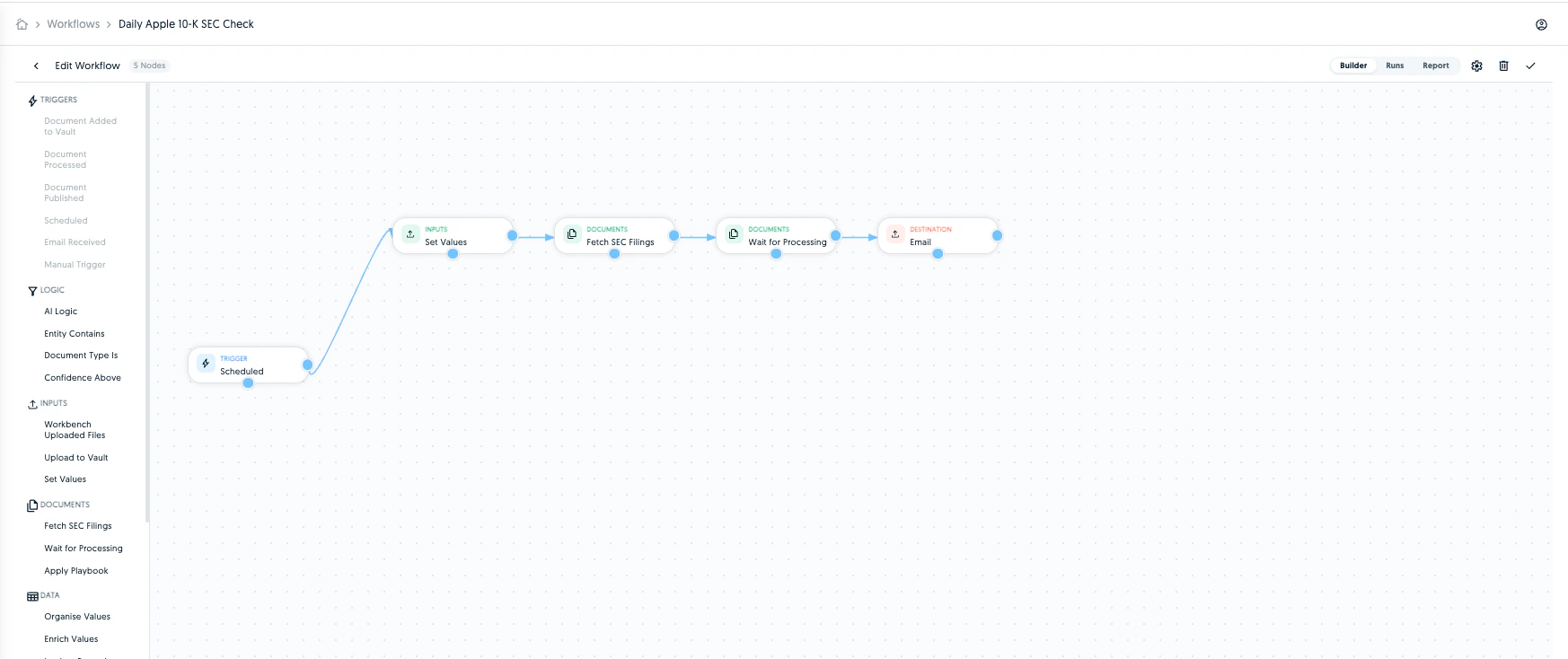
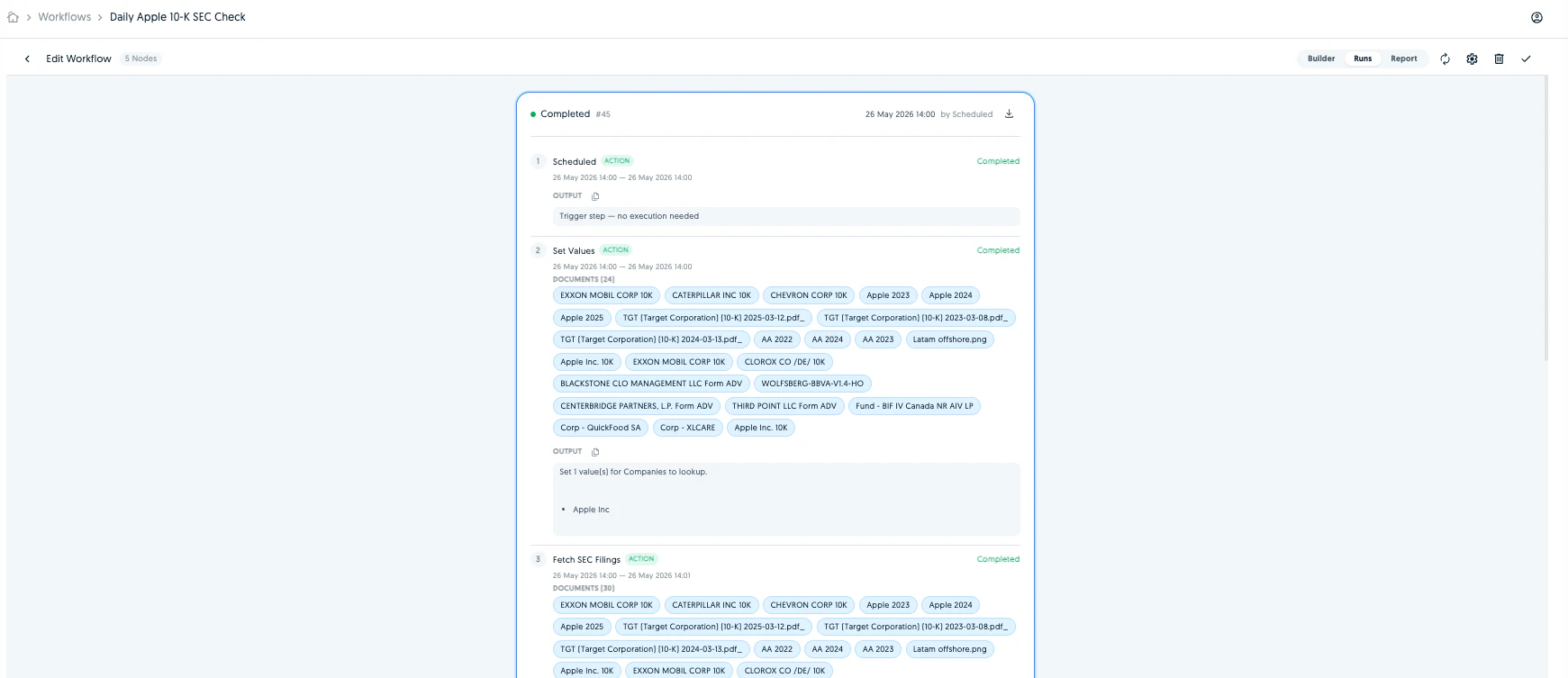
Workflows help teams automate repeatable document processes. A workflow can be run manually, triggered when documents are added or processed, scheduled to run at a set time, or started from an incoming email. Screenshot Teams can use workflows to review documents, apply playbooks, look up or update records, send reports, notify colleagues, and keep track of every run from one place. Screenshot You can create a workflow manually, by using the Ask Workflow functionality or via Workbench.
Playbooks

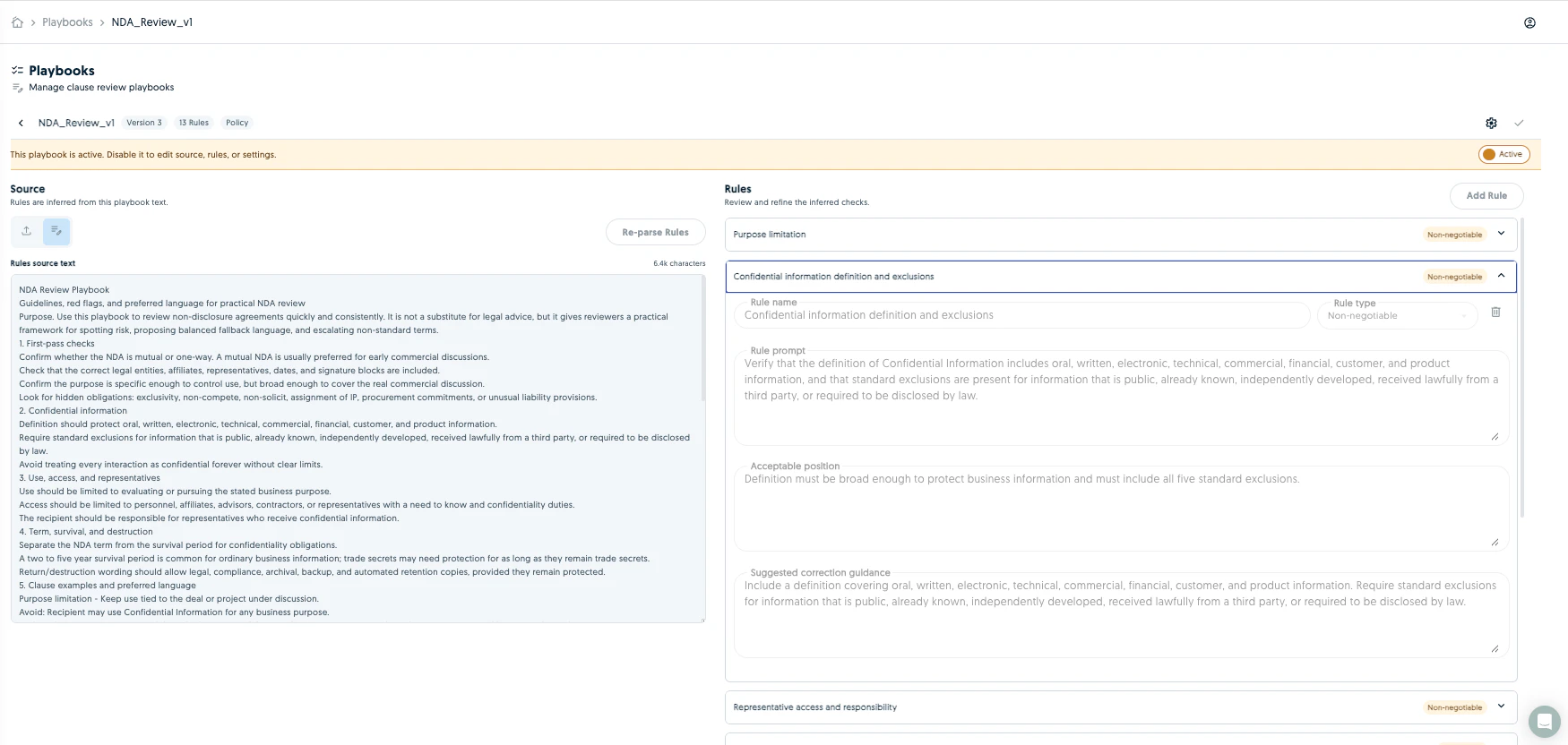
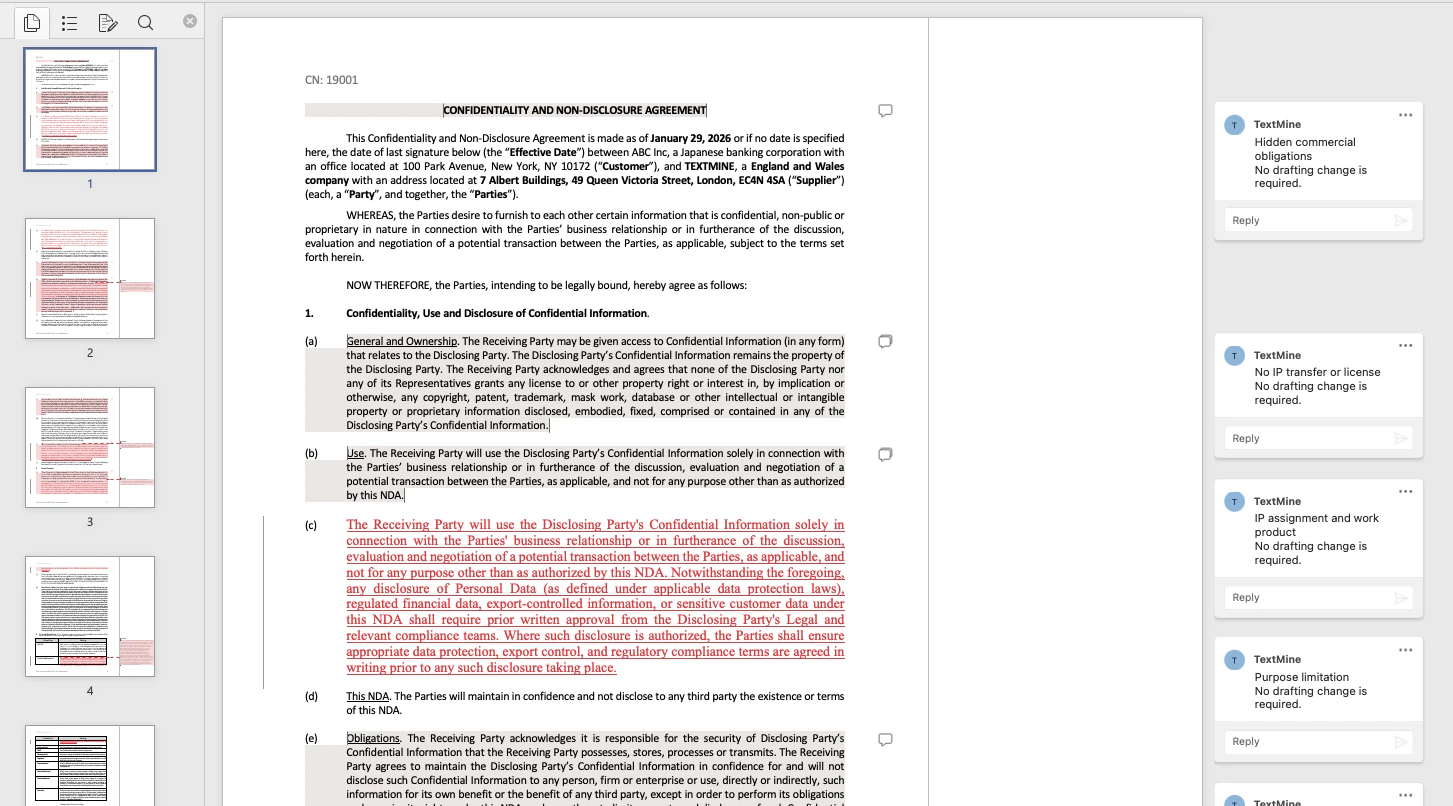
Playbooks let teams turn review policies, checklists, and business rules into reusable document reviews. Create a playbook once, apply it to documents, and review the results consistently across teams and matters. Screenshot Screenshot Playbook runs can be tracked, filtered, and downloaded, including Word outputs where available, making it easier to share findings and keep an audit trail.
Records

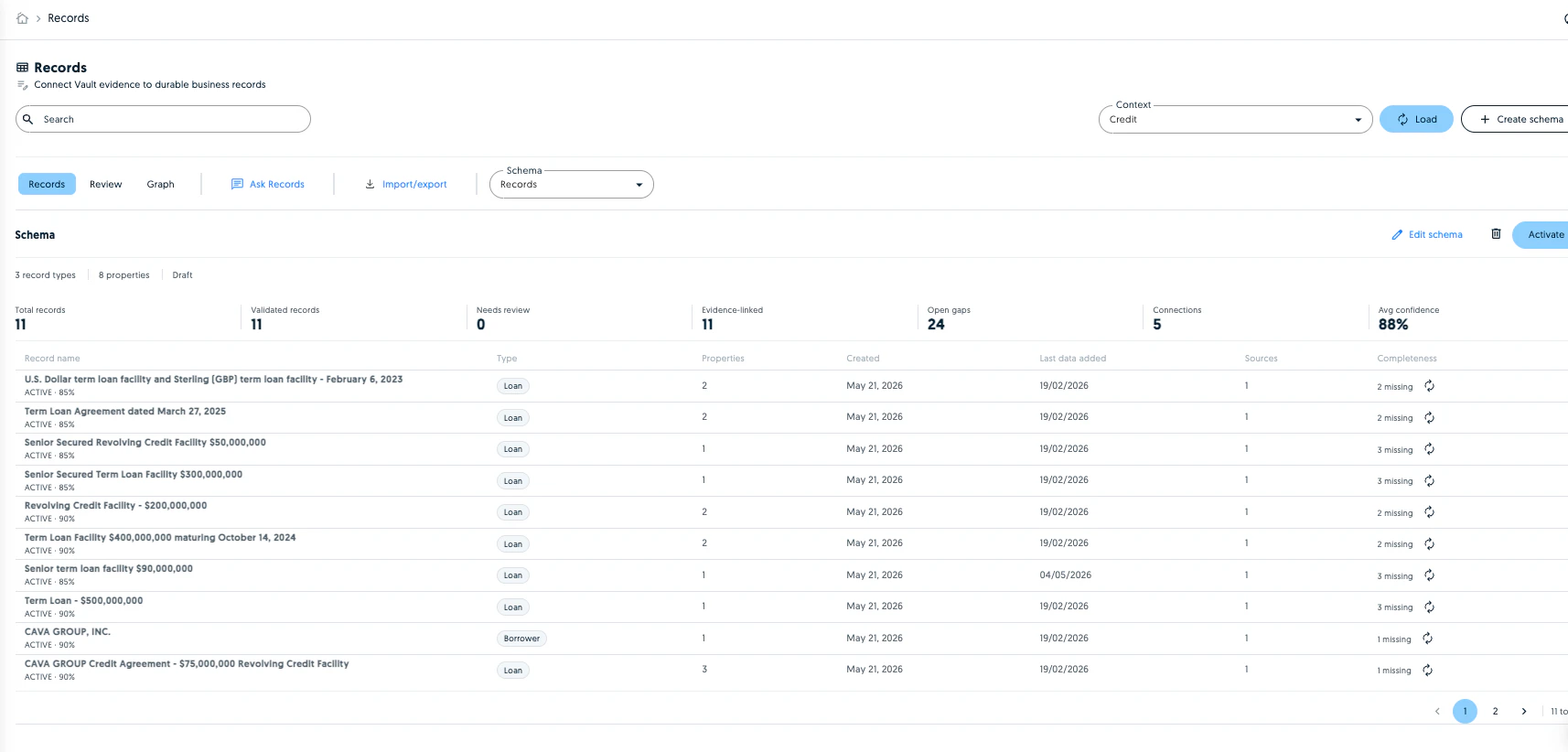
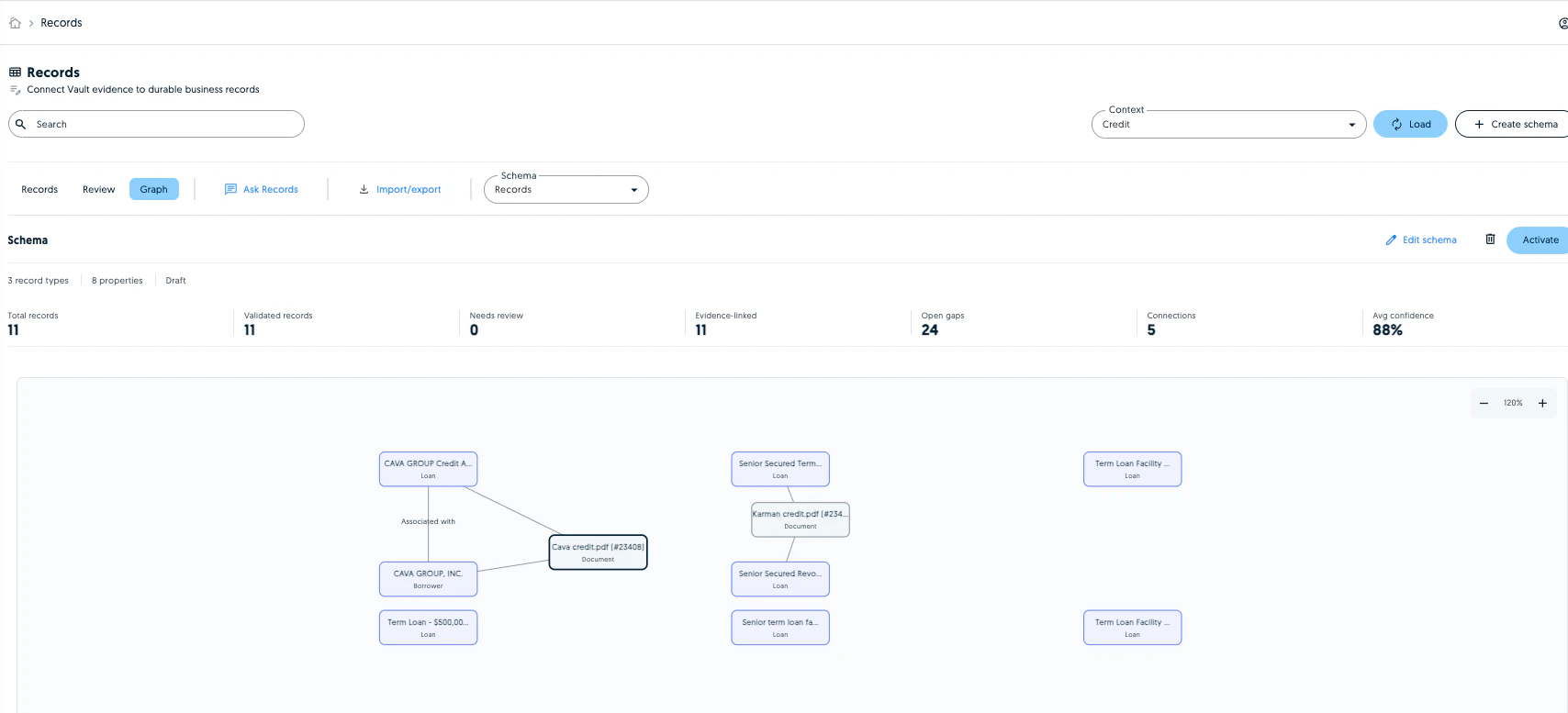
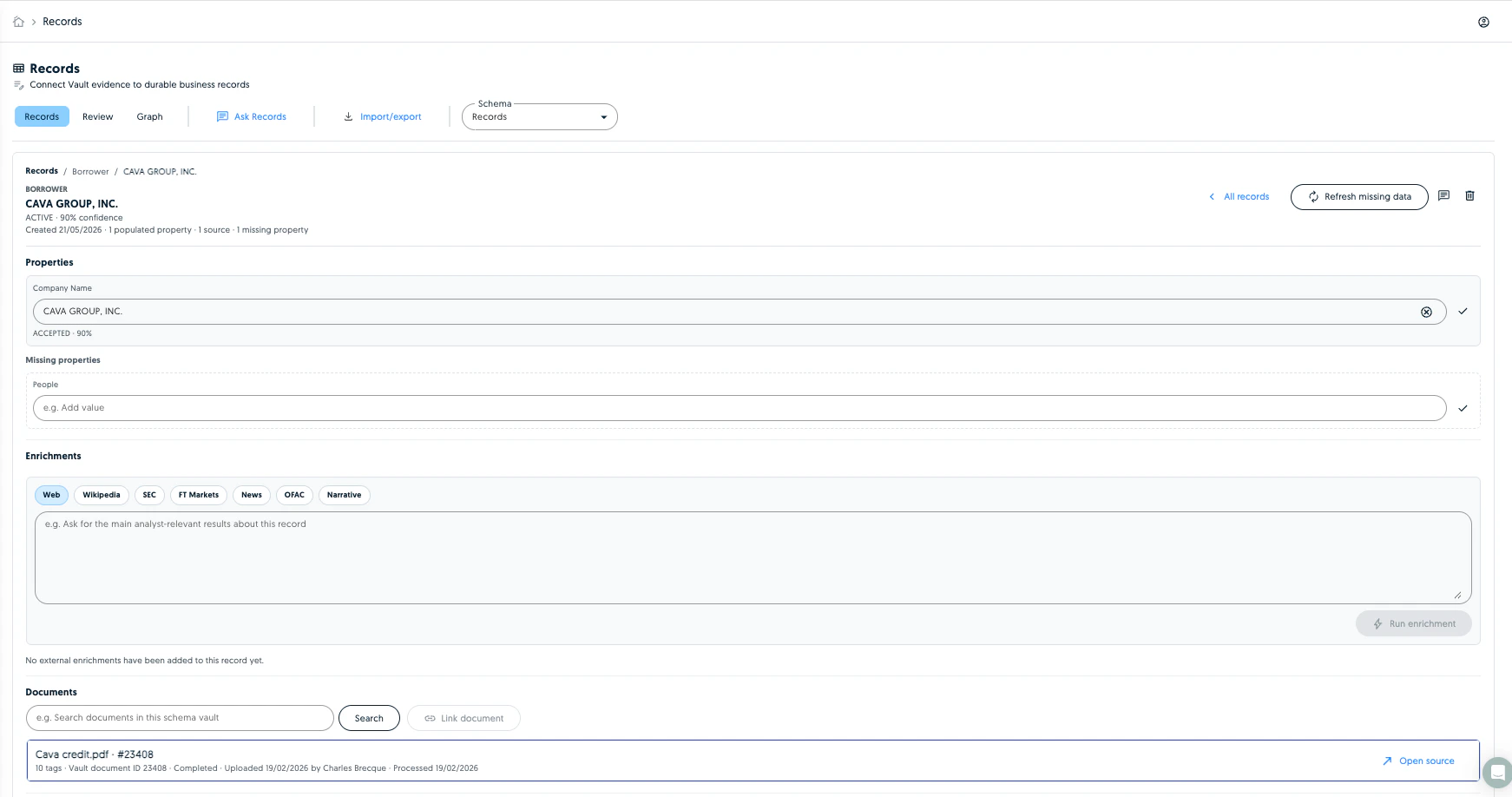
Records create a structured, searchable view of the important business information found in documents. Teams can define the types of records they want to track, such as companies, agreements, people, vendors, or custom business objects. Records can be created from document evidence, reviewed as candidates, searched, imported or exported, and queried through Ask Records. All you need to do is to create a schema for your chosen Vault and records will automatically be suggested from the document tags. Screenshot Screenshot Each record is designed to stay linked back to the underlying evidence so users can understand where information came from. Screenshot Why This Matters Together, these features help teams spend less time manually reviewing documents and more time acting on reliable information. Workbench helps users ask and act, Workflows automate repeatable steps, Playbooks standardise review, and Records turn document knowledge into durable business data.