This page was imported from Intercom and may describe older navigation or terminology. Source: https://help.textmine.com/en/articles/10492265-30-january-2025
TextMine has released the following new functionality:
Order Vault tags
Customise the extraction pipeline
Reprocess documents

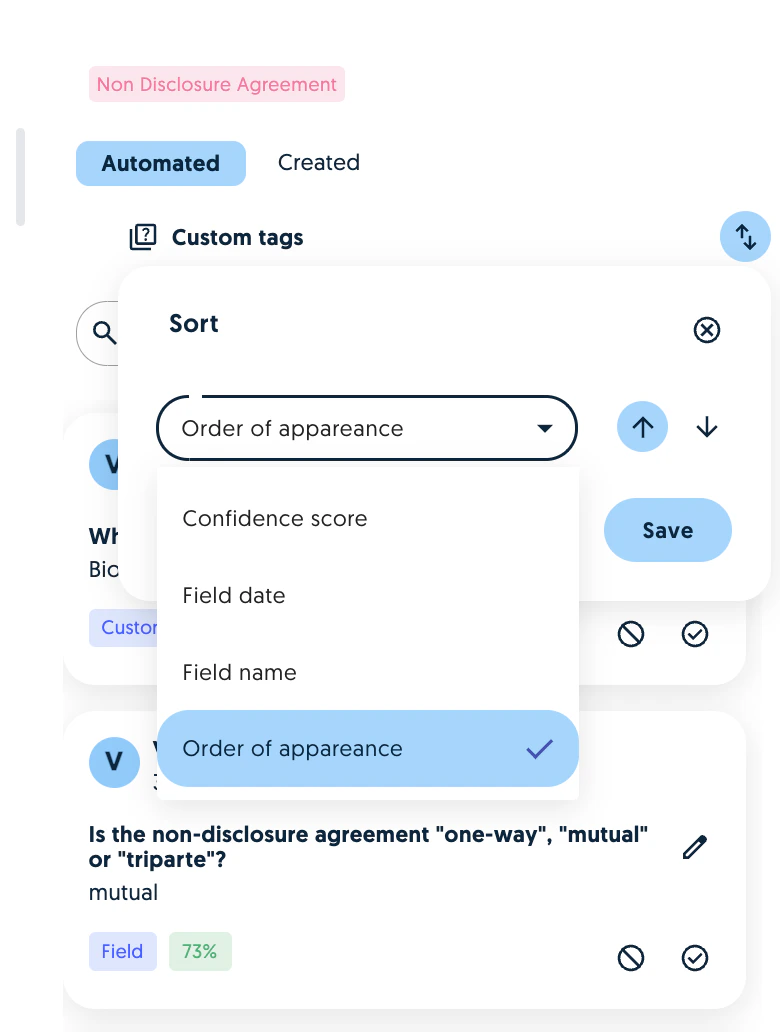
Vault tag ordering

When reviewing tags, it is now possible to sort them by date, name and confidence score: Screenshot
Extraction customisation

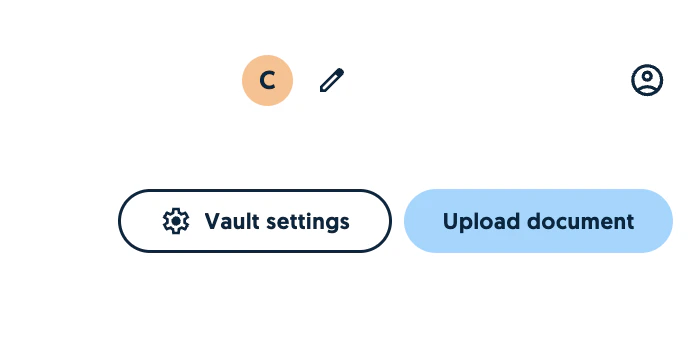
When using Vault, you can now select which parts of the pipeline will be used as part of the extraction. For example, you can enable or disable:
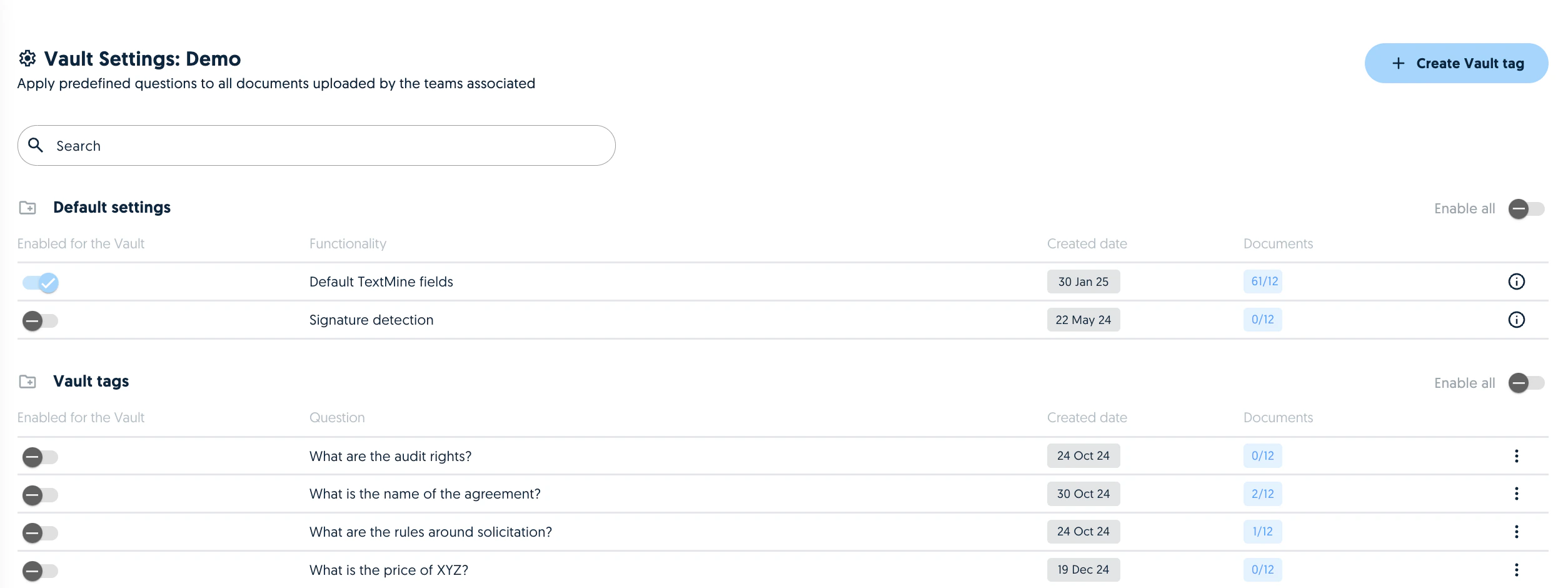
TextMine default fields
Signature detection
Vault tags Screenshot Screenshot Please note that the signature detection can slow down the analysis.

Reprocess documents

Documents can be re-analysed by Vault by selecting the document and clicking on the reprocess icon. Screenshot Reprocessing a document will apply the settings of the Vault. For example, if signature detection was disabled in the first analysis, it will be applied in the reprocessing if it is enabled in the team. Warning: reprocessing a document will override the fields which have previously been generated and reviewed.