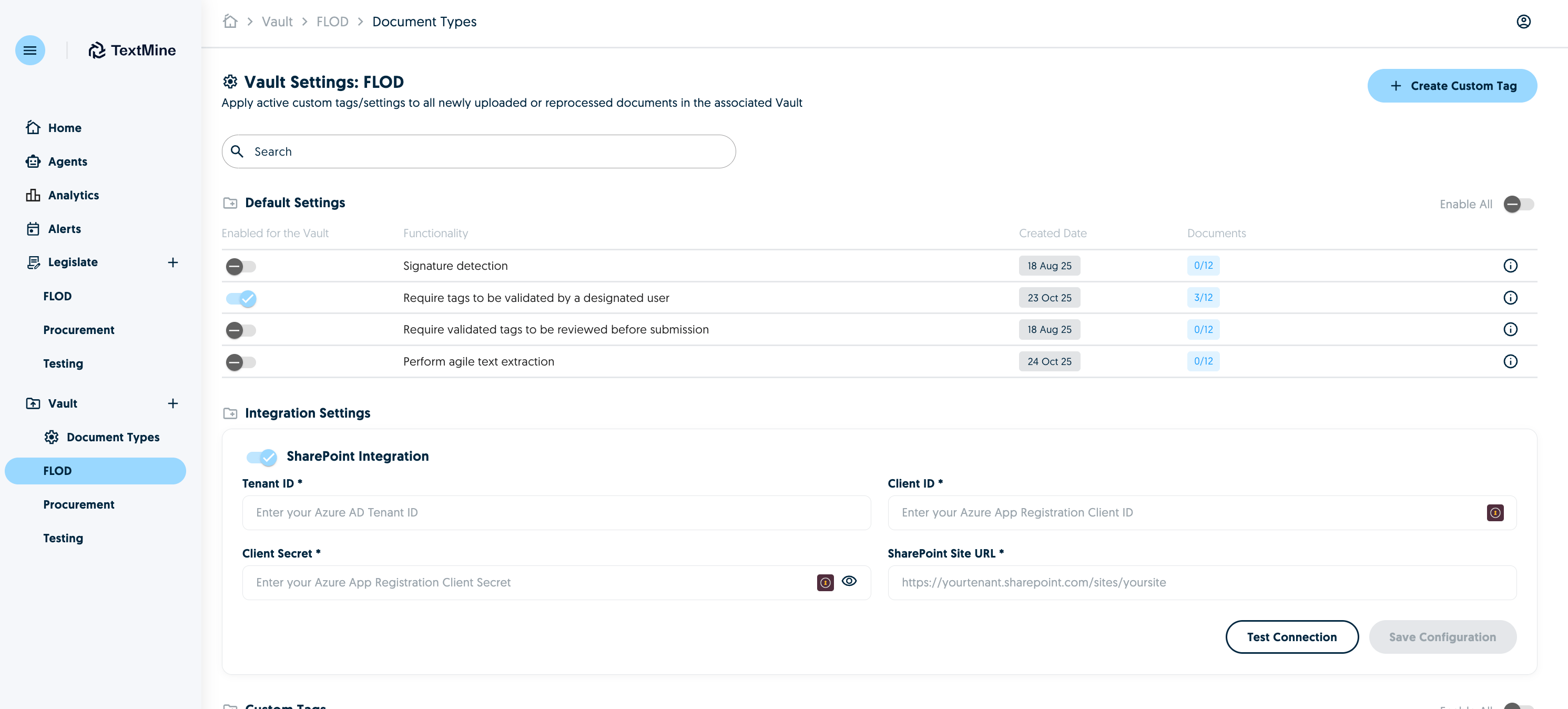
It is now possible to import files natively from Sharepoint. To do this you will need the following information about your Sharepoint from your Sharepoint/Azure administrator:
Client ID
Tenant ID
Client Secret
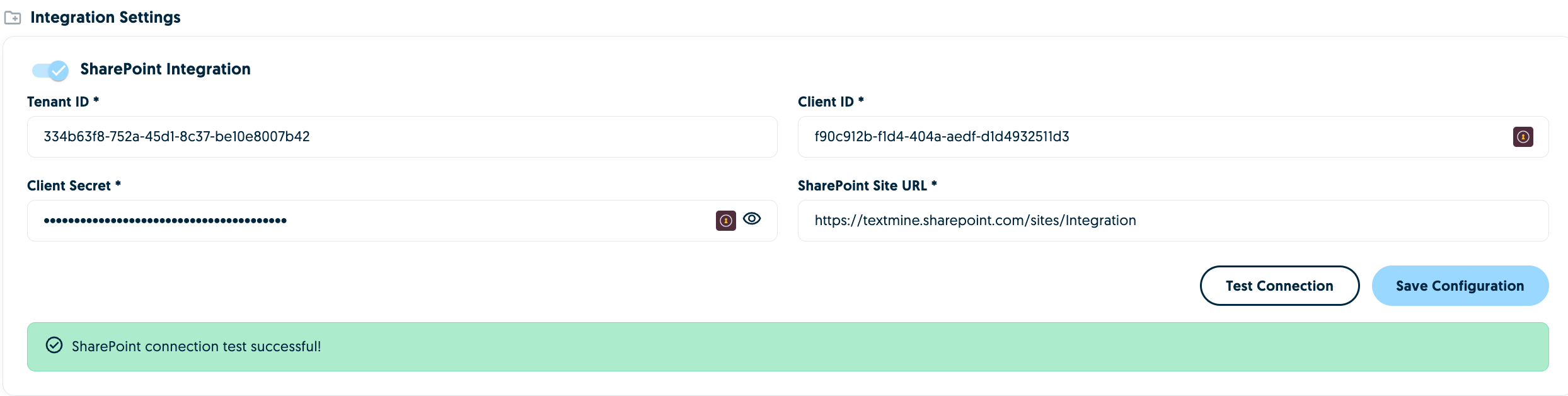
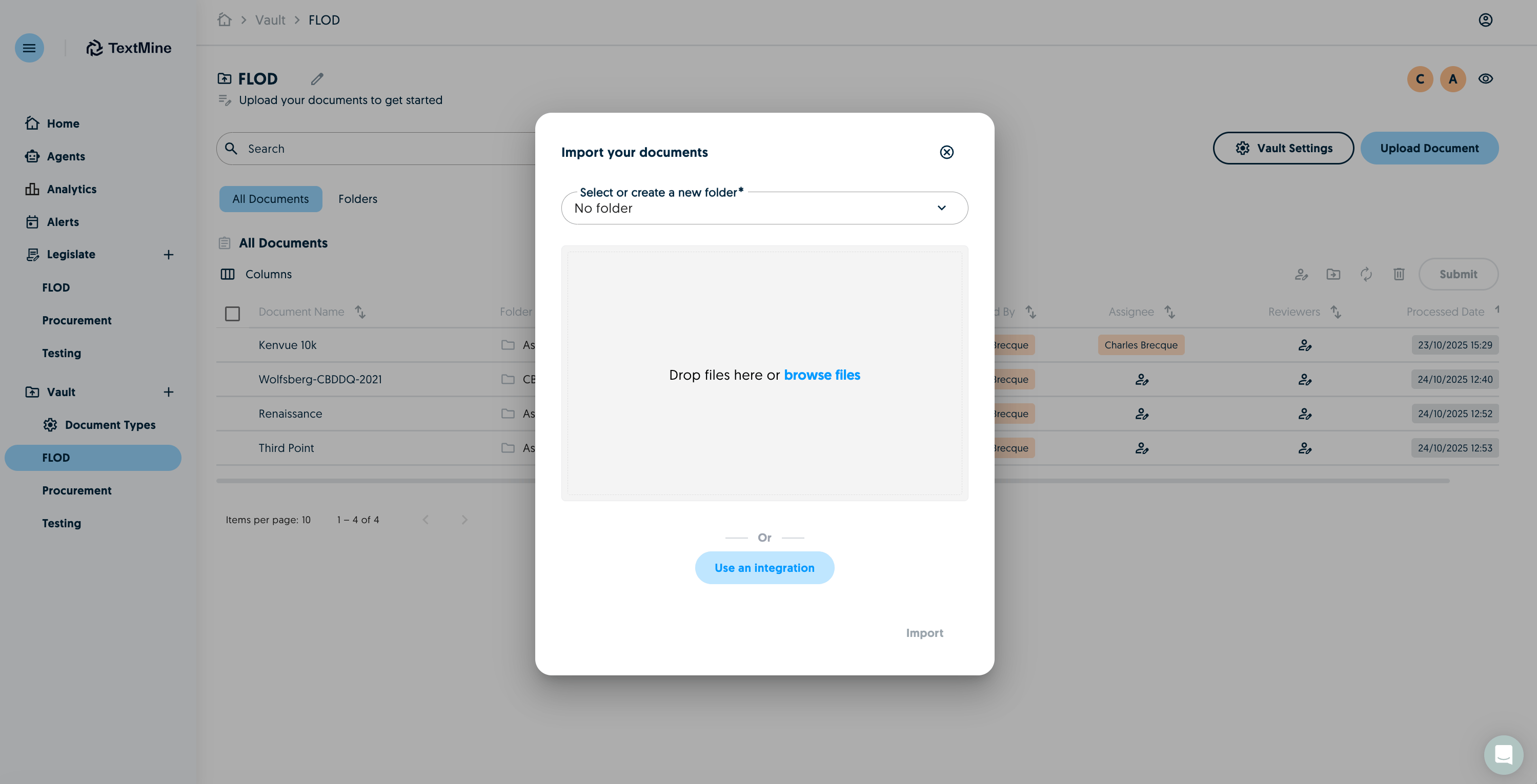
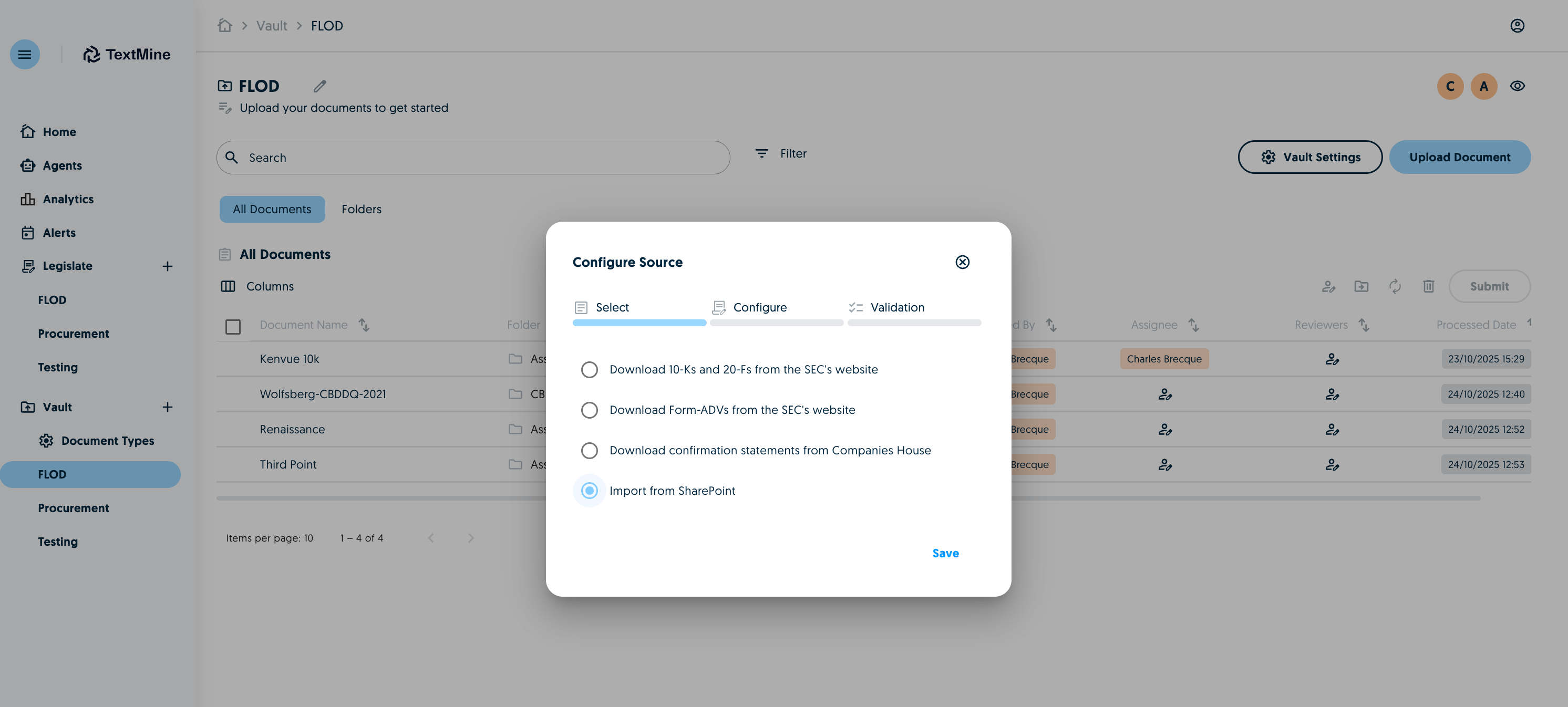
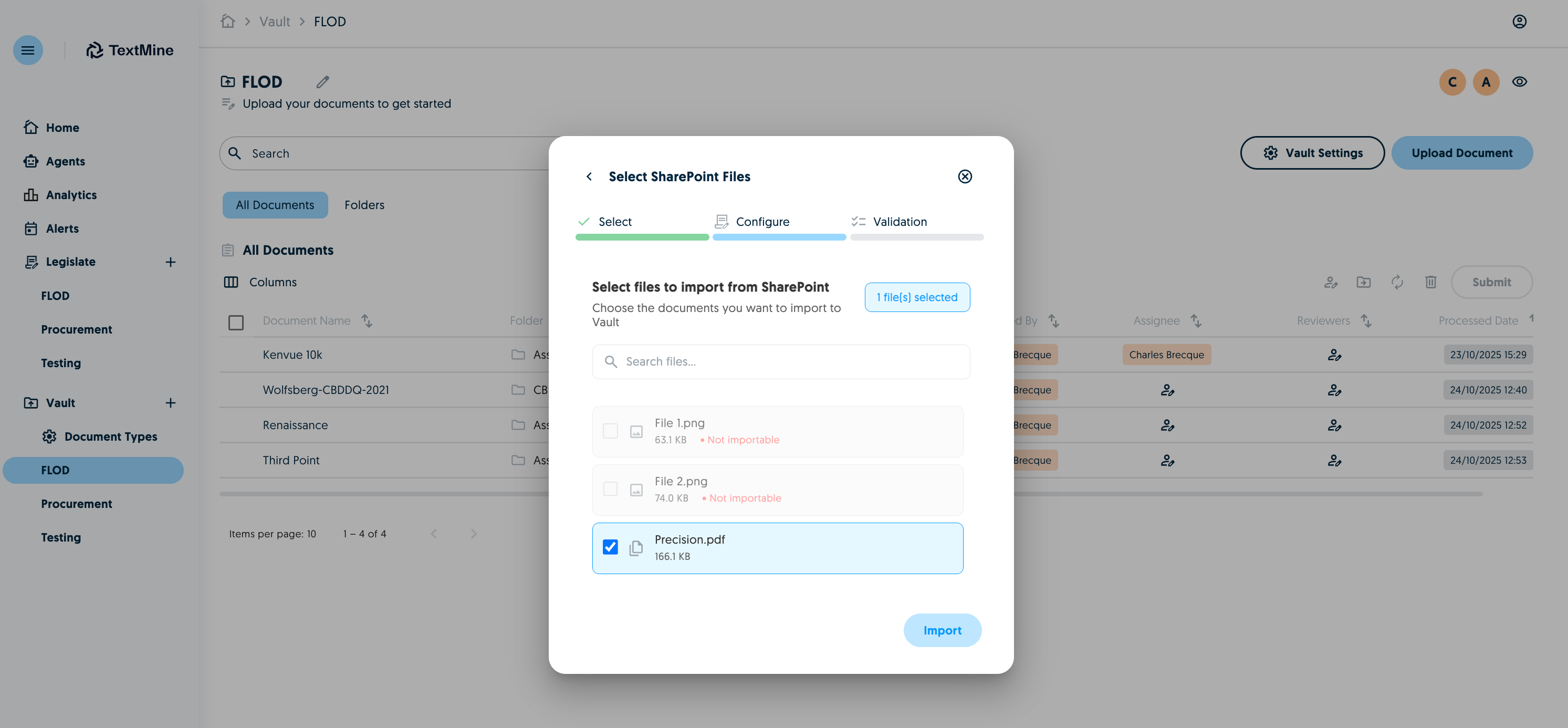
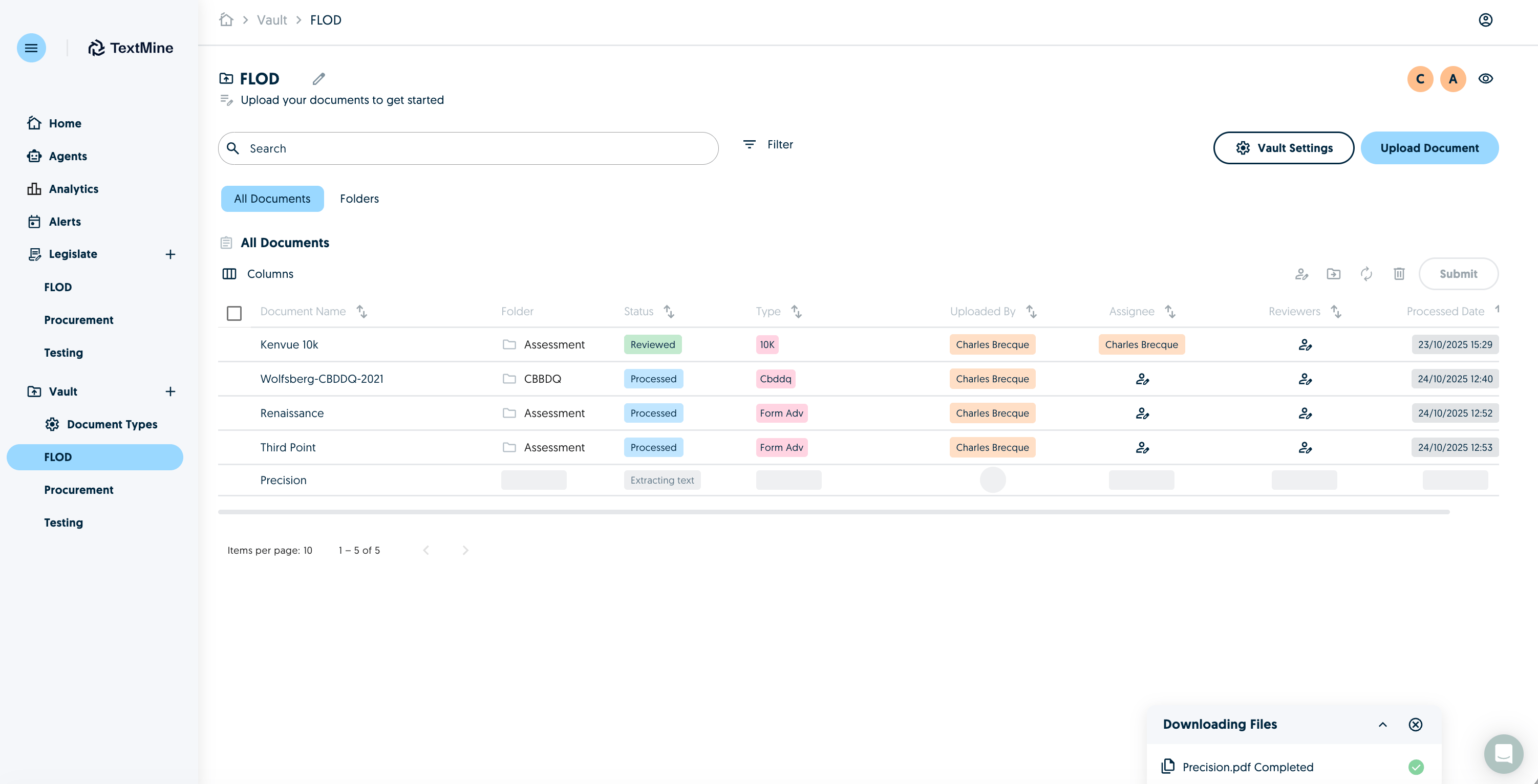
Site URLYou can save this details in the Vault Settings of the Vault you would like to connect to TextMine:Test and then save the configuration.This will then link the Sharepoint with this Vault meaning you’ll be able to import files from Sharepoint into this Vault.To do this, click upload document and select use an integration.The Sharepoint option will appear if the settings have been configured.Select which documents you would like to import:Documents will then be imported into the Vault and go through the usual extraction process.