This page was imported from Intercom and may describe older navigation or terminology. Source: https://help.textmine.com/en/articles/13940819-5-march-2025
Document type improvements
Edit Default Tags
You can now edit default tags by clicking on the 3 dots next to the default tag in document type settings. You can edit both the question and nature of the tag.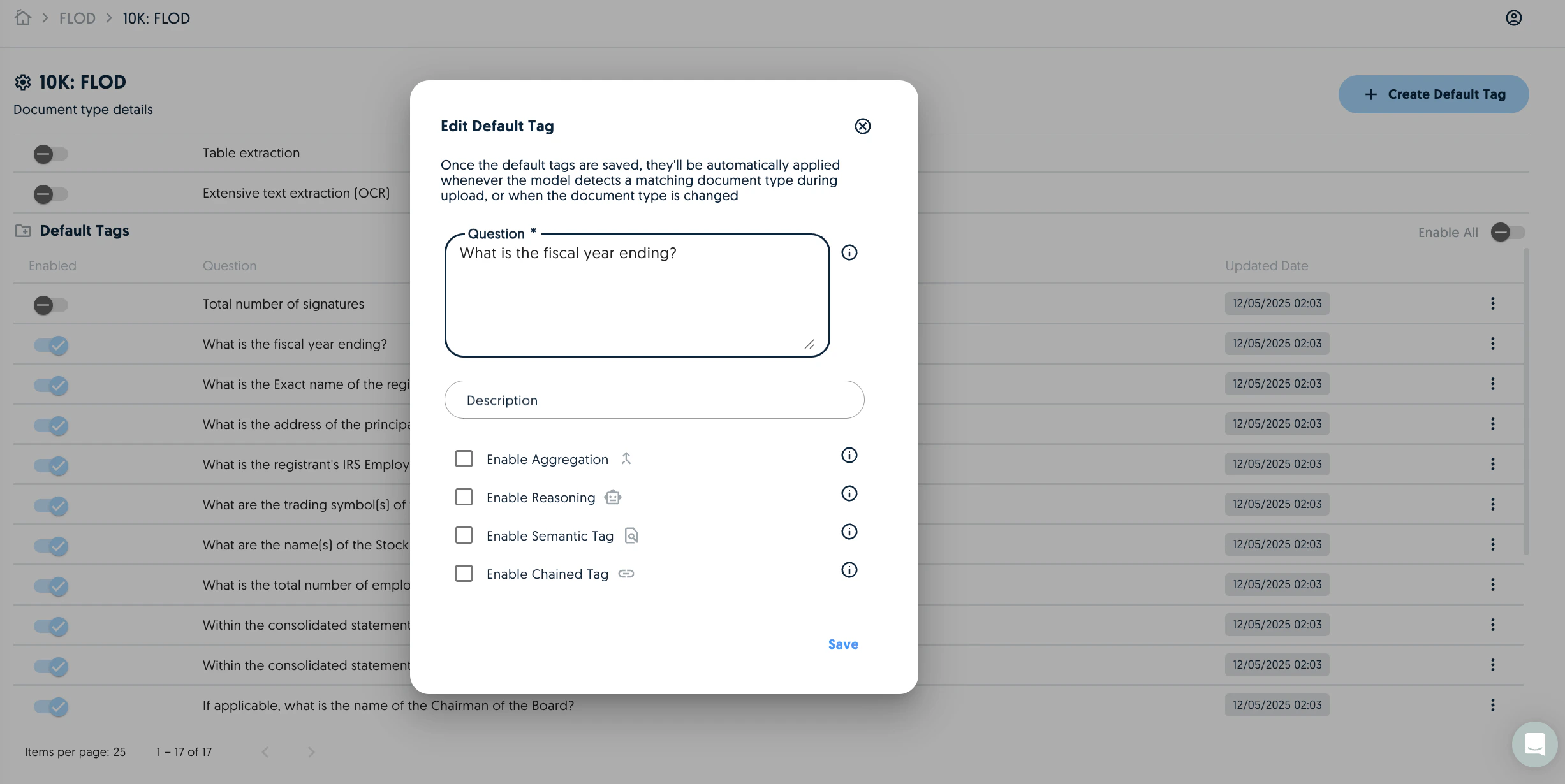
Embedded Table Extraction
You can now control whether you would like table extraction to happen for a specific document type. Previously you could only control this at the vault level.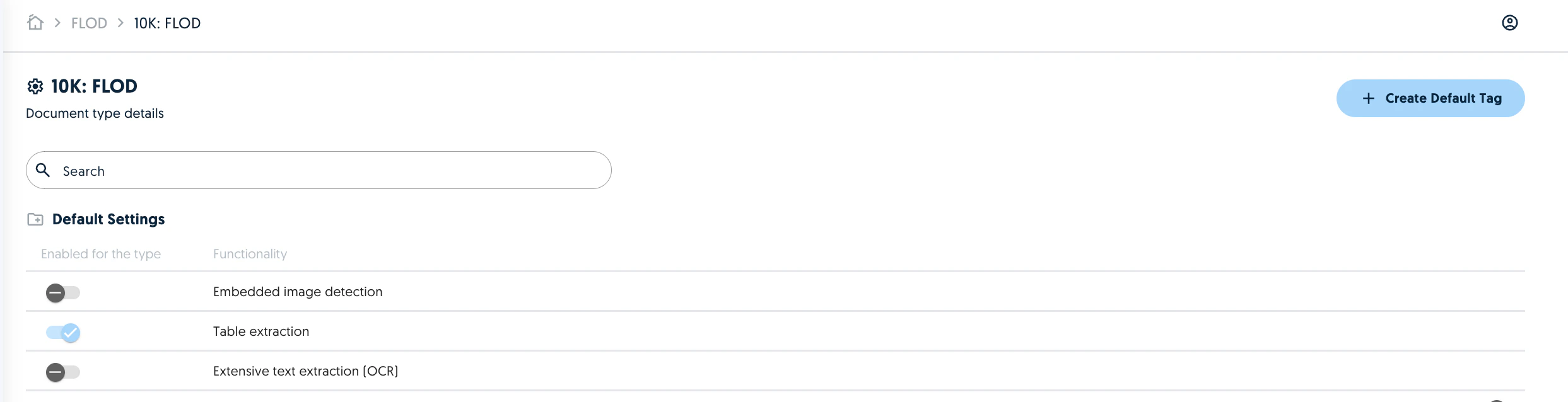
Text extraction granularity
Previously you could only control the use of fast or slow text extraction at the vault level. You can now control whether you would like the text extraction to use more computationally intensive (and slower) text extraction techniques at a document type level. This is useful for prioritising the heavy extraction techniques for document types with known quality issues (e.g. scans) without compromising the processing speed for other document types which don’t require the heavy extraction.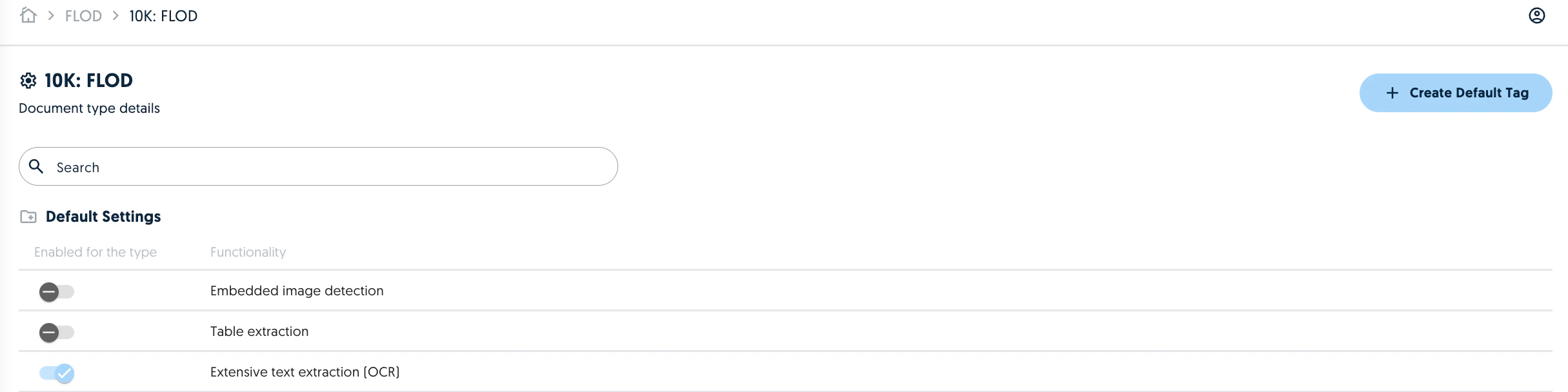
Instruction Analysis
When creating a report, you can now enable an instruction analysis to determine whether the existing tags are sufficient to perform the request. If there are missing tags Vault will generate and process the missing tags to provide a more complete report. The new tags will appear in the Vault documents.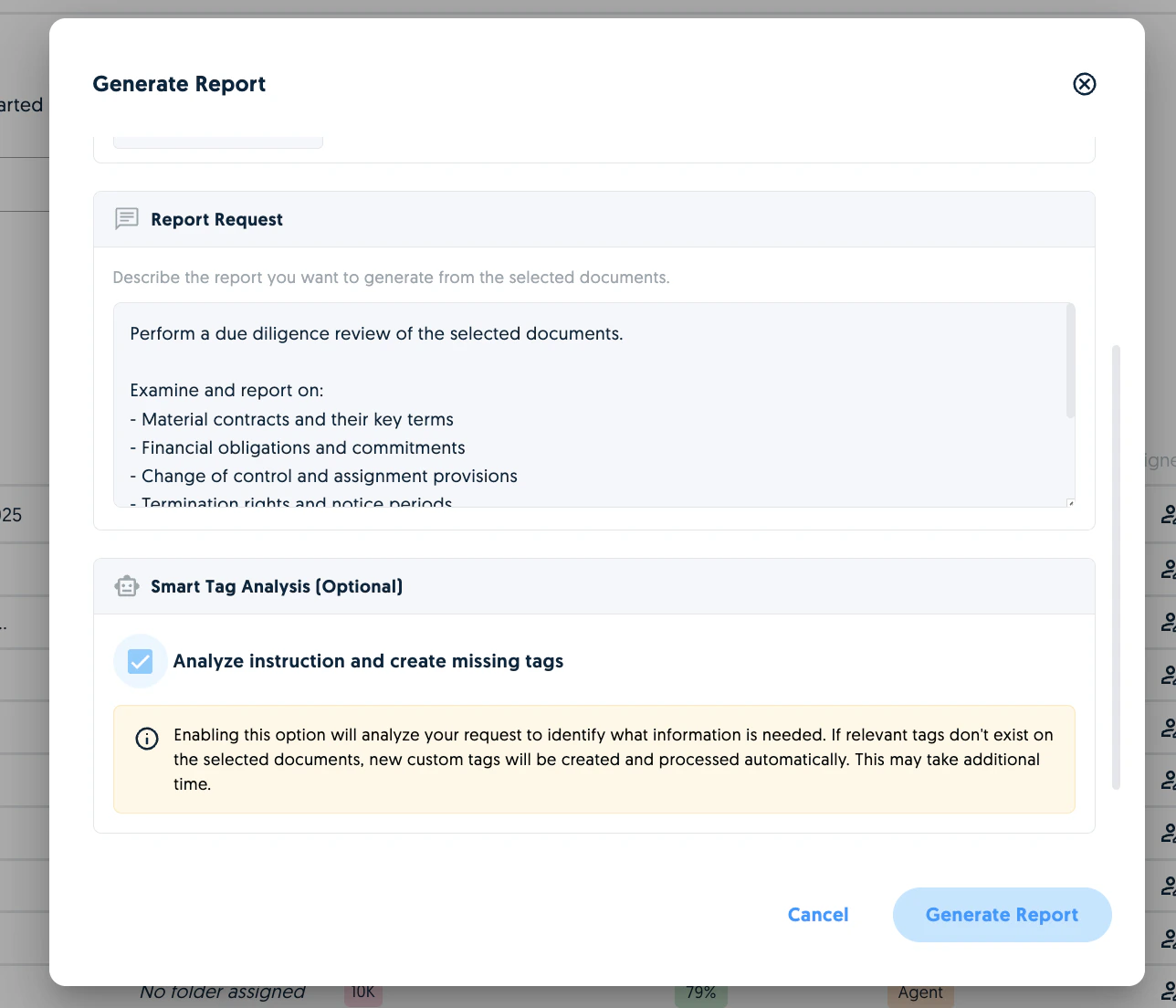
Simplified Agent Configuration
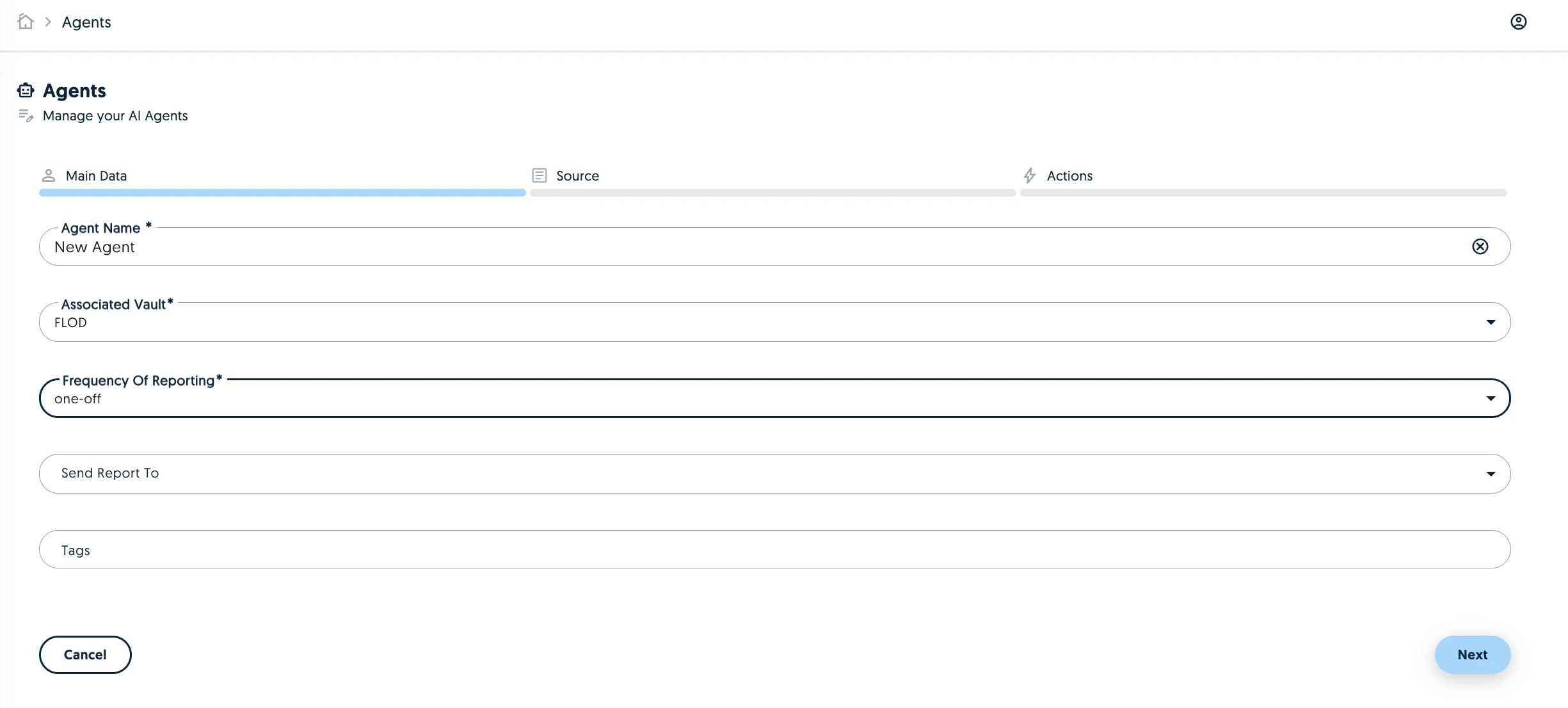
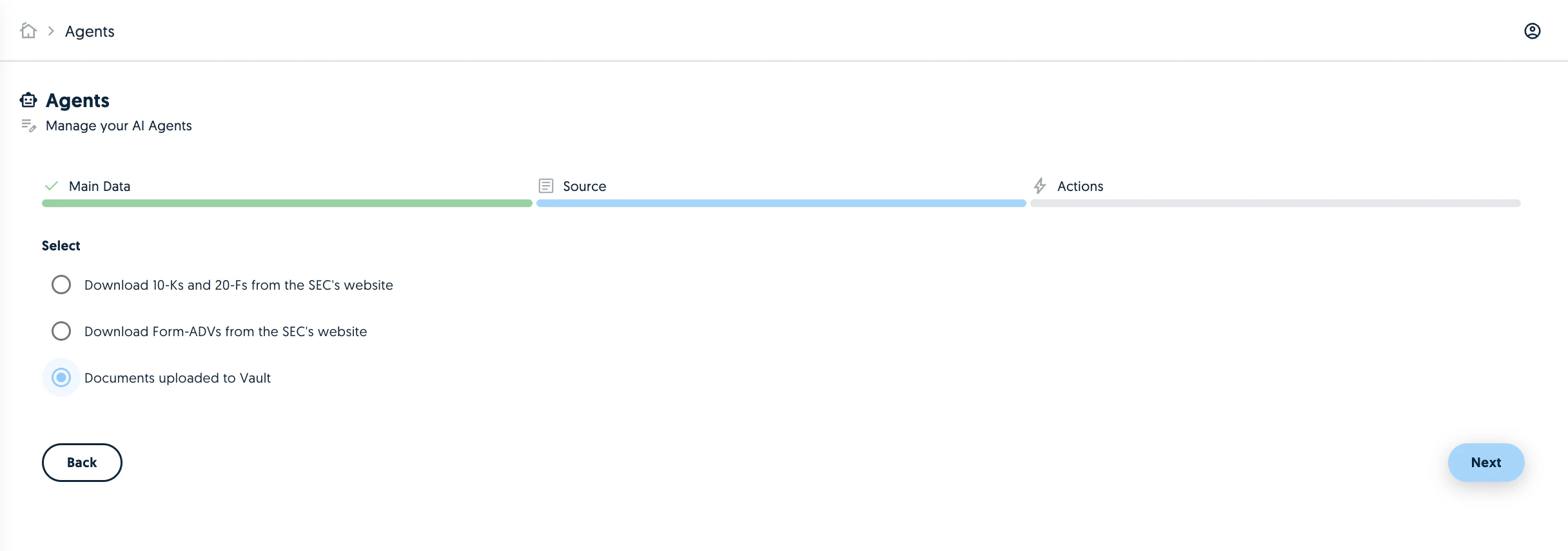
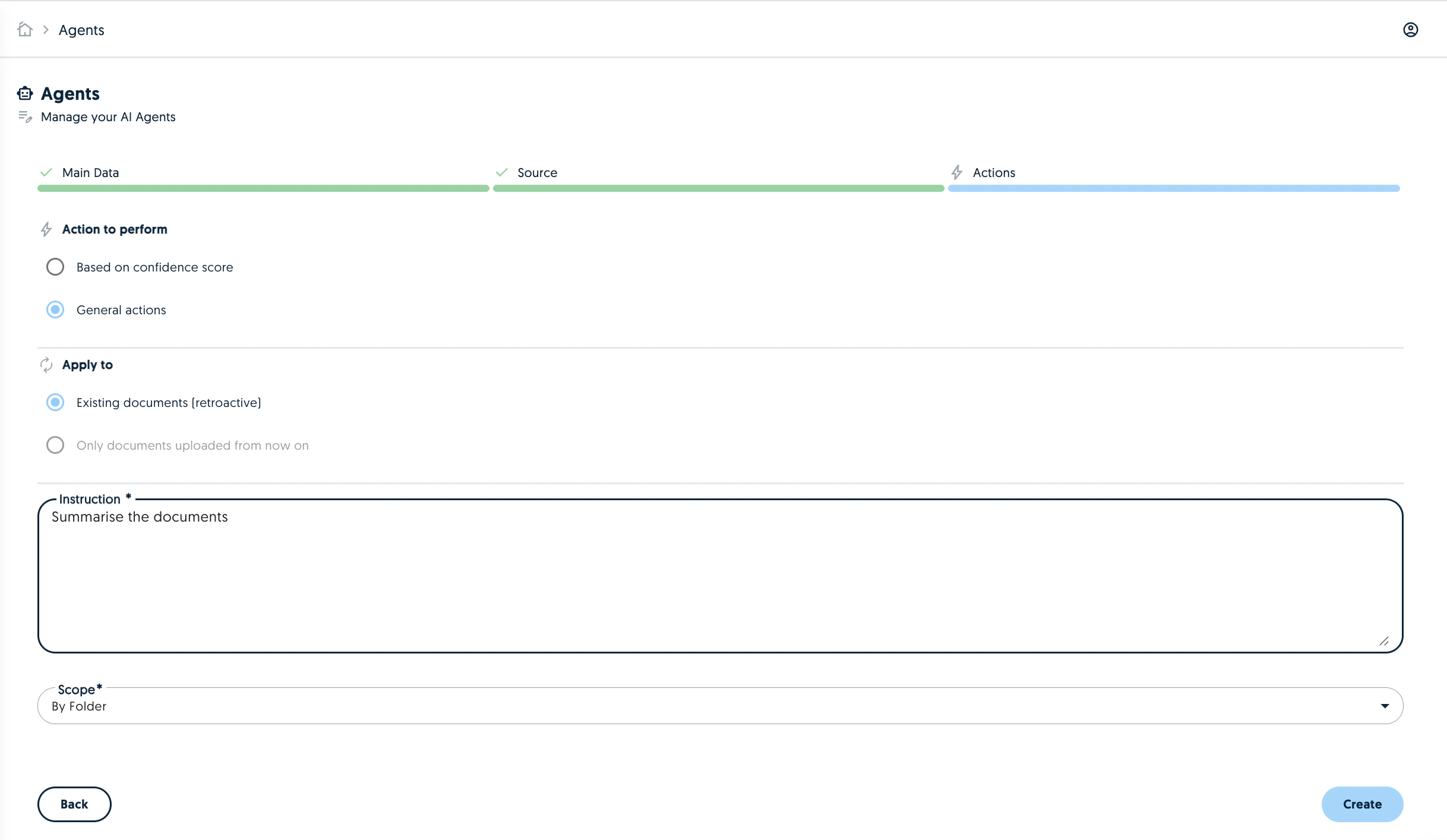
We have updated the agent creation and configuration to have less steps and bringing the configuration to the same place.