This page was imported from Intercom and may describe older navigation or terminology. Source: https://help.textmine.com/en/articles/12770752-6-november-2025
Cover pages
TextMine now includes a cover page with a table of contents listing the questions and corresponding pages they feature on. This table of contents is hyperlinked meaning that if you click on a question it will take you to the corresponding page. The DRAFT label is shown because it was downloaded from Vault. It is removed on downloads from Legislate.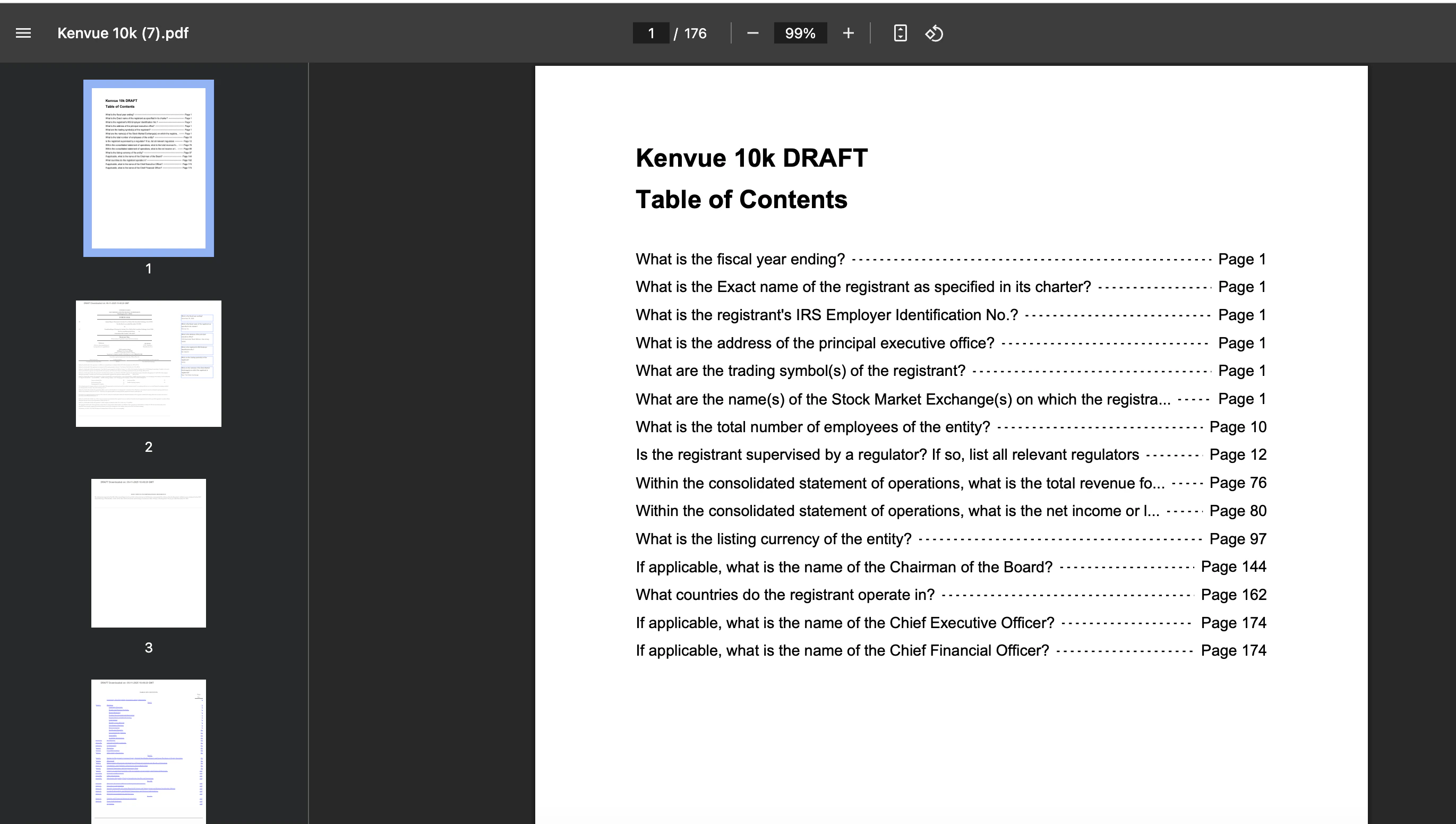
Semantic Tags
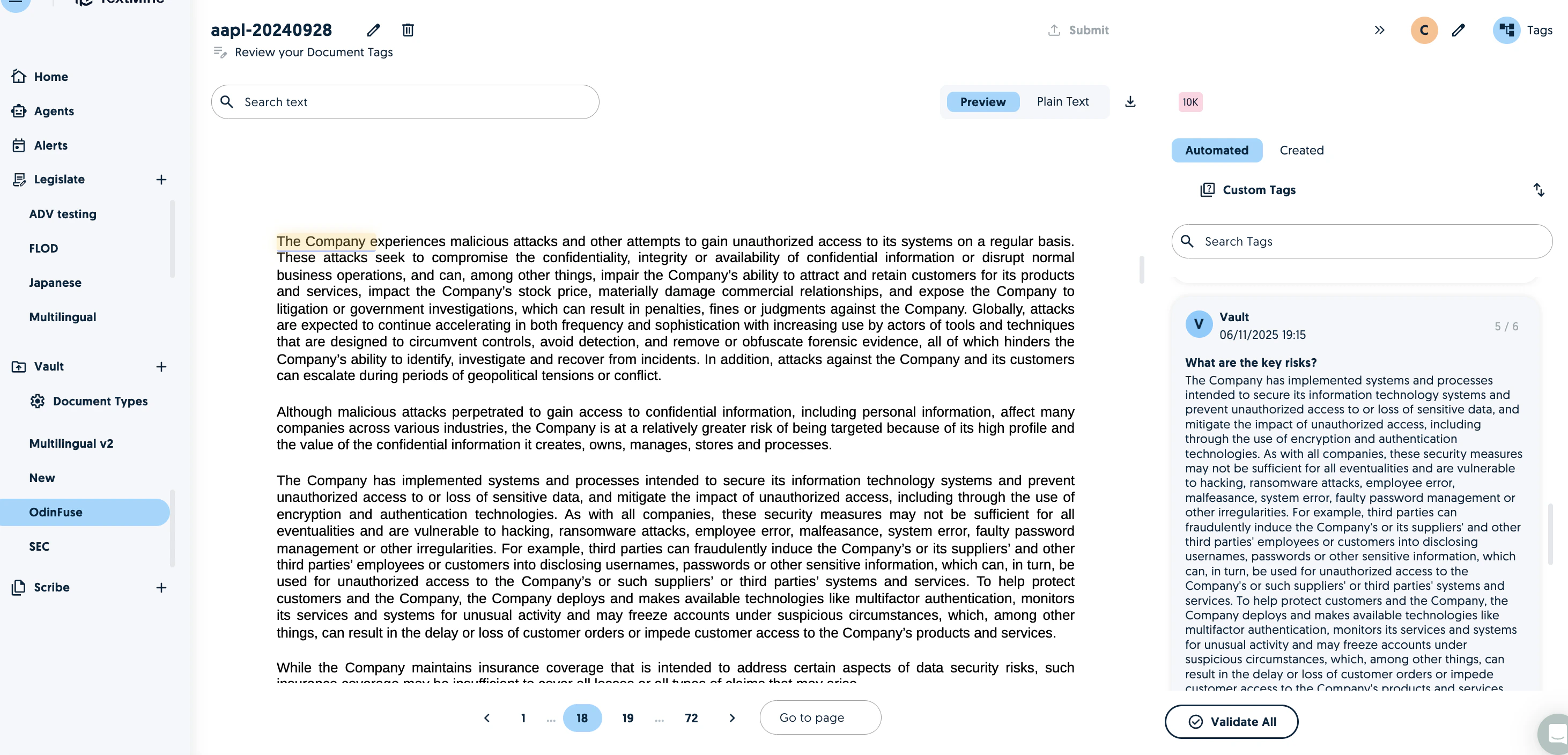
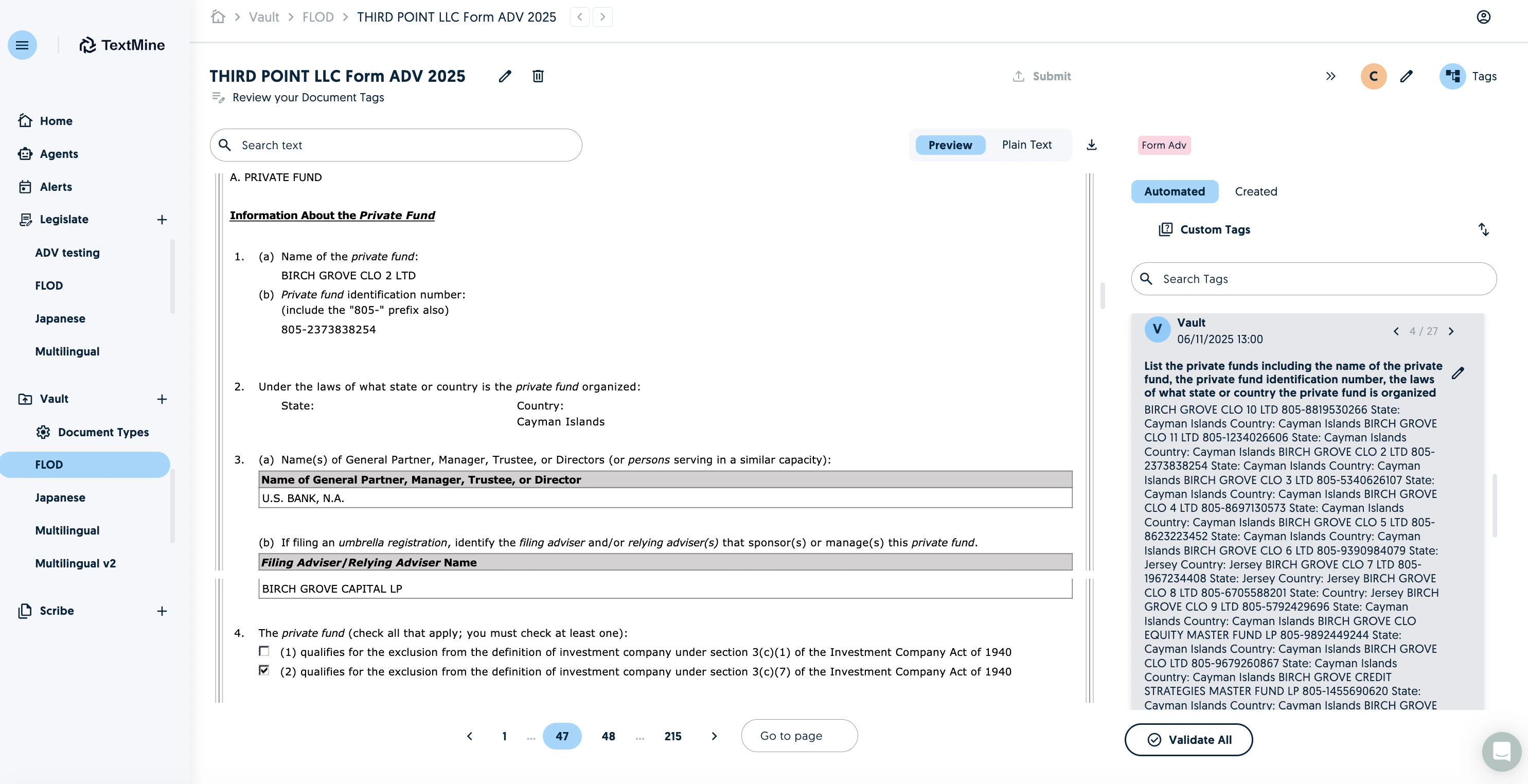
When Vault is looking to extract data from a document, the standard approach is to evaluate answers from multiple sections and then pick the best option. We recently introduced an aggregation tag which would produce an answer using all the answers. We now offer semantic tags which present answers from all the sections. To create a semantic tag, enable the semantic tag option and process the tag.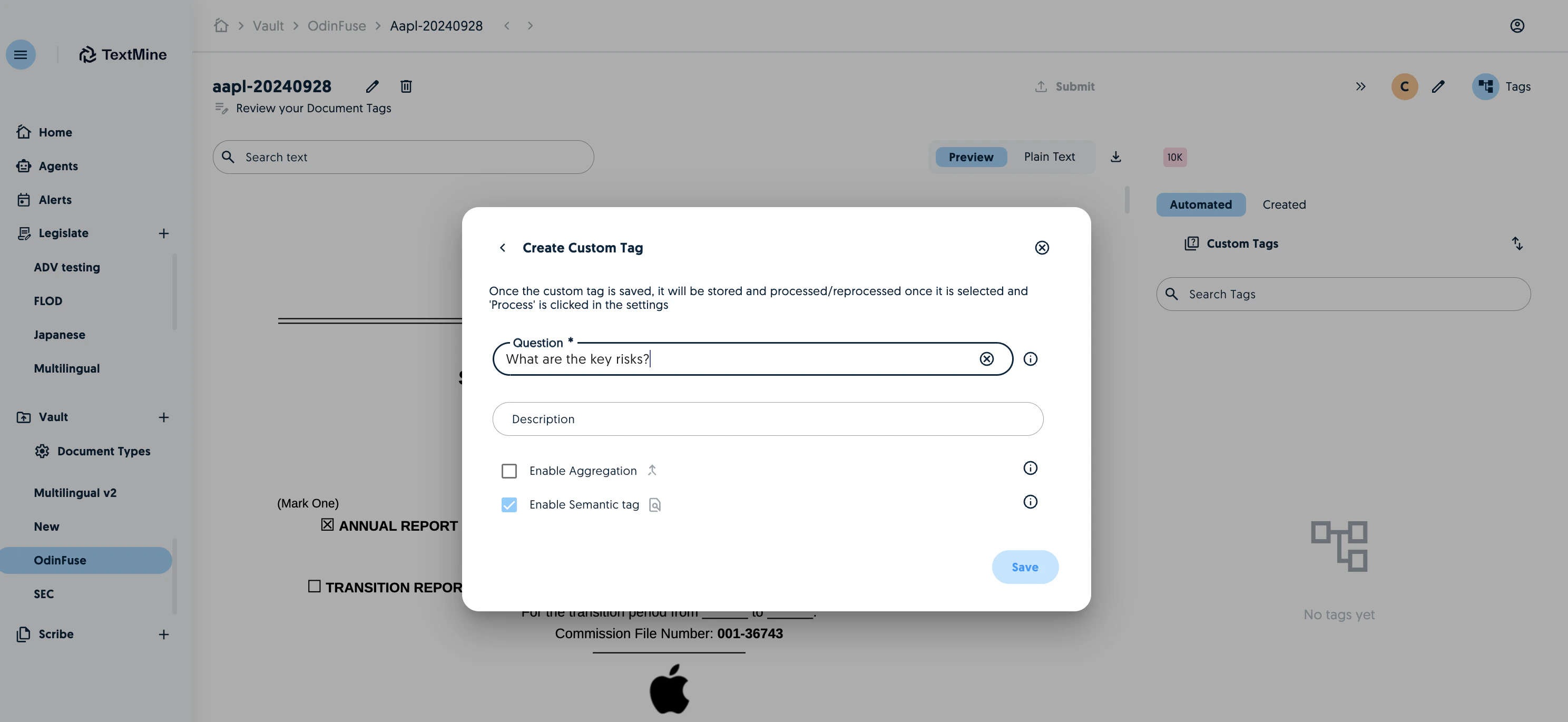
General Actions
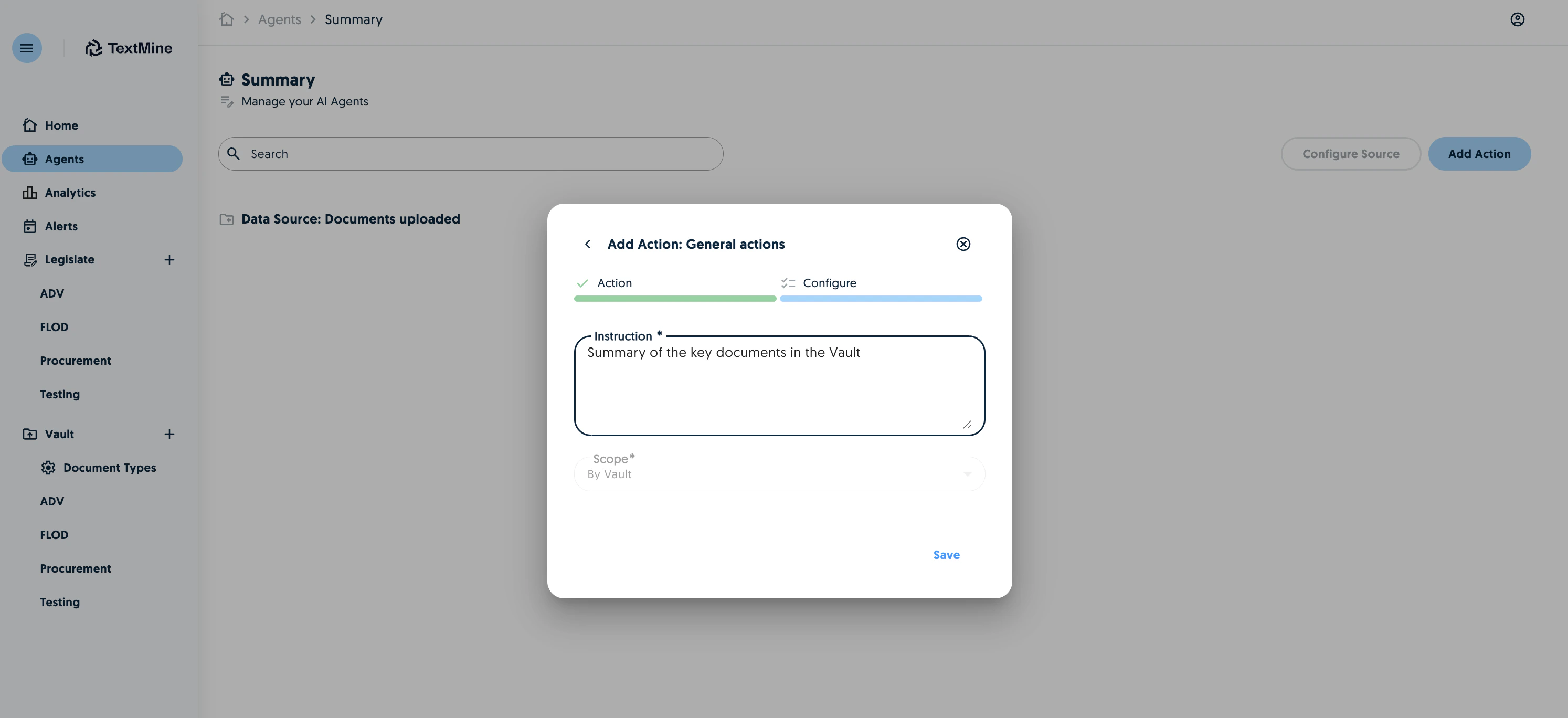
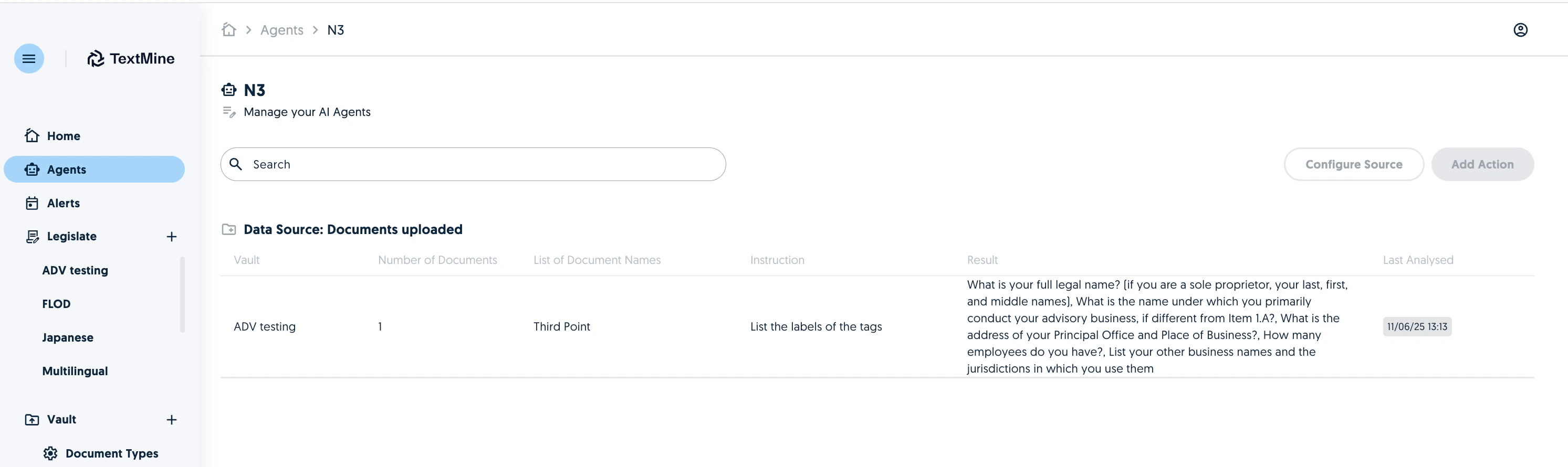
It is now possible to instruct TextMine agents to interpret and act on data which has been extracted by Vault.