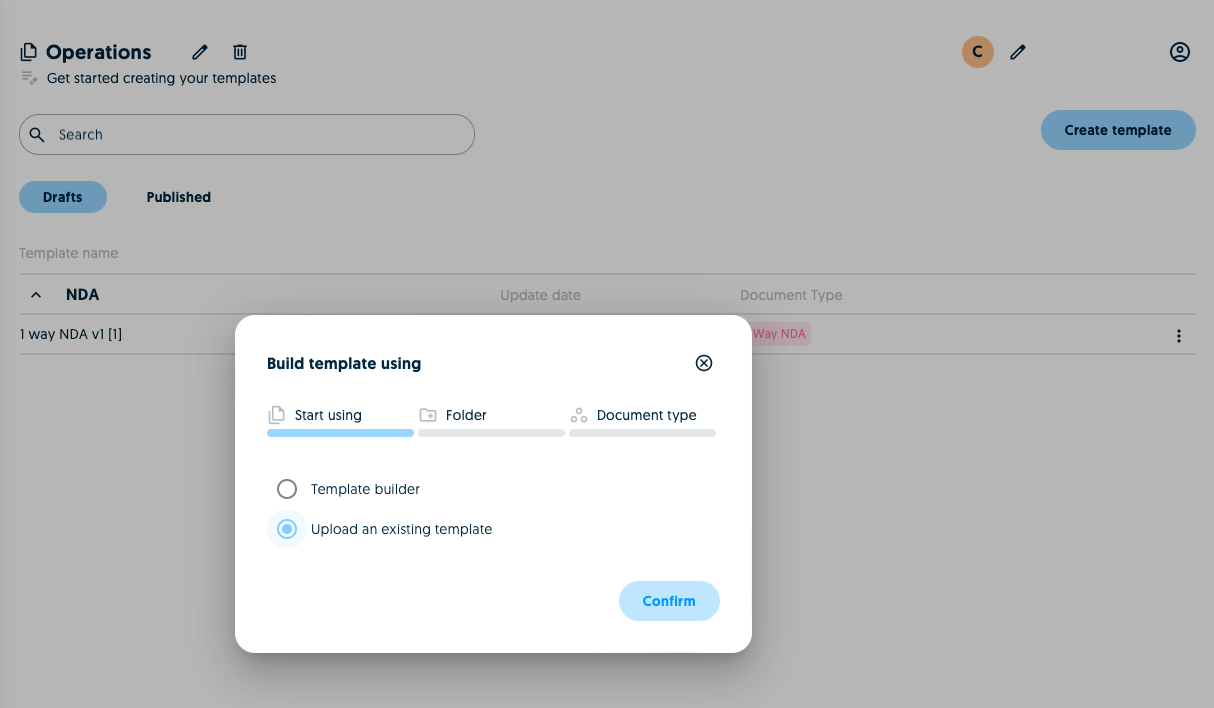
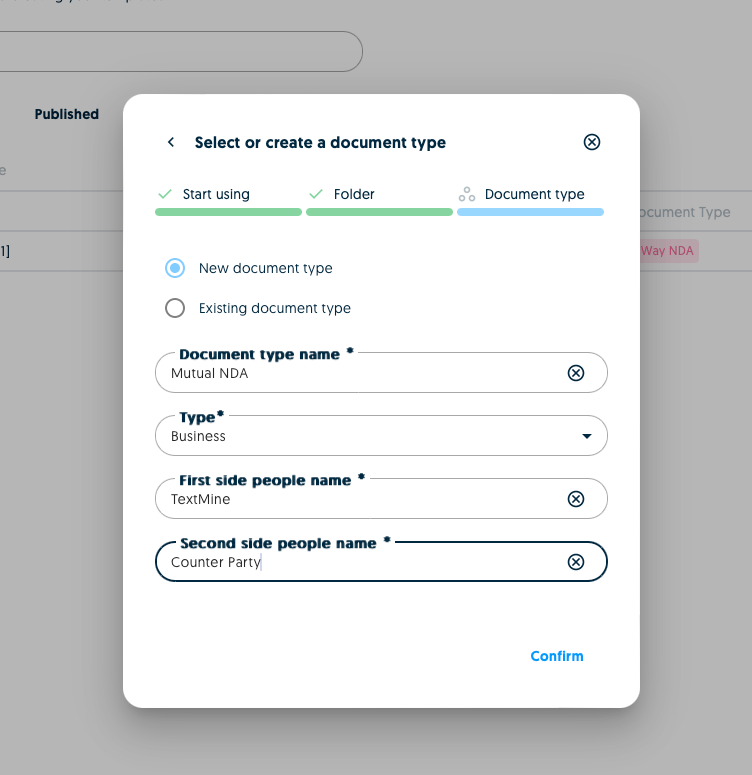
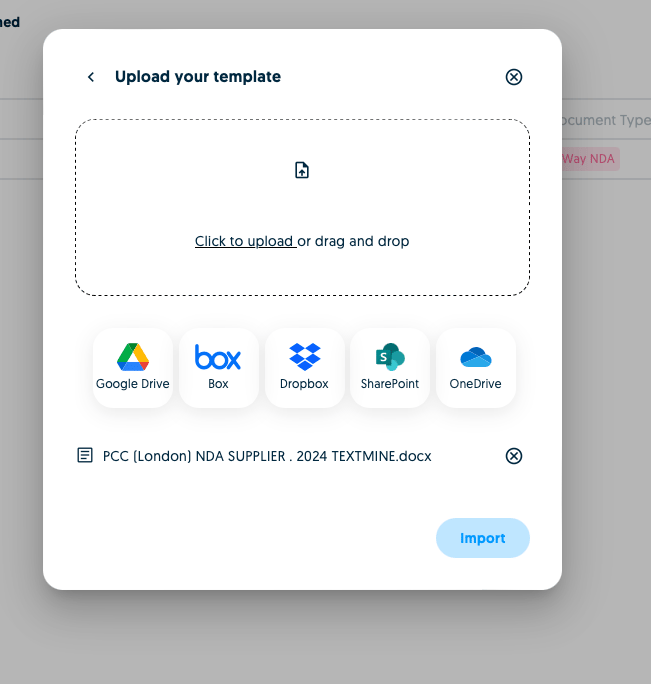
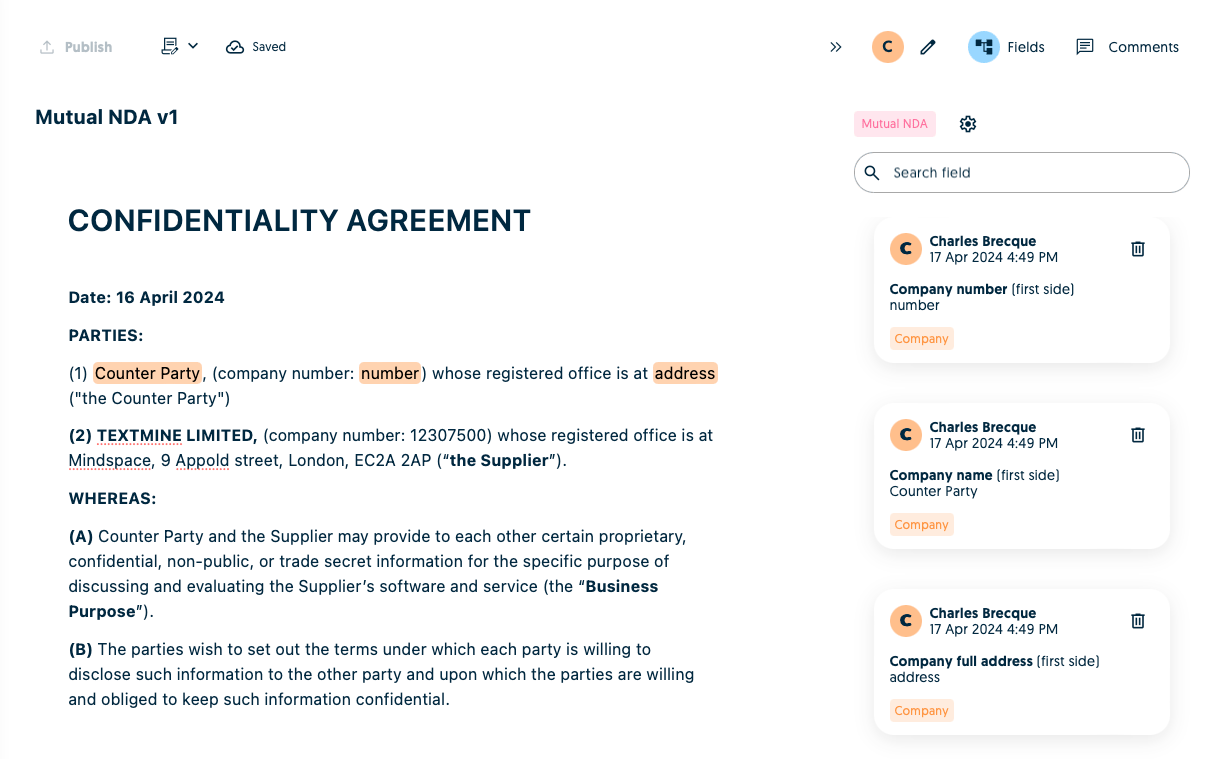
Scribe allows you to import Word templates so that you can get started a lot faster. To get started click on create template and specify the new template’s folder.A folder allows you to group templates by type or counter-party. You can select an existing folder or create a new one.Once you’ve specified the folder, you can then specify the type of the new template (e.g. NDA). You can select an existing type or create a new one. If you create a new one you’ll need to confirm additional details about the template.After this step you can then choose to import a template by dragging and dropping or by connecting to your favourite file storage system.Once the file has been imported, it will be converted into a Scribe template!