This page was imported from Intercom and may describe older navigation or terminology. Source: https://help.textmine.com/en/articles/9209265-an-introduction-to-vault-teams
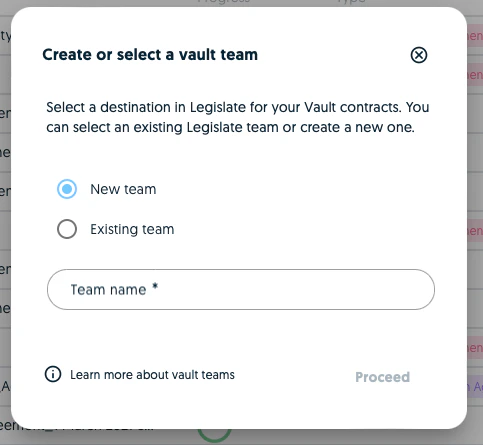
Legislate teams
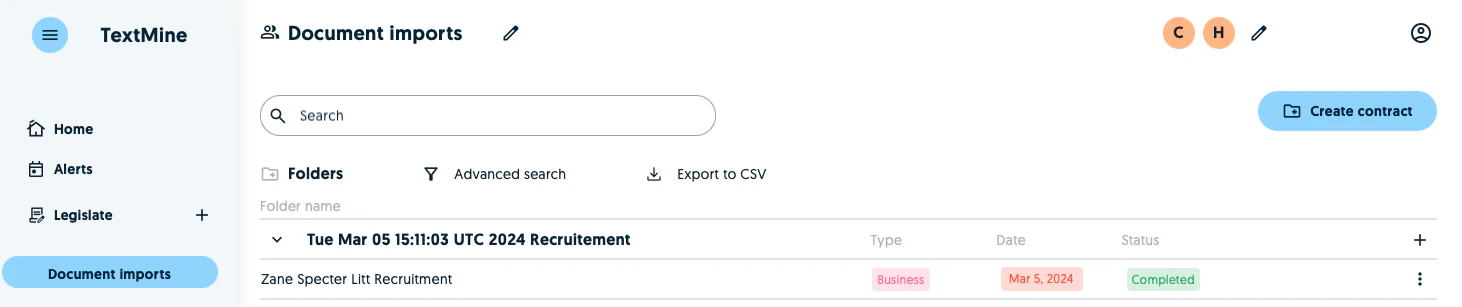
Vault serves as the import module for extracting data from document imports. You can process documents, make corrections and amendments if required and validate the predictions. Once you’ve validated the data points of the individual documents you can submit them to Legislate.