This page was imported from Intercom and may describe older navigation or terminology. Source: https://help.textmine.com/en/articles/9227354-creating-manual-fields-in-vault
How to manually create a tag
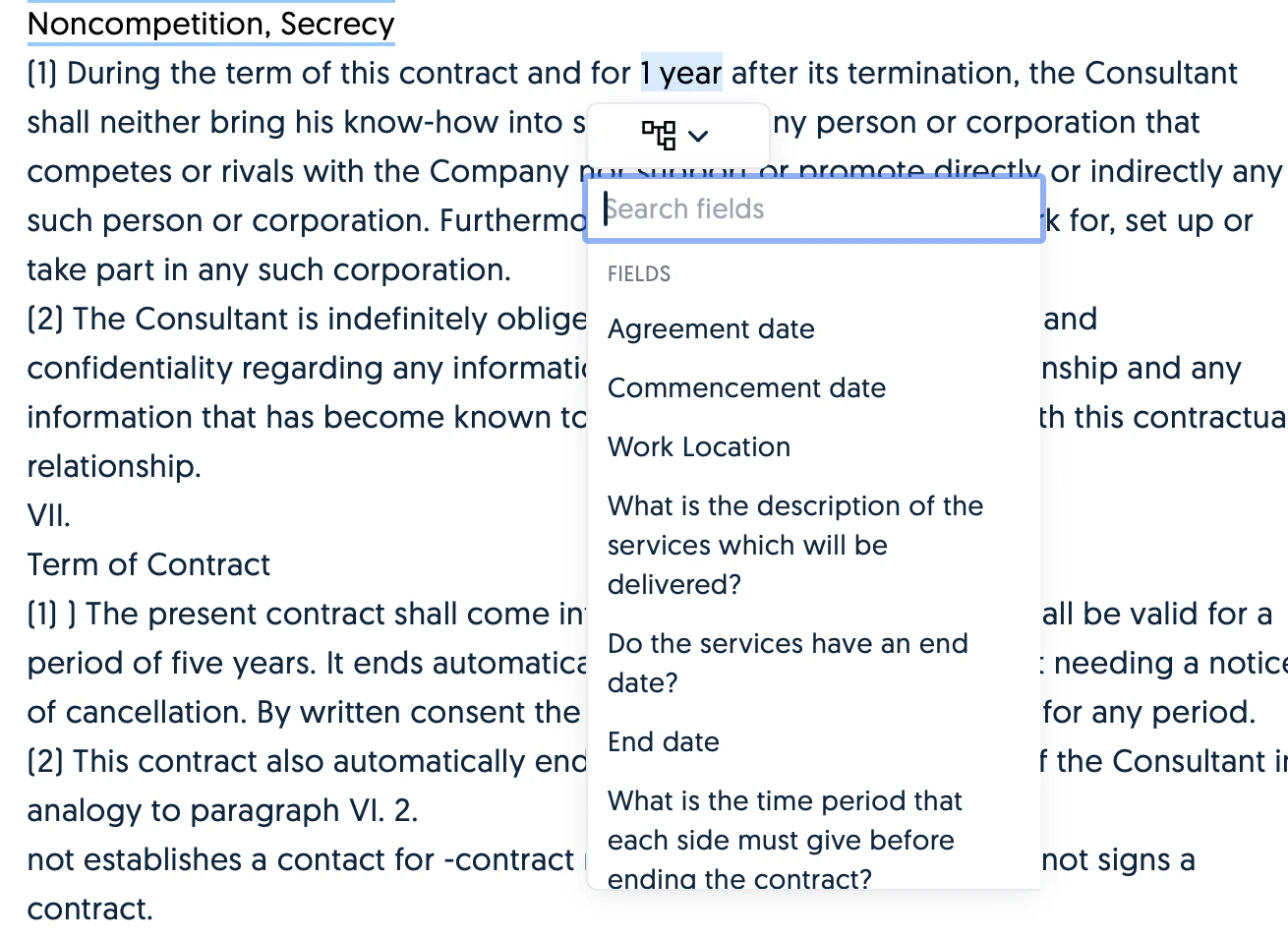
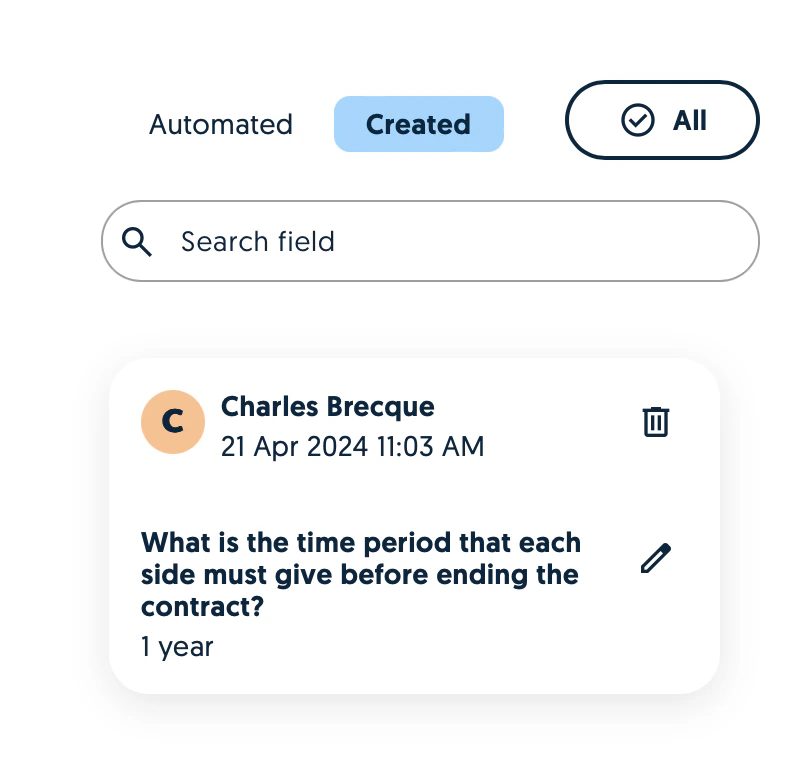
To manually create a tag, switch to the plain text view of a Vault import and hover over the text which corresponds to the tag you’d like to create.