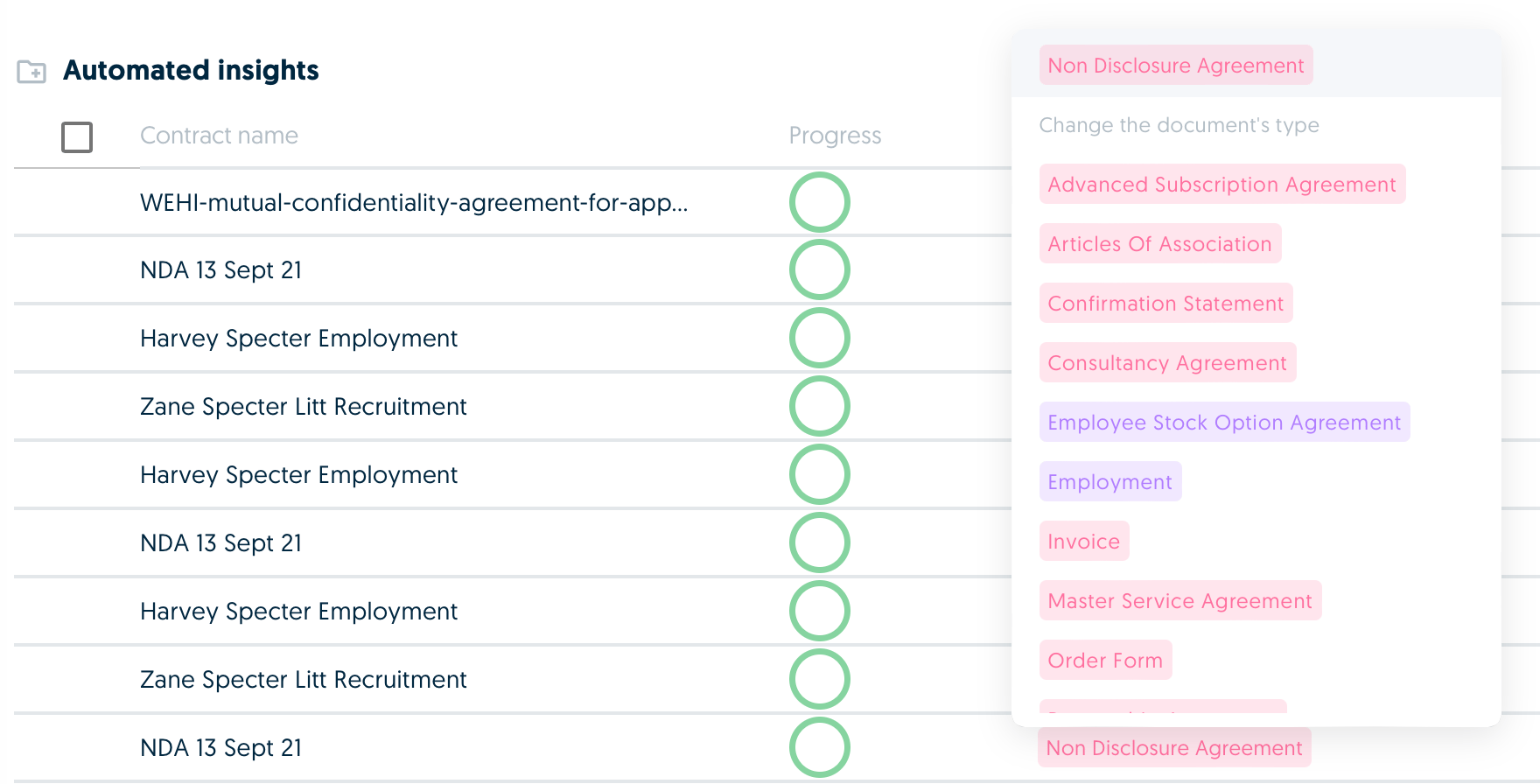
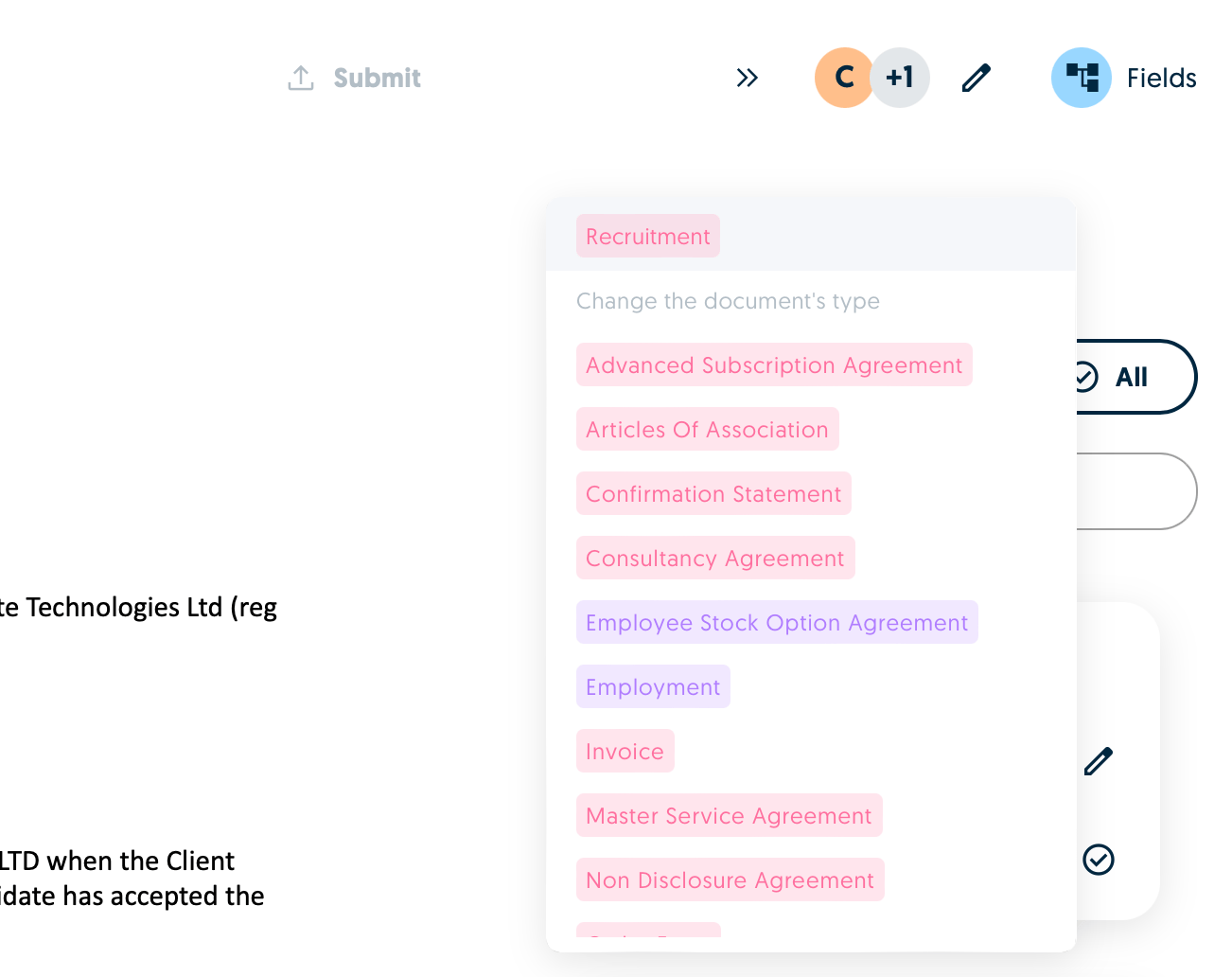
Vault will use AI to automatically classify a document type based on its substance. You can correct the document type if Vault has made a mistake or not detected the document type.You can either do this edit from the Vault home screen by clicking on the document type. A list of all the available document types will appear.The document will then be re-submitted to the model for data extraction after you select the new type.You can also change a document type within the Vault editor view by clicking on the document type in the top right hand corner.