This page was imported from Intercom and may describe older navigation or terminology. Source: https://help.textmine.com/en/articles/9208466-making-corrections-in-vault
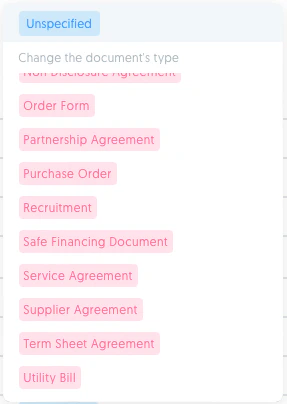
Unspecified document type
If the Vault has not detected the type of the uploaded document, you will see a blue unspecified tag. If this is the case, simply click on the tag and select the correct type from the pop up list of document types.
Incorrect document type
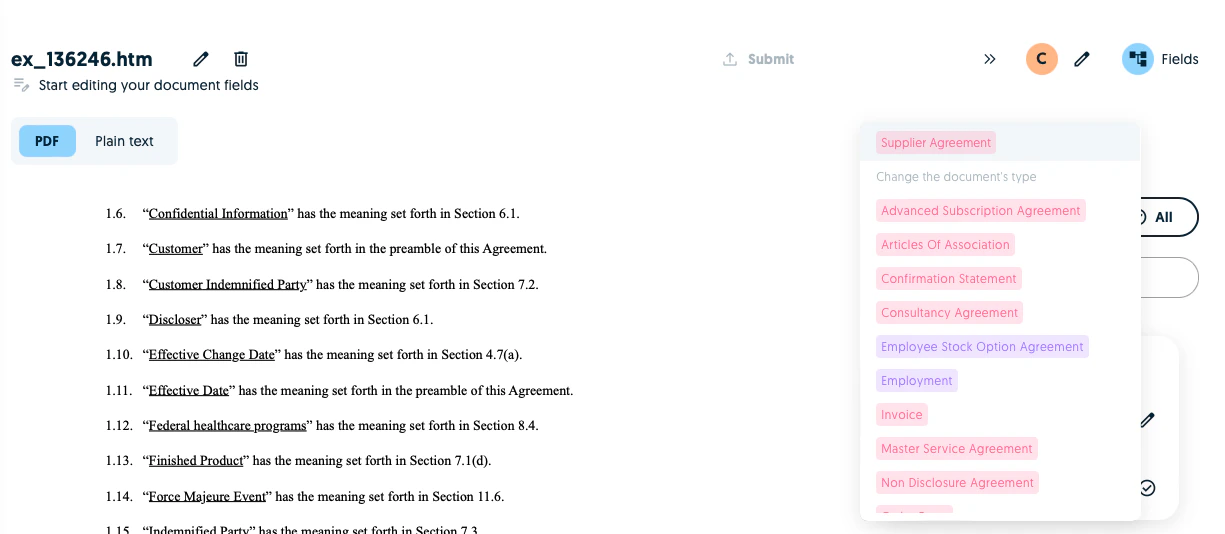
If the model has classified a type incorrectly, click on the document type and select the correct type from the pop up list of document types.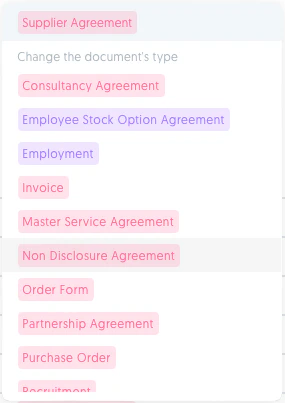
Incorrect predictions
If you need to reject a tag, simply click on the x button.